

Jump to section (7)
- 1.Microsoft Copilot Student Modes & Hidden Features (2026 Cheat Sheet)
- 2.Workflow 1: Use the Microsoft Edge Copilot Sidebar to Study Heavy PDFs
- 3.Workflow 2: Use "Think Deeper" Mode & the Free Quota Rotation Loop
- 4.Workflow 3: Turn OneNote / Word Notes Into Slide Outlines & Oral Drills
- 5.Turn Microsoft Copilot Into a Socratic Tutor With Vertech Academy
- 6.Final Verdict: Your Tuition Already Paid for Copilot. Use It!
- 7.Frequently Asked Questions
To get the most out of Microsoft Copilot for school in 2026 for $0, sign in at copilot.microsoft.com with your school .edu Microsoft 365 account (which unlocks Enterprise Data Protection), open heavy textbook PDFs inside the Microsoft Edge browser to use the unlimited Copilot PDF sidebar, and toggle on 'Think Deeper' mode whenever you need step-by-step STEM or coding reasoning.
What are you trying to solve right now?
Pick your bottleneck to compare 2026 pricing caps, free student promos, or test our matched AI coach.
Claim free student promos first—never stack two $20/mo chatbots.
Verify your .edu email for Google AI Pro (12 months free) or Perplexity Education ($10/mo), then pair it with our Socratic study prompts so AI quizzes you instead of writing generic summaries.
Compare Deep-Dive Guides (Save $15–$20/mo):
Here is the best-kept secret in student AI for 2026: when you hit your free message limit on ChatGPT, you do not need to pay $20/month. Open Microsoft Copilot (using your school .edu Microsoft 365 login or personal account) to get free access to OpenAI's flagship models, toggle on Think Deeper for step-by-step STEM reasoning, and open your 100-page textbook PDFs inside the Microsoft Edge sidebar to bypass standard file upload caps completely.
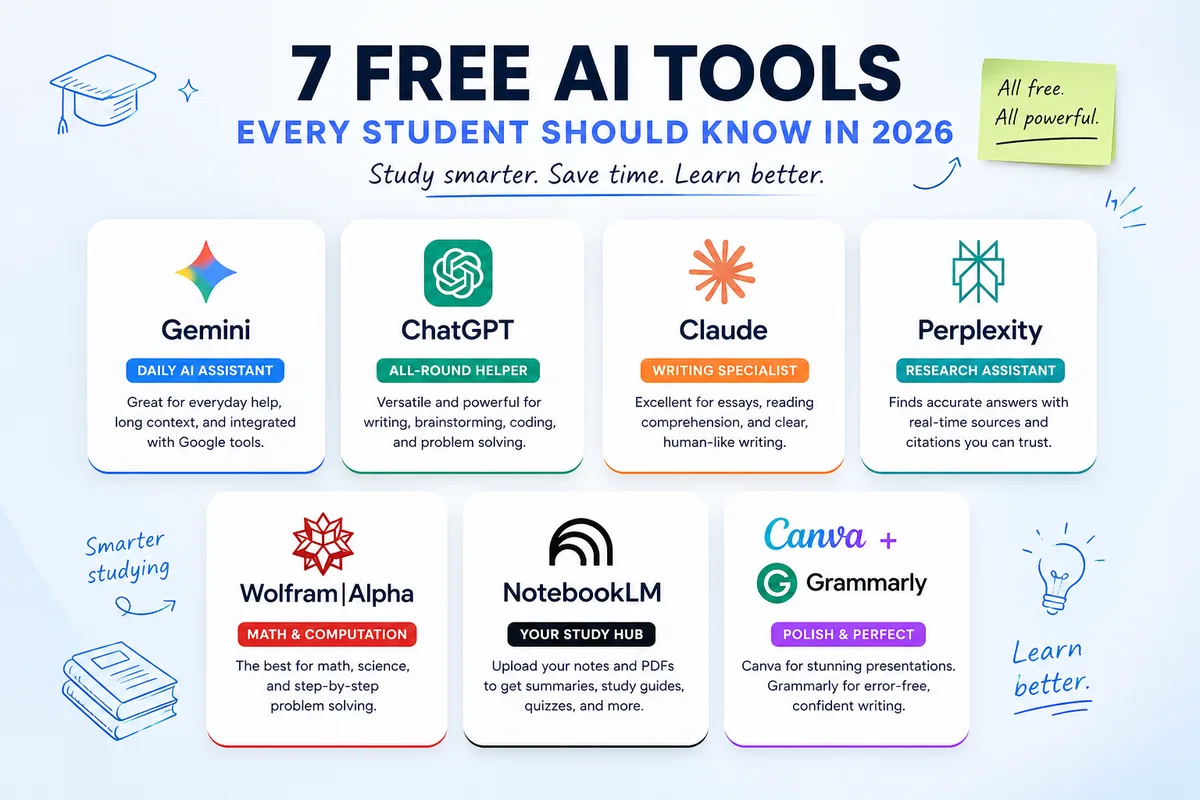
Most students ignore Microsoft Copilot because they think it is just an old Bing search bar. In reality, Copilot runs on OpenAI's frontier architecture merged with live web citations and deep Office 365 integration (making it a strong backup to our top picks in 7 best free AI tools for students and ChatGPT vs Claude vs Gemini). Here is how to set up Copilot for school in 5 minutes and pair it with Socratic prompts that raise your grades.
6 Free Microsoft Copilot Features Most Students Miss
-
 "Think Deeper" Reasoning ModeFree multi-step STEM, calculus & coding reasoning
-
📄Edge Browser PDF SidebarOpen any local PDF in Edge & quiz yourself on it for $0
-
🛡️.edu Enterprise Data ProtectionSchool Microsoft 365 login keeps your notes 100% private
-
 Free Backup When ChatGPT Caps OutSwitch to Copilot whenever ChatGPT hits its 3-hour limit
-
🎙️Copilot Voice & Vision Mobile AppPractice oral presentations & scan handwritten notes
-
 Vertech Socratic Prompt LayerStops Copilot's short replies & forces deep active recall

Microsoft Copilot Student Modes & Hidden Features (2026 Cheat Sheet)
Microsoft splits Copilot across three different places that students already have installed: the web app (copilot.microsoft.com), the Microsoft Edge browser sidebar, and your university's Microsoft 365 portal. Here is how to use each one for free:
How to Trigger Every Free Microsoft Copilot Study Superpower
| Copilot Feature | How to Access It | Underlying AI Engine | Best School Task | Power-Student Tip |
|---|---|---|---|---|
| 1. "Think Deeper" Mode | Click Think Deeper inside the Copilot prompt bar | OpenAI Reasoning (o-series) | Multi-step math, physics, logic & CS labs | Wait 15s for full chain-of-thought verification |
| 2. Edge PDF Sidebar Reader | Open any PDF in Microsoft Edge → Click top-right Copilot icon | GPT-4o + Local Page Context | Summarizing & quizzing on 100-page PDFs | Bypasses web attachment file-size limits |
| 3. .edu Enterprise Shield | Log in at m365.cloud.microsoft with school .edu email |
GPT-4o + Enterprise Privacy | Analyzing unpublished lab data & course notes | Look for the green shield icon in the top bar |
| 4. Live Web Citations | Default search at copilot.microsoft.com |
GPT-4o + Live Bing Index | Fact-checking current events & .gov statistics | Pair with Perplexity Academic for DOIs |
| 5. Copilot Voice Mode | Click the microphone icon on mobile or desktop | Real-Time Voice Synthesis | Practicing foreign languages & oral defenses | Use to rehearse seminar presentations out loud |
| 6. Vertech Socratic Layer | Paste Generalist Teacher into Copilot | Structured Socratic Pedagogy | 1-on-1 active recall midterm prep | Overrides Copilot's default short answers |
Open large PDFs in Microsoft Edge instead of uploading
Web chatbots reject 80MB textbook PDFs. Open the PDF file locally inside the Microsoft Edge browser, click the Copilot sidebar icon, and enable "Allow access to any webpage or PDF" in Edge sidebar settings.
Never solve math or coding in standard fast mode
Standard Copilot optimizes for speed and can skip algebraic steps. Clicking Think Deeper activates OpenAI's reasoning model for free, cutting STEM errors dramatically.
Why Copilot gives brief 2-paragraph replies by default
Out of the box, Copilot is tuned like a concise search engine. Always paste a structured Socratic prompt first so it acts like a thorough college tutor instead of a quick web search.
Keep essay drafting 100% human inside Microsoft Word
OneDrive tracks your Microsoft Word edit timeline just like Google Docs Version History. Use Copilot to quiz your outline, never to paste paragraphs into your paper.
Workflow 1: Use the Microsoft Edge Copilot Sidebar to Study Heavy PDFs
When you have a 90-page reading packet or a massive scanned textbook PDF, uploading it to web chatbots often fails or burns your entire daily token cap in three questions. When you open that same PDF locally inside Microsoft Edge and open the Copilot sidebar, Copilot reads the active document directly from your browser tab.
Workflow 2: Use "Think Deeper" Mode & the Free Quota Rotation Loop
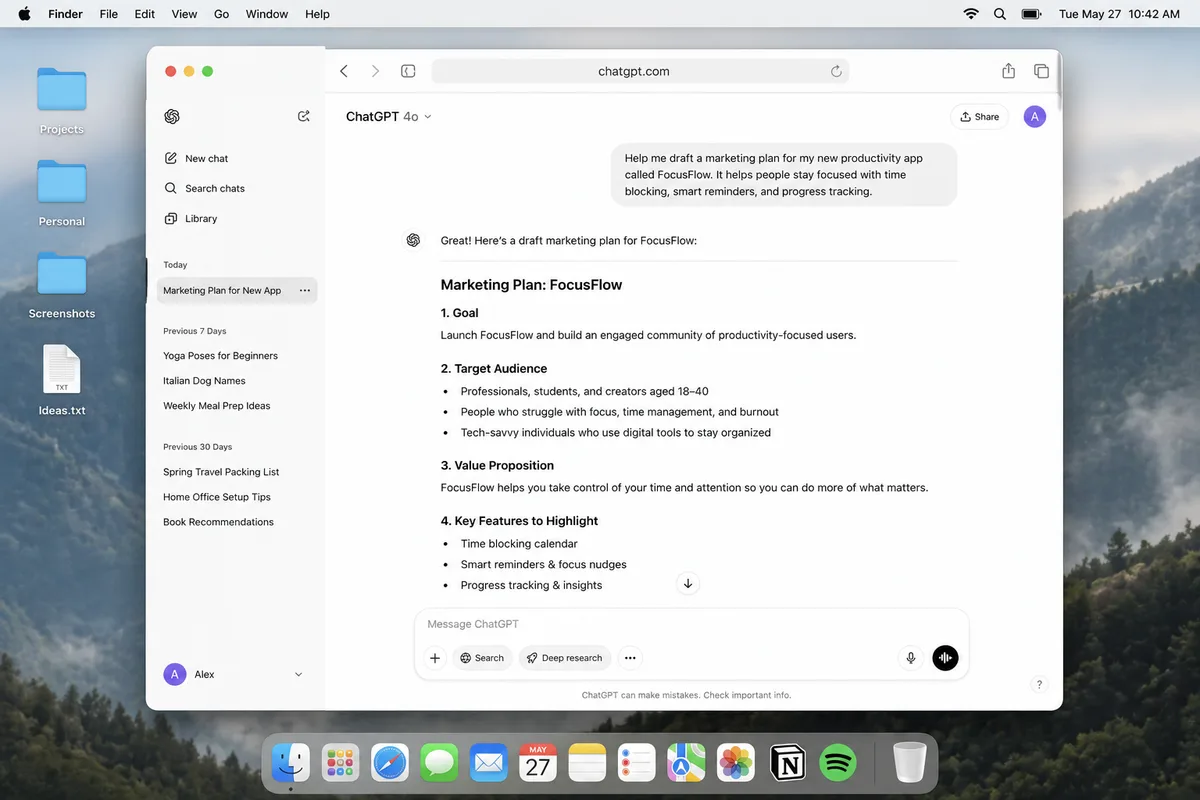
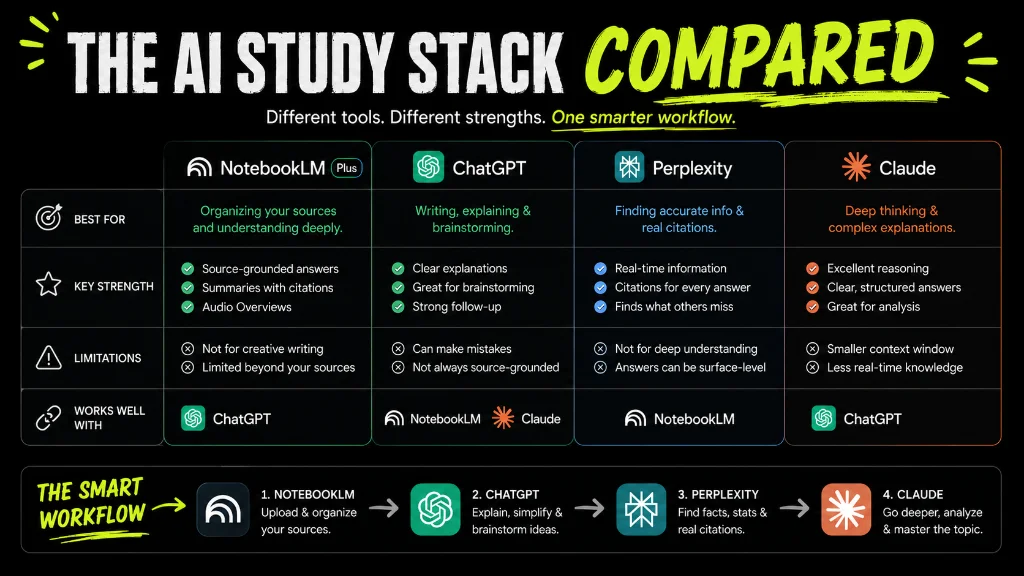
During finals week, relying on a single free AI account guarantees you will hit a rate limit at 11:00 PM. Smart students run the Free 3-Tab Quota Rotation: when ChatGPT hits its 3-hour GPT-4o cap and Claude hits its 5-hour Sonnet cap (see our Claude AI school guide), you paste your study guide straight into Microsoft Copilot with "Think Deeper" turned ON and keep studying with zero downtime and $0 spent.
Workflow 3: Turn OneNote / Word Notes Into Slide Outlines & Oral Drills
If you take class notes in Microsoft OneNote or Word, you can paste your rough outline into Copilot to generate a clean 10-slide presentation storyboard with speaker notes and anticipated Q&A questions from your professor, then switch to Copilot Voice Mode on your phone to rehearse your talk out loud.
Amateur Copilot Mistakes vs. The Power-Student Copilot System
Amateur Copilot Mistakes
- • Typing vague 4-word search queries into Copilot and getting shallow 2-paragraph summaries that skip exam details.
- • Running calculus or coding problems in default fast mode without clicking the "Think Deeper" reasoning button.
- • Struggling with web file-upload limits instead of opening large textbook PDFs inside the Microsoft Edge sidebar.
- • Using Copilot to generate essay paragraphs and pasting them into Word, ruining your OneDrive Version History.
The Power-Student Copilot System
-
•
Signing in with your school
.eduaccount to activate the green Enterprise Data Protection privacy shield. -
•
Opening local textbook PDFs in Microsoft Edge and hitting
Ctrl+Shift+.to interrogate specific pages for $0. - • Toggling Think Deeper ON for multi-step STEM, calculus, and computer science debugging.
- • Pairing Copilot with Vertech's Generalist Teacher and Summarizer Specialist for Socratic active recall.
Turn Microsoft Copilot Into a Socratic Tutor With Vertech Academy
Microsoft Copilot gives you free access to OpenAI's frontier models and the Edge PDF sidebar, while Vertech Academy gives you the pedagogical prompts that force Copilot to teach and quiz you step by step (compare with our Google Gemini student guide and 7 best AI exam prep tools).
Upgrade Free Copilot With Engineered Socratic Study Tutors
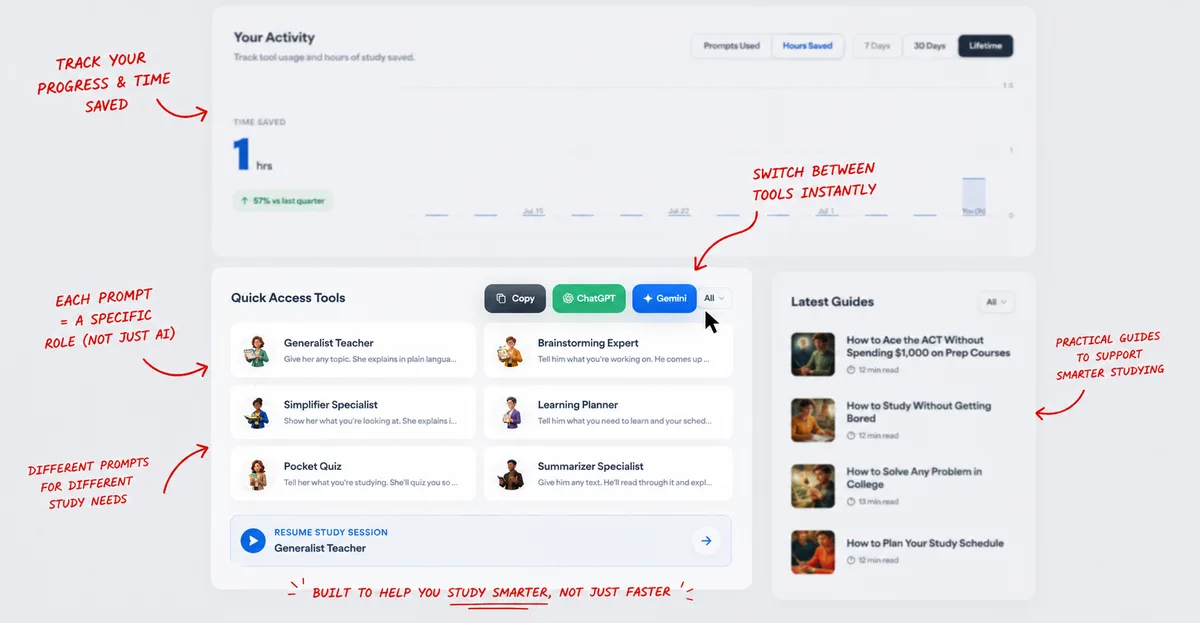
Stop getting short, generic search answers from Copilot. Launch Generalist Teacher, Summarizer Specialist, Notes Organizer, or Pocket Quiz and paste the prompt into Copilot to unlock interactive 1-on-1 tutoring.
Your 3-Step Microsoft Copilot Student Setup
Sign In With Your School .edu Microsoft 365 Account
Log in at copilot.microsoft.com using your university credentials to activate the green Enterprise Data Protection shield.
Open Large Textbook PDFs in the Microsoft Edge Sidebar
Right-click any course PDF, open it in Edge, and press Ctrl+Shift+. to study specific page ranges with zero upload limits.
Toggle "Think Deeper" & Paste a Vertech Socratic Prompt
Turn on Think Deeper for STEM problems and use Generalist Teacher to quiz yourself one question at a time.
Final Verdict: Your Tuition Already Paid for Copilot. Use It!
Never Pay $20/Month Just Because ChatGPT Hit Its Free 3-Hour Cap.
Almost every university in North America and Europe includes a Microsoft 365 license in your tuition fees. By signing into Microsoft Copilot with your school email, using the Edge PDF sidebar for long readings, and pasting a structured Socratic prompt to override Copilot's short default answers, you unlock a third frontier AI study partner for $0.

Related Study Resources & Free AI Tools
- Step-by-Step Hub Guide: The 15 Best Science-Backed Books on How to Learn & Study
- Science-Backed Study Method: The Cornell Notes Method for High-Retention Lectures
- 24/7 Interactive AI Tutor: Practice with Generalist Teacher
- Free Prompt Engineering Course: S-Tier AI Prompt Writing for Students (28 Free Lessons)