Which AI Tools Are Students Actually Using to Study for Exams (And Do They Work)?
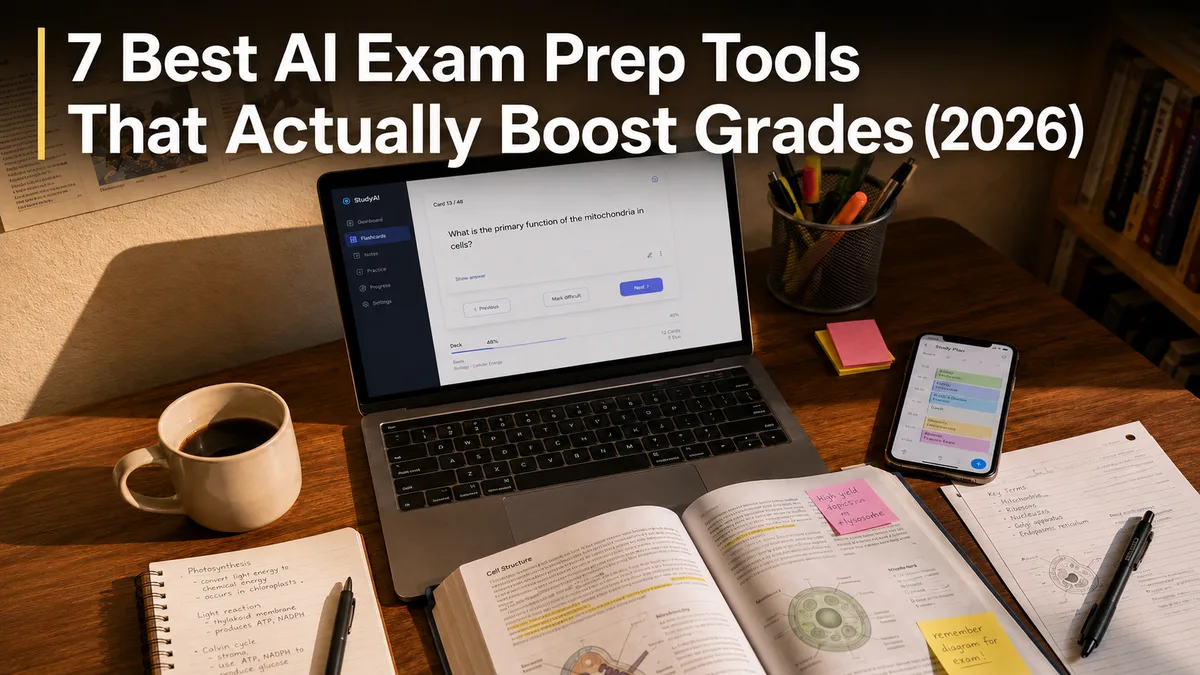
If you're studying for an exam right now, here is the short answer: the 8 AI tools that actually work for students in 2026 are Knowt (flashcards & spaced repetition), Gizmo (gamified weak-spot drills), ChatGPT (interactive 1-on-1 tutoring), Trevor AI (study calendar blocking), Notion (course notes & databases), Perplexity AI (citation-backed research), Goblin Tools (task deconstruction), and Vertech Academy (all-in-one exam prep).
We tested these tools and looked at what real students say actually works for them. In fact, we constantly study how students interact with these tools, which led us to create our own AI study platform designed directly from student feedback. Use whichever free tools you like below, and upgrade your study system only when you actually need to.

1. Knowt: The Free Quizlet Alternative
Knowt is a free study website and app that takes your class notes and turns them into simple study cards. You just drop in your papers or slides, and it gives you instant flashcards and practice quizzes so you can test yourself.
Slides
via Voice
Quizzes
Flashcards
Lectures
Summaries
Create
AI Lecture Summarizer
Which of the following contributed most directly to the enactment of the law in the excerpt?
AP United Stat...
Call Kai
Podcast
If you have a test coming up and want to turn your class notes or PDFs into flashcards fast, Knowt is probably the easiest free Quizlet alternative. You just drop in your slides or notes, and it automatically makes flashcards and practice test questions so you can quiz yourself. If you're looking for free flashcard apps that don't force you to pay for basic features, this is a solid one to try.
2. Gizmo: Make Studying Feel Like a Video Game
Gizmo is a study app that turns your class notes into fun little games. Instead of staring at paper notes for hours, you answer quick questions, earn points, and get helpful hints whenever you get one wrong.
YouTube Links
Daily Streaks
Fun Games
Flashcards
PDF Documents
Game Features
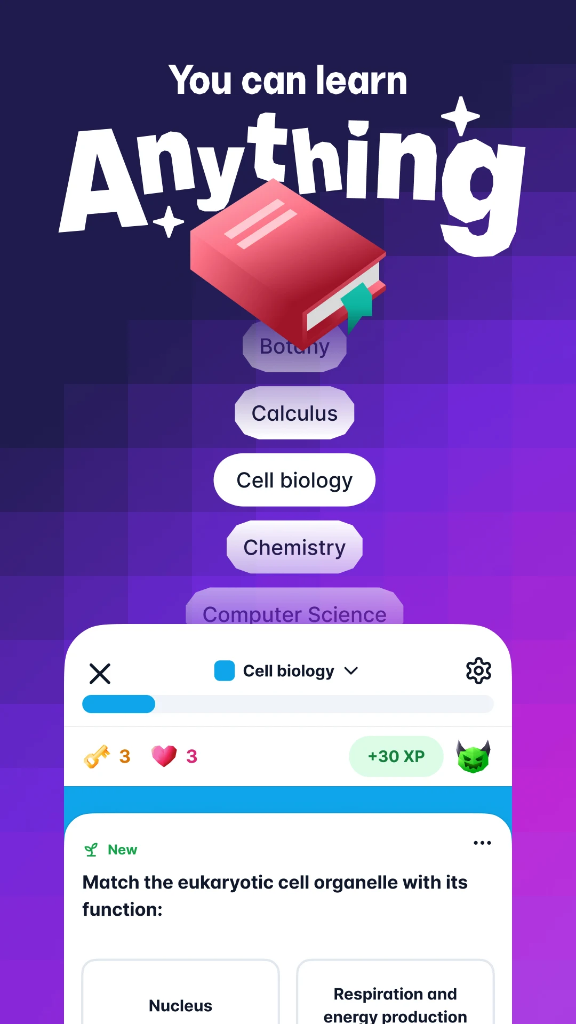
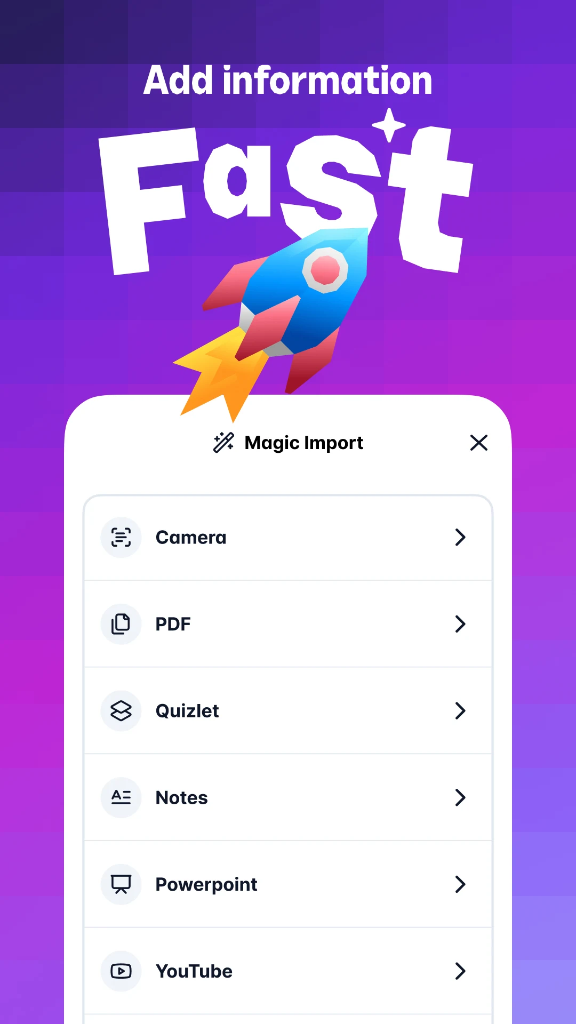
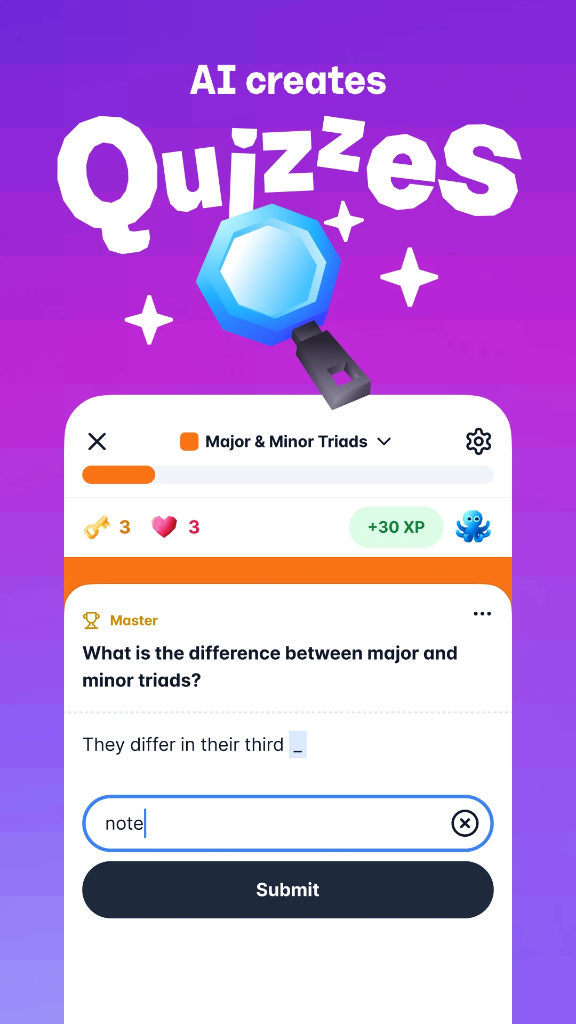
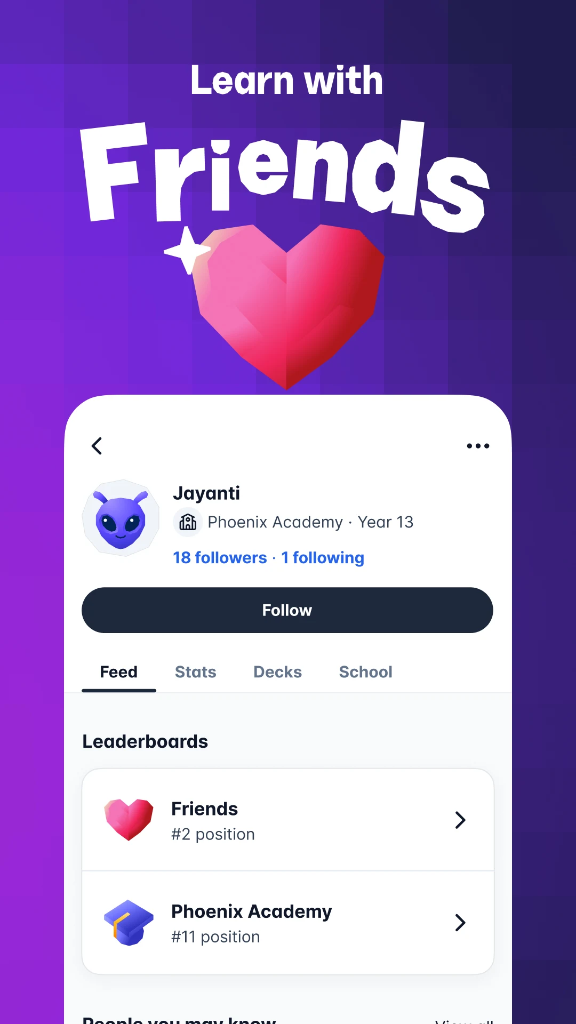
If you get bored easily just reading through your notes, Gizmo turns your class material into quick quizzes and games. You just upload your notes or slides, and it asks you questions one by one while keeping track of what you get wrong so you know what to review. If you want to figure out how to study without getting bored, using an app like this makes going through your notes a lot easier.
3. ChatGPT: Best All-Round Study Tool
ChatGPT is an AI chatbot app that acts like a friendly personal tutor for any class. You can type or talk to it like a regular conversation, ask any question when you're stuck, and get simple explanations in plain English.
Voice Mode
& Audio
Diagrams & Videos
Visual Charts
AI Personas
or Live Camera
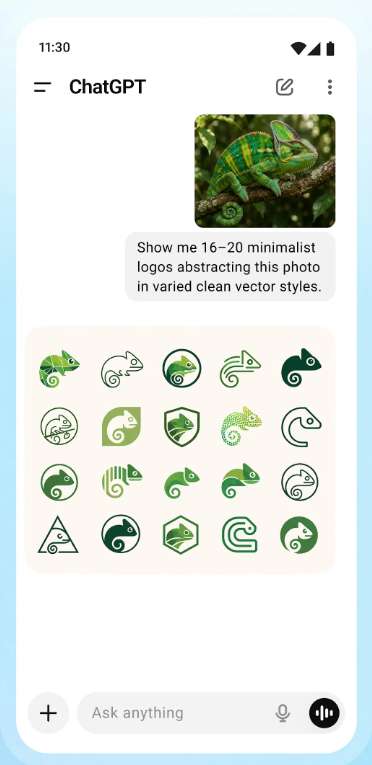
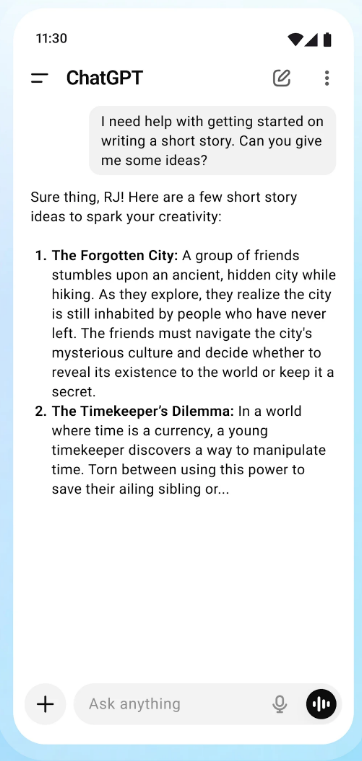
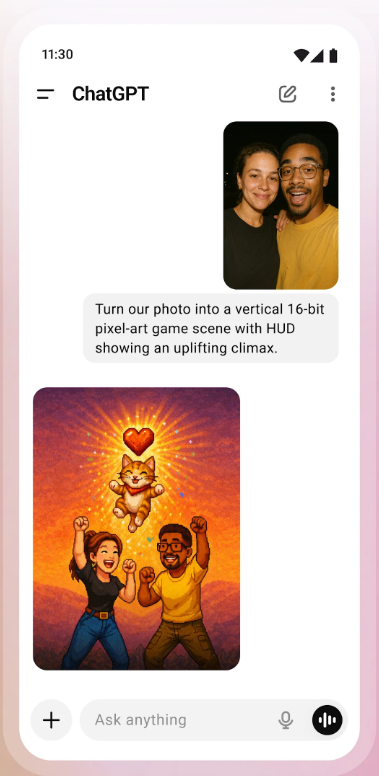
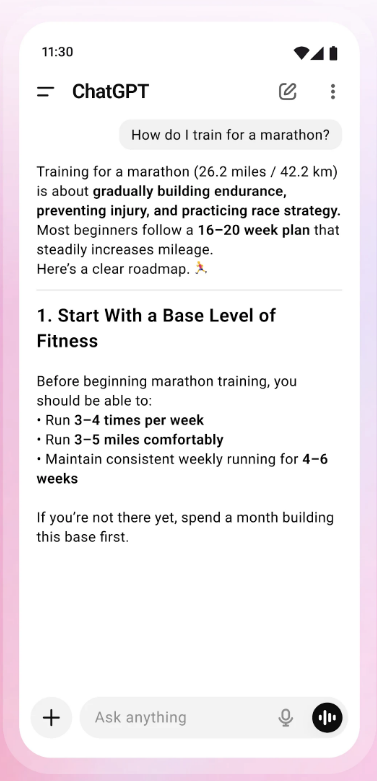
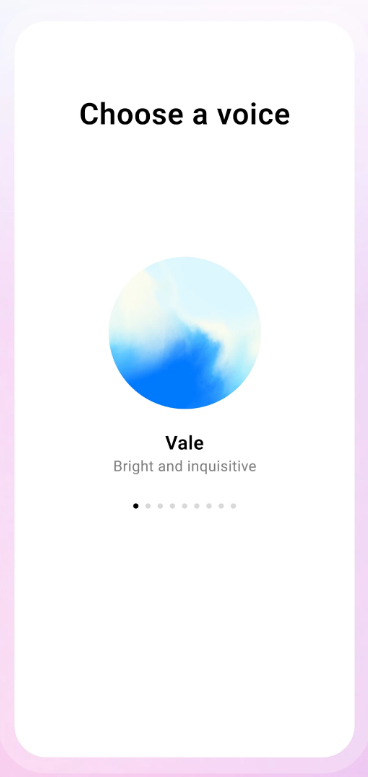
The main reason to use ChatGPT for studying is having a 24/7 tutor that can explain hard topics in plain English whenever you get stuck. You can paste in a confusing page from your textbook, ask it to break it down simply, or even use voice mode to talk through concepts out loud. If you want to get more out of it, check out our guide on how to use AI as a tutor for specific prompts that actually work.
4. Notion: Your All-in-One Digital Notebook
Notion is a note-taking app that acts like a tidy binder on your computer or phone. It gives you one clean spot to write down your class notes, keep track of homework deadlines, and store your study guides.
Class Docs
Study Folders
Find Answers
Homework
Exam Dates
Student Layouts
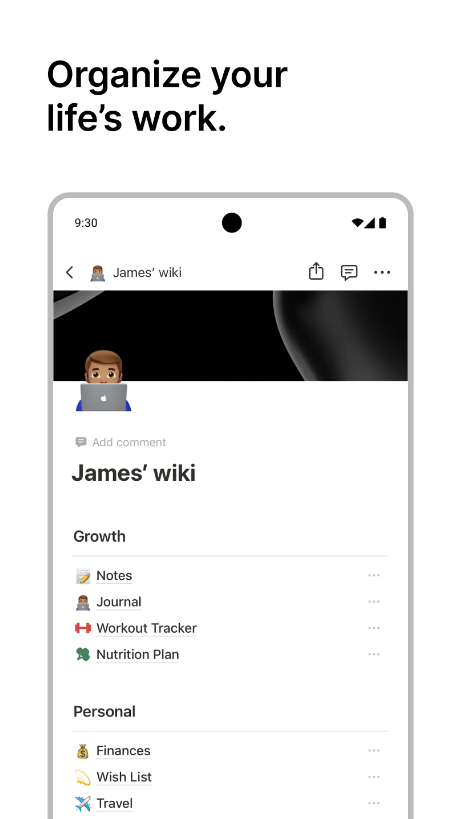
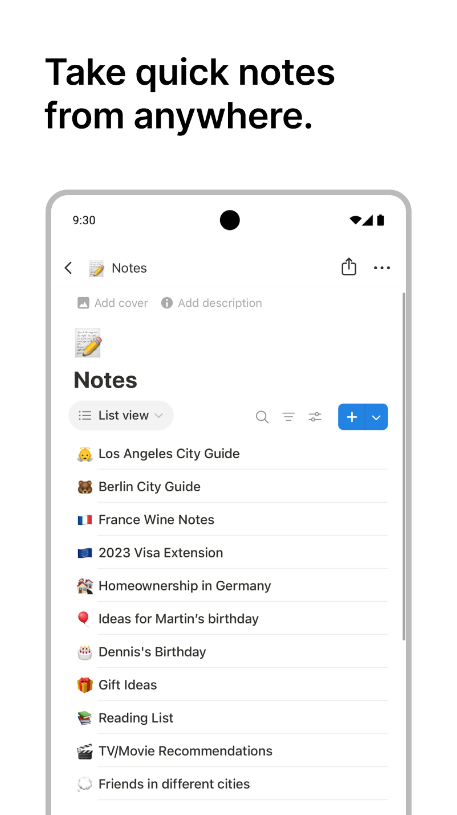
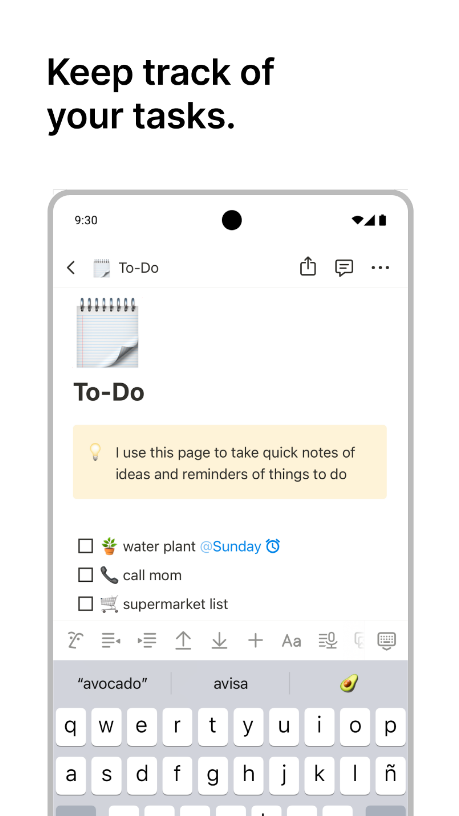
Notion is great if you want to keep all your class notes, study guides, and test dates in one clean binder on your computer or phone. Instead of having documents scattered all over your desktop, you can set up a workspace for each class and use Notion AI to summarize long readings or search through old notes fast. It's easily one of the most popular AI note-taking apps for students trying to stay organized.
5. Perplexity AI: For Web Search & Research
Perplexity AI is a search engine website that reads online sources for you. You ask it a question, and it gives you a clear answer along with direct links to the articles it used, so you always know where the information came from.
Real-Time Answers
Every Answer
& Textbooks
& PDF Slides
Favorite Model
& Summaries
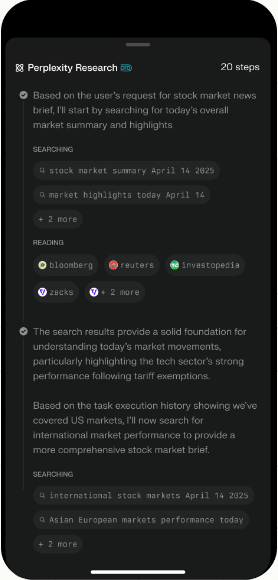
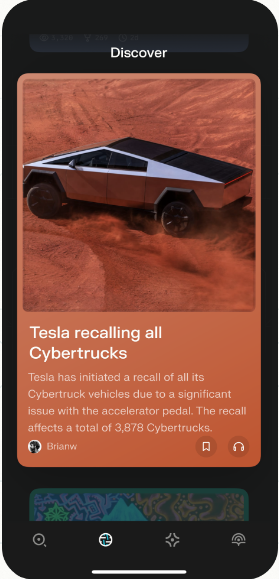
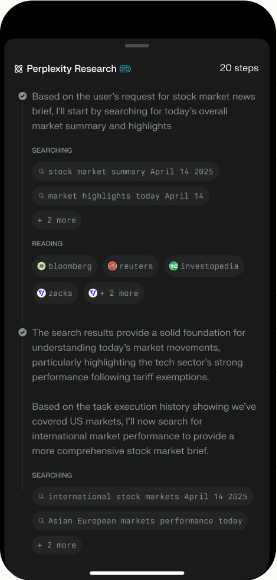
Perplexity is basically an AI search engine that reads web pages for you and gives you one clean answer with citations attached. It's super useful when you're double-checking facts from class lectures or looking up background info for an essay. If you do a lot of paper writing or research, it fits right into a solid workflow for writing research papers in college.
6. Trevor AI: Plan Your Schedule
Trevor AI is a smart time-blocking tool that automates your study schedule. It's totally optional. Just make sure you use a calendar of some kind to stay organized.
- 1. Prepare a demo script highlighting key features.
- 2. Setup a clean, functional demo environment.
- 3. Schedule a demo session with the client.
- 4. Conduct the demo, focusing on real use-cases.
- 5. Address client questions and strategies.
The main reason to use a tool like Trevor AI is to stop guessing when you're actually going to get your studying done. It syncs up with your Google or Outlook calendar and automatically maps out study sessions around your classes and free time. It's a really practical pick if you're exploring AI time management tools for students to keep yourself on track.
7. Goblin Tools: Break Tasks Into Easy Steps
Goblin Tools is a free website with simple AI helpers that break big study projects into tiny, easy steps. If an assignment feels overwhelming, it splits the work into a quick checklist so you can start without stress.
Magic ToDo ❓
Breaking things down so you don't
Formalizer ❓
Turn spicy thoughts into classy ones
Estimator ❓
Tell me how long this will take
Goblin Tools is one of the best free helpers if you tend to get overwhelmed by big study projects. You just type in a task like "study for biology final," and it breaks it down into a step-by-step checklist so you can take things one small piece at a time. It's a great tool if you're looking for simple ways to deal with procrastination (we also put together a guide on how to study without getting bored if you want extra focus tips).
8. Vertech Academy: All-in-One AI Exam Prep
Vertech is a collection of AI study prompts that turns free tools like ChatGPT into personal tutors. It helps you turn your class notes into practice questions so you can test your knowledge before exam day.
Full transparency: Vertech Academy is our own platform. We built it as a business to make money, plain and simple. But our mindset has always been that if you build something that actually works, people will naturally show up. We took student feedback and built prompts and tools specifically designed to help you prepare for exams. Take a look at our prompt library and see what you think.