Vertech Academy LogoVERTECH
LibraryFeaturesPricing
Log InGet Free Prompt
Back to Insights
Study
Three glowing orbs representing ChatGPT, Claude, and Gemini AI on a dark surface

ChatGPT vs Claude vs Gemini: Best AI for Studying

Vertech Editorial Mar 5, 2026 11 min read

Share

Table of Contents

Vertech Editorial

Mar 5, 2026

ChatGPT excels at math, Claude at writing, and Gemini at research. Here's exactly which AI to open for every study task in 2026.

Watch Video
Gemini vs ChatGPT vs Claude vs Grok vs Perplexity: The Best Way To Use Each One

Gemini vs ChatGPT vs Claude vs Grok vs Perplexity: The Best Way To Use Each One·Paul J Lipsky

If you need help with math, ChatGPT is your best bet. If you're writing something, Claude is the one. And if you need to look stuff up or get current info, go with Gemini. There's no one "best" AI because it totally depends on what you're doing.

Three tools dominate the conversation right now: ChatGPT, Claude, and Gemini. All three are free to try, and they're all pretty useful. But they were made for different stuff, and picking the wrong one is like bringing a calculator to your English class. I'll walk you through what each one is actually good at, where it drops the ball, and which one to open based on whatever you're working on.

Note: The video above is by Paul J Lipsky and includes a sponsored mention of i10x. Vertech Academy is not affiliated with or sponsored by i10x. This guide focuses exclusively on the official platforms from OpenAI, Anthropic, and Google.

The Big Three at a Glance

ChatGPT

OpenAI
BEST FOR

Brainstorming & Math

LATEST MODEL

GPT-5.4

FREE TIER

Good (daily limits)

STANDOUT FEATURE

Voice mode & Canvas

Claude

Anthropic
BEST FOR

Writing & Nuance

LATEST MODEL

Sonnet 4.6

FREE TIER

Limited (strict limits)

STANDOUT FEATURE

200K context & Artifacts

Gemini

Google
BEST FOR

Research & Integration

LATEST MODEL

Gemini 3.1 Pro

FREE TIER

Generous (high usage)

STANDOUT FEATURE

Google Search built in

Which One Should I Use Right Now?

Math & Logic

Need an equation solved or a concept broken down step by step.

Use ChatGPT

Essays & Reading

Got a long reading, need an outline, or working on a humanities paper.

Use Claude

Detailed Research

Need current facts, real sources, or want to summarize a lecture you missed.

Use Gemini

There's no single winner here. It really depends on your subject and what you need right now. My honest advice? Use more than one. I'll show you how further down.

If You're Doing Research, Open Gemini

Gemini is Google's AI, and the big deal is that it's connected straight to Google Search. So instead of only knowing stuff from months ago, it can actually look things up in real time. If you need recent facts or info that just changed, start here.

It also hooks into your Google Docs, Gmail, and Drive. So you can ask it to grab your class notes or break down a document without opening another tab. When you're having one of those weeks where everything is everywhere, that alone is a lifesaver. The latest version, Gemini 3.1 Pro, can handle a crazy amount of text at once (we're talking an entire textbook or a full 90-minute lecture transcript) without forgetting what you said at the beginning.

There's also a Deep Research mode that's honestly pretty wild. You give it a hard question, and it goes off and reads a bunch of sources, checks them against each other, and comes back with an organized report that has actual citations. If you've got a research paper due, this can save you hours.

Try this prompt:
"I'm writing a research paper on [topic] for my [subject] class. Find me 5 recent, credible sources from the last 2 years. For each one, give me a 2-sentence summary and explain how I could use it in my paper."

Where Gemini falls short

It can oversimplify things sometimes and turn a complicated argument into a couple bullet points. If you're writing a philosophy paper or doing literary analysis where the details matter, Claude does that way better. Also, Gemini writes in a pretty dry, info-dump style. Great for research, not great for anything creative.

If You're Writing an Essay, Open Claude

When your writing actually needs to sound like you put thought into it (not just "technically correct"), Claude is the move. It writes in a way that sounds way more natural. So for English essays, history papers, anything where your professor cares about how it reads, this is your tool.

The thing that makes Claude special is that it can handle really long documents in one go without getting confused. You can upload an entire 50-page reading, ask about page 37, and it still remembers what happened on page 3. That's huge for literature classes, long papers, or when you need to work with a bunch of sources at the same time. The latest version, Claude Sonnet 4.6, is noticeably better at finding holes in your arguments and telling you where your structure needs work. They also released Claude Code for programming, so if you're a CS student, definitely give that a look.

Oh, and there's this thing called Artifacts. Basically, Claude can create documents, outlines, and summaries in a little side panel that you can edit and save. It's like having a mini Word doc right inside the chat. You can also use Projects to sort your chats by class so your bio stuff doesn't get mixed in with your econ stuff.

Try this prompt:
"Here is my essay draft on [topic]. Review it for argument strength, logical flow, and clarity. Point out any weak transitions, unsupported claims, or sentences that sound generic. Give me specific suggestions, not vague praise."

Where Claude falls short

The downside? The free version gives you the fewest messages of all three, and you'll hit the limit fast during long study sessions. It has web search now, which is nice, but it's nowhere near as fast as Gemini for looking up facts. If you just need a quick answer about something current, use Gemini instead.

If You're Stuck on a Problem, Open ChatGPT

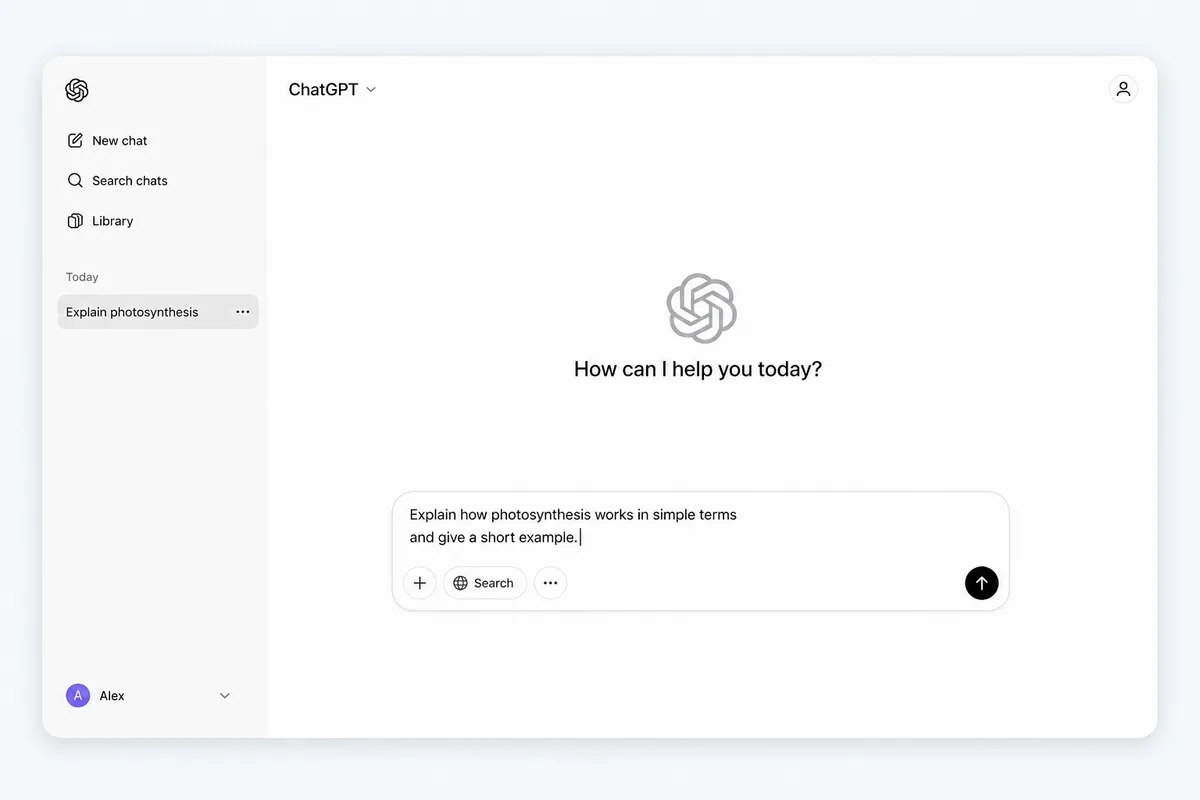
ChatGPT is the most versatile of the three. It can do a bit of everything, but where it really stands out is math, logic problems, and coming up with ideas fast. The current version, GPT-5.4, is way better at working through problems step by step and messes up a lot less than older versions. There's also GPT-5.4 Thinking, which literally shows you how it's reasoning through a problem. It also bumped the context window to 1 million tokens (same as Gemini), so it can handle way longer conversations and bigger documents now. Super helpful when you want to actually understand the "why" behind a math or science answer.

In STEM classes, it'll break equations down one step at a time and explain why each step happens instead of just giving you the answer. And when you need creative help, like coming up with a project idea or a different angle for an essay, ChatGPT is the fastest at throwing out ideas. If you want a full breakdown of prompting strategies, check out our guide on how to use ChatGPT to study.

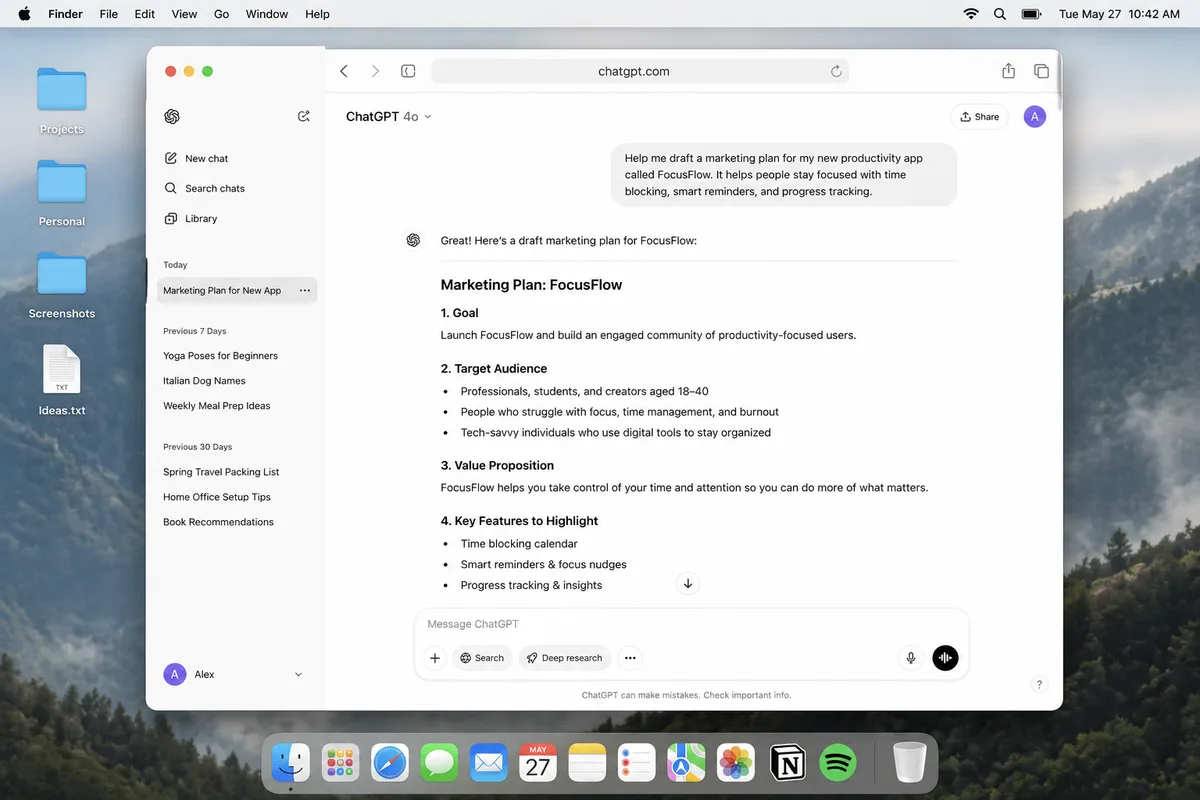
There's a voice mode too (basic one is free, better one is paid) where you can literally talk through a problem out loud. Sounds weird, but it actually works great when you need to think something through before writing it down. Canvas lets you edit text or code right next to the AI, kind of like a shared Doc. And Custom GPTs are basically pre-made versions of ChatGPT built for specific stuff. There are ones for SAT prep, essay feedback, you name it.

Try this prompt:
"I'm stuck on this [subject] problem: [paste problem]. Walk me through it step by step. After each step, ask me if I understand before moving on. If I say no, explain that step differently using a real-world analogy."

Where ChatGPT falls short

Fair warning though: it still messes up math more than you'd expect, especially multi-step problems. Always double check. It also straight up invents citations that look totally legit, so never trust it for sources. If you need real citations, use Gemini or Perplexity AI instead.

Side-by-Side: Features That Matter to Students

Here's a quick side-by-side of the stuff that actually matters when you're a student:

Feature ChatGPT Claude Gemini
Best forMath, brainstormingEssays, long docsResearch, real-time facts
Latest modelGPT-5.4Sonnet 4.6Gemini 3.1 Pro
Free tierGood (GPT-5.3 Instant + limited GPT-5.4)Strict (Sonnet 4.6, tight limits)Generous (full 3.1 Pro)
Web accessYesYes (web search)Best (Google Search)
File upload (PDFs)YesYes (best for long docs)Yes
Voice modeYes (standard; advanced on Plus)NoYes
Mobile appiOS & AndroidiOS & AndroidiOS & Android
Paid price$20/mo$20/mo$19.99/mo
Special featureCanvas, Custom GPTsArtifacts, Projects, Claude CodeDeep Research, Google integration

You know which tool to pick. Now learn what to say to it

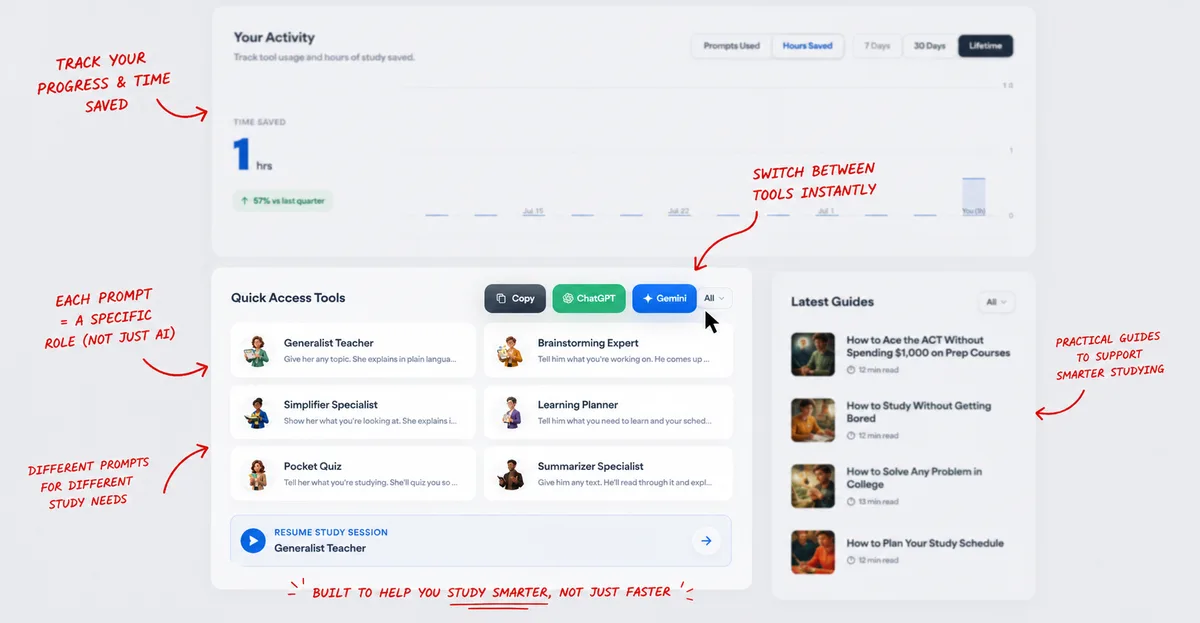
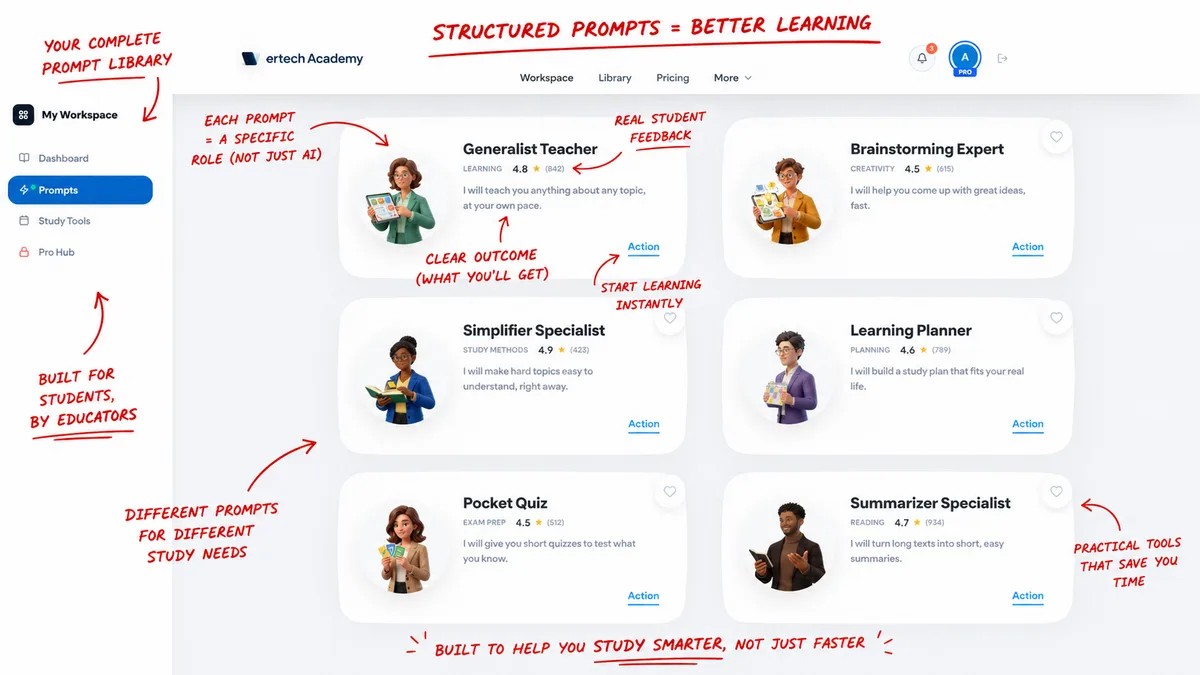
What you type into these tools matters just as much as which one you pick. The Brainstorming Expert prompt turns ChatGPT into a study buddy that actually walks you through ideas instead of just dumping info.

Try the Brainstorming Expert prompt

What Do the Free Plans Actually Give You?

Let's be real, most of us aren't paying $20 a month for this. So here's what you actually get for free right now (March 2026):

  • ChatGPT Free: You get GPT-5.3 Instant for everyday questions (unlimited), plus limited access to GPT-5.4 for heavier tasks. After you hit the GPT-5.4 cap it drops you back to 5.3 Instant, which is still solid. Fine for daily homework, just don't waste the premium messages on stuff you can Google. You can upload files and make images too.
  • Claude Free: This one has the tightest limits by far. You get Sonnet 4.6, but the message cap is strict and longer chats or big file uploads eat through it faster. You do get web search, Artifacts, and extended thinking for free though. My advice: save your Claude messages for when you really need good writing help.
  • Gemini Free: By far the most generous. You can send a lot of messages, responses are fast, and you get the full Gemini 3.1 Pro. If you need to rapid-fire questions or you're deep in a study session, this is the one that won't cut you off. Works with all your Google stuff even on free. And if you're a US college student with a .edu email, you can get Google AI Pro free through spring 2026 - that includes Gemini Advanced, 2TB of storage, and NotebookLM Plus.

What If You Can Afford to Pay?

If you've got $20/month to spend (or your parents are cool with it), here's what you actually get on each paid plan:

  • ChatGPT Plus ($20/mo): You get full GPT-5.4 and GPT-5.4 Thinking with way higher limits. Advanced voice mode, image generation with DALL-E, Deep Research, Canvas, and Custom GPTs all unlocked. The 1 million token context window on GPT-5.4 means you can work with massive documents. Honestly the biggest upgrade is just not hitting message caps anymore.
  • Claude Pro ($20/mo): About 5x more messages than the free tier (roughly 225+ per day). You get access to Opus 4.6, which is their most powerful model, plus unlimited Projects for organizing by class. The Research feature lets Claude search the web on its own and write you a full cited report. If you write a lot of papers, this pays for itself pretty quickly.
  • Gemini Advanced ($19.99/mo): Full access to Gemini 3.1 Pro with higher limits, Deep Research mode, and custom AI bots called Gems (you can make one tuned for each class). You also get 2TB of Google Drive storage included, which is honestly worth like $10 on its own. If you already live in Google's world, this is the easiest upgrade.

My take: if you can only pay for one, pick the tool that matches what you do most. Writing-heavy? Claude Pro. Research-heavy or deep in Google Docs? Gemini Advanced. Need an all-rounder with voice and image generation? ChatGPT Plus. You can always use the free versions of the other two alongside it.

Can You Use More Than One? (Yes, and Here's How)

The students I've seen get the most out of AI use all three. They don't pick one. Here's a quick workflow that covers a whole assignment in about 30 minutes:

1

Research with Gemini: Ask it to find recent sources on your topic and summarize the main points. Copy the list.

2

Outline with Claude: Paste those sources into Claude and have it build you an essay outline with a thesis and key points.

3

Quiz yourself with ChatGPT: Once you've written your draft, throw it into ChatGPT and have it quiz you. If you can't answer without looking, you need to study more.

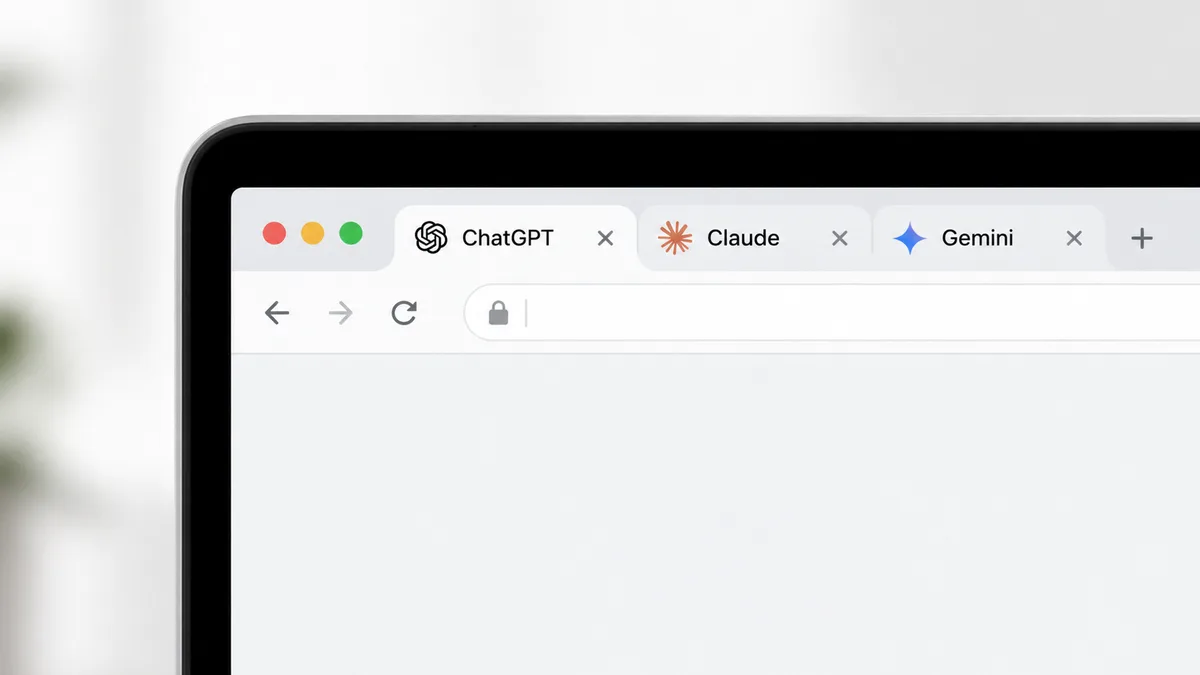
Another trick: open all three in different tabs, ask the exact same question, and compare answers. If two say one thing and the third says something different, you know which one to double check. It's the fastest way to catch a wrong answer. For a full list of tools to pair with these, see our guide on the best AI exam prep tools.

What About Perplexity, NotebookLM, and Copilot?

There are a few other tools worth mentioning. These do specific things that the big three aren't great at:

  • Perplexity AI. It's like a search engine that actually gives you an answer instead of just a page of links. Everything it says comes with numbered sources you can click to check. When you need real citations for a paper, use this instead of ChatGPT (which makes them up).
  • Google NotebookLM. You upload your own stuff (PDFs, slides, notes) and it makes an AI that only knows what you gave it. So it can't make stuff up or go off topic. It'll even turn your notes into a podcast-style summary you can listen to walking to class. Pretty cool honestly.
  • Microsoft Copilot. This one lives inside Word, PowerPoint, and OneNote. If your school gives you Microsoft 365, you might already have it and not even know. If you do all your work in Microsoft apps, this is going to feel way more natural than switching to a separate AI tool.

Want the full rundown on every AI tool out there? We put together a list of the best free AI tools for students in 2026.

One Rule Before You Use Any of Them

Whatever you end up using, the goal is to learn faster, not skip learning. These tools can explain stuff, help you organize ideas, and quiz you. But they can't actually put knowledge in your brain. You still have to do that part.

Quick gut check: if someone asked you about the topic and you'd have to pull up the AI's answer to explain it, you haven't learned it yet. These tools work best when they make you think more, not less.

The Short Version: Which One to Open and When

Stop trying to find the one perfect AI. Just match the tool to the task:

  • Writing an essay or analyzing a reading → Claude
  • Solving math problems or brainstorming ideas → ChatGPT
  • Researching a topic or summarizing recent sources → Gemini
  • Need cited sources for a paper → Perplexity
  • Want to study only from your own notes → NotebookLM

For deeper comparisons between specific pairs, see our breakdown of ChatGPT vs Claude for finals.

One more thing. How you word your questions to these AIs makes a huge difference. A good prompt turns a basic chatbot conversation into an actual study session. If you want to see the difference, check our ChatGPT study guide for prompts that actually work.

Need help brainstorming ideas?

Our Brainstorming Expert prompt works with ChatGPT, Claude, or Gemini. It helps you explore topics, generate ideas, and think through problems faster.

See the Brainstorming Expert

Frequently Asked Questions

Is there one best AI for all subjects?
No. Most students use different tools for different tasks. You might prefer Gemini for research and ChatGPT for math. Testing each one for a week is the best way to find what works for you.
Can I use all three at the same time?
Yes. Having multiple tabs open and comparing answers is a smart habit. It helps you spot inaccurate responses and find the clearest explanation.
Which AI is safest for students?
All three are safe for school use. Claude tends to be the most cautious with its responses, but ChatGPT and Gemini are also designed with safety guardrails.
Do these AIs have mobile apps?
Yes. ChatGPT, Claude, and Gemini all have apps for iPhone and Android. You can study with them anywhere, including using voice mode on the go.
How do I cite an AI tool in my essay?
Rules vary by school, so ask your teacher first. Generally, you list the AI name, the company, the date you used it, and how it helped you. Being transparent is always the safest approach.
Is ChatGPT or Claude better for writing essays?
Claude is generally better for essay work. Its writing sounds more natural and nuanced, and its large context window lets it analyze long readings without losing track. ChatGPT is faster for brainstorming ideas and outlines, but Claude produces higher-quality prose.
Which AI is best for math homework?
ChatGPT is the strongest for step-by-step math explanations. For precise calculations, pair it with Wolfram Alpha, since ChatGPT occasionally makes arithmetic mistakes on multi-step problems.
Can my teacher tell if I used AI?
Those AI detectors exist but honestly they're not great. They flag regular human writing as AI all the time. The real issue is if your paper doesn't sound like you. Use AI to study and prep, then write in your own words. If you do that, detectors don't matter.
Is Gemini better than ChatGPT for research papers?
For research, yes. Gemini can access real-time information through Google Search and its Deep Research mode cross-references multiple sources automatically. ChatGPT is better for brainstorming the argument itself, but Gemini is stronger at finding and summarizing credible sources.
Are these AI tools really free?
Yep, all three are actually free to use. Gemini gives you the most messages, ChatGPT is decent but has limits, and Claude is the most restricted. The paid plans ($20/month each) remove limits and give access to the most powerful models, but most students can get by without paying.
#ChatGPT#Claude#Gemini#AI Comparison#Study Tools#Best AI for Students
Laptop with code on screen sitting on a wooden desk next to a coffee mug and notebook
Study18 min read

How to Use ChatGPT to Study: A Student's Guide

Most students use ChatGPT wrong. Here are 7 ways to actually make it useful for studying, with prompts you can copy and paste.

Continue Reading

Listen to this article

Loading voices...

The Big Three at a Glance
Which One Should I Use Right Now?
If You're Doing Research, Open Gemini
If You're Writing an Essay, Open Claude
If You're Stuck on a Problem, Open ChatGPT
Side-by-Side: Features That Matter to Students
What Do the Free Plans Actually Give You?
What If You Can Afford to Pay?
Can You Use More Than One? (Yes, and Here's How)
What About Perplexity, NotebookLM, and Copilot?
One Rule Before You Use Any of Them
The Short Version: Which One to Open and When
Frequently Asked Questions
00:0000:00

Audio powered by your browser's built-in voice engine·Shift + Space to play/pause

00:00 / 00:00
👋 Welcome back — resuming…

Want to actually retain what you just read?

The Generalist Teacher walks you through it until it clicks — no passive reading.

Try the Generalist Teacher →

Just read about "ChatGPT vs Claude vs Gemini: Best AI for Studying"? Put it into practice.

Join thousands of students using AI study prompts to understand material faster, ace exams, and cut study time in half.

Start Free — No Card NeededSee all plans
60-day money-back guarantee on all paid plans

One subscription.
Every prompt. Done.

Every study prompt in the library. $199/year = $0.55/day.

Monthly

$29/mo

Best Value

Annual

$249$199/yr

$0.55/day — less than a coffee

VIP

$299/yr

⚡ Save $149/yr vs. monthly. Launch pricing ends soon.

Get Instant Access — No Credit Card

60-day money-back guarantee · Prompts updated monthly

Vertech AcademyVERTECH ACADEMY

The prompts your classmates are using.

vertechacademy@gmail.com

Product

Prompt LibraryPricing

Learn

BlogFAQGuarantee

Legal

Privacy PolicyTerms of Service

© 2026 VERTECH ACADEMY. ALL RIGHTS RESERVED.

For students who are done guessing.