


Jump to section (7)
- 1.The 2026 Grammarly Feature Safety & Turnitin Risk Matrix
- 2.Workflow #1: The "Zero-Rewrite" Diagnostic Proofreader Prompt
- 3.Workflow #2: Audit Your Thesis & Transitions Without Losing Your Voice
- 4.Workflow #3: How to Undo "Over-Polished" Grammarly Rewrites Before Submitting
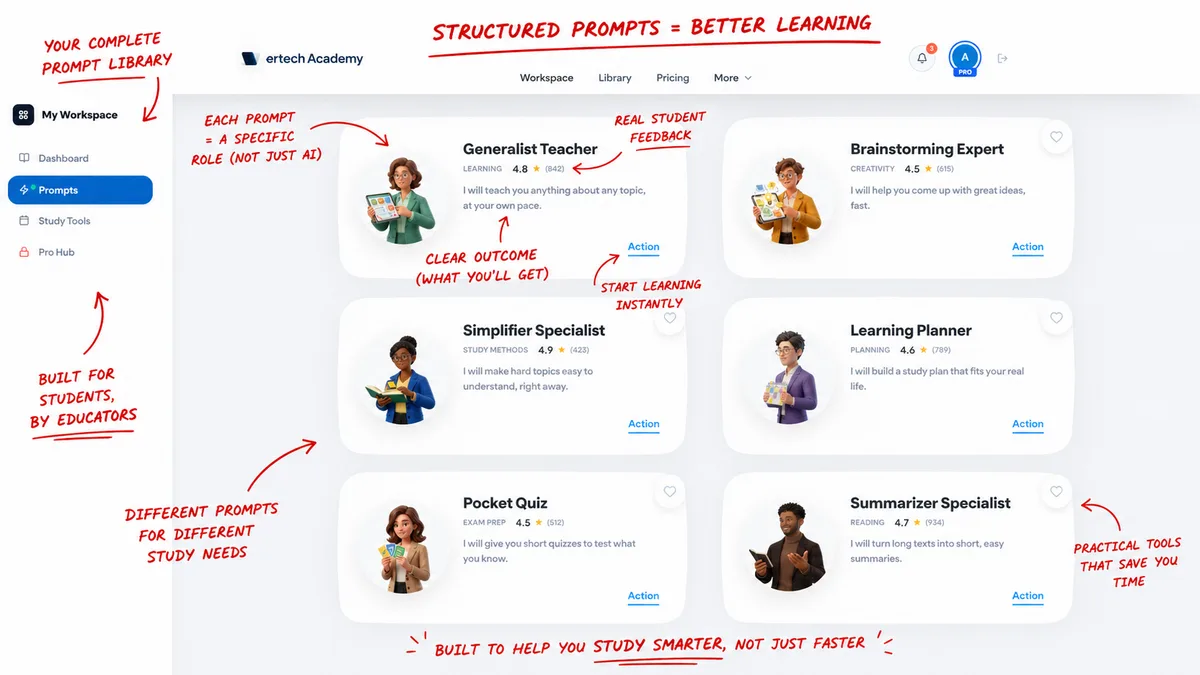
- 5.Polish Your Essays Safely With Vertech Academy's Writing Tutors
- 6.Final Verdict: Let Tools Check Your Mechanics, Never Your Voice
- 7.Frequently Asked Questions
Basic Grammarly spellcheck, comma fixes, and single-word typo alerts are NOT considered cheating at 98% of universities and carry a 0% Turnitin risk. However, Grammarly Pro's 'Rewrite Full Sentence for Clarity' and generative tone-shifters overwrite your human syntax with LLM token patterns that routinely trigger 60% to 90% Turnitin AI flags.
What are you trying to solve right now?
Pick your bottleneck to compare 2026 pricing caps, free student promos, or test our matched AI coach.
Claim free student promos first—never stack two $20/mo chatbots.
Verify your .edu email for Google AI Pro (12 months free) or Perplexity Education ($10/mo), then pair it with our Socratic study prompts so AI quizzes you instead of writing generic summaries.
Compare Deep-Dive Guides (Save $15–$20/mo):
Nothing shocks a college student quite like spending twelve hours researching and typing an original paper, running it through Grammarly for twenty minutes before midnight, and waking up to an email from the professor: "Turnitin flagged your essay as 84% AI-generated."
Here is the direct 2026 verdict: Basic Grammarly spellcheck and punctuation alerts are not considered cheating in college, but Grammarly Pro's full-sentence rephrasing, tone-shifting, and generative AI buttons cross the academic integrity line on most campuses and routinely trigger Turnitin AI flags. Below is our forensic breakdown of which Grammarly underlines are 100% safe, which purple/gold buttons trigger AI detectors, and how to polish your essays safely using Essay Writing Coach, Brainstorming Expert, and Google Docs Version History.
6 Rules that Separate Safe Spellcheck From High-Risk AI Rewriting
-
 Socratic Self-Editing (0% Flag Risk)Use Vertech Essay Writing Coach to spot clunky lines you fix yourself
-
✓Red Underlines Only (Safe)Accept spelling, comma, apostrophe & verb-tense fixes freely
-
✕Skip Full-Sentence RewritesNever let Grammarly Pro replace 10+ words at once with LLM syntax
-
 Edit Inside Google Docs LiveNever copy-paste full essays out to app.grammarly.com and back
-
 Enable Grammarly AuthorshipLog every manual keystroke vs. spellcheck click automatically
-
 Disclose When RequiredAdd a 1-sentence AI proofreading note if your syllabus asks for it

The 2026 Grammarly Feature Safety & Turnitin Risk Matrix
Grammarly now bundles rule-based spellcheck and generative LLM paraphrasing inside the exact same popup window. Before you click "Accept" on any suggestion, check where that specific underline sits on this table:
Which Grammarly Features Are Safe vs. Which Trigger AI Flags?
| Grammarly Feature / Underline | What It Actually Modifies | Turnitin AI Flag Risk | University Syllabus Status | Recommended Student Action |
|---|---|---|---|---|
| 1. Red Underlines (Correctness) | Typos, missing commas, apostrophes, subject-verb agreement | 0% Risk (Safe) | Allowed at 98%+ of colleges | Safe to click inside Google Docs |
| 2. Single-Word Conciseness | Trims filler words ("due to the fact that" → "because") | Very Low Risk (<5%) | Allowed as standard editing | Safe for 1-to-3 word trims |
| 3. Blue Full-Sentence Clarity (Pro) | Restructures entire clause order & swaps 8 to 20 words | High Risk (45% to 85% AI Flag) | Often restricted as AI paraphrasing | Do NOT click; retype the sentence yourself |
| 4. Purple Tone Rewrite ("Sound Academic") | Replaces your voice with formal LLM vocabulary | Extreme Risk (75%+ AI Flag) | Unauthorized AI assistance | Disable in settings; use Essay Writing Coach |
| 5. Grammarly Generative AI ("Draft With AI") | Writes new paragraphs or expands bullet points from scratch | 100% AI Flagged | Academic misconduct if undisclosed | Never use to draft essay paragraphs |
| 6. Grammarly Authorship Tracker | Records human typing vs. pasted quotes vs. grammar edits | Protects You From False Flags | Endorsed by university faculty | Turn ON inside Google Docs & Word |
Click for typos; type your own sentence rewrites
Turnitin measures perplexity and burstiness. Fixing a comma or a misspelled word leaves your sentence rhythm untouched. Clicking "Rewrite full sentence" flattens your rhythm into an AI curve.
Keep all edits inside your live Google Doc
If you copy your draft into the Grammarly web app and paste the fixed 1,500-word essay back into Google Docs, your Google Docs Version History shows one giant suspicious paste block.
Turnitin now has a dedicated AI Paraphraser badge
Running paragraphs through QuillBot and then accepting Grammarly Pro rewrites triggers Turnitin's purple/cyan AI Paraphrasing indicator almost 100% of the time.
Ask an AI tutor WHY a sentence is weak, then fix it yourself
Use our Essay Writing Coach to diagnose grammar and flow issues without generating replacement sentences.
Workflow #1: The "Zero-Rewrite" Diagnostic Proofreader Prompt
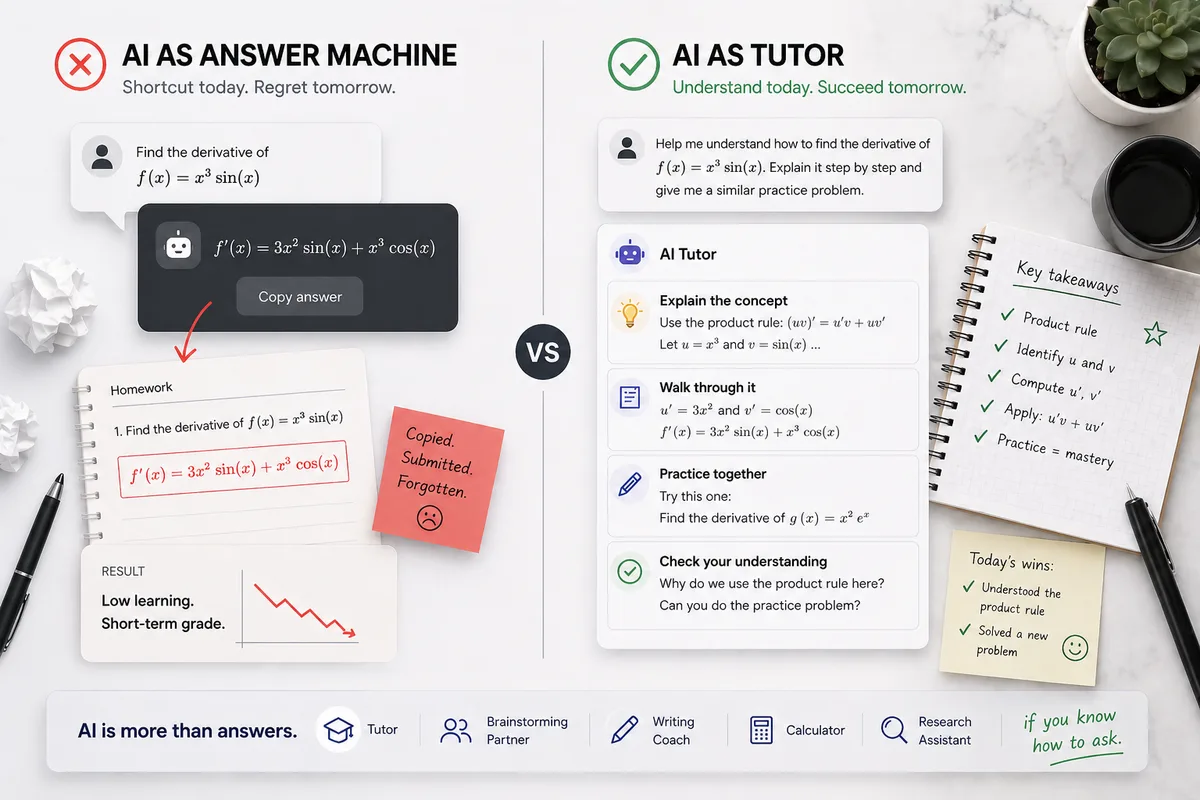
Instead of clicking Grammarly Pro's sentence rewriter, paste your rough paragraph into our Essay Writing Coach (or Claude/ChatGPT) using Prompt #1. It acts like a human university writing-center tutor: it points out every comma splice, weak verb, or unclear pronoun, explains the rule, and leaves the actual rewriting to your keyboard:
Workflow #2: Audit Your Thesis & Transitions Without Losing Your Voice
Most students click Grammarly's "Make it sound more academic" button because they feel insecure about their paragraph transitions or argument structure. Use Prompt #2 alongside our Critical Thinking Expert or Brainstorming Expert to get high-level structural feedback on your thesis and evidence without touching your phrasing (see also our ethical AI research paper guide):
Workflow #3: How to Undo "Over-Polished" Grammarly Rewrites Before Submitting
What if you already clicked 25 Grammarly Pro sentence rewrites on your draft tonight and you haven't submitted it to Canvas yet? Do not panic, and do not run your paper through sketchy "AI Humanizer" websites (which destroy your grade and trigger even worse flags). Instead, open your Google Docs Version History, grab your earlier rough draft from an hour ago, and use Prompt #3 to spot where Grammarly flattened your voice so you can restore your own human sentences:
Grammarly Pro Auto-Rewriting vs. Safe Socratic Proofreading
The "Click Accept 40 Times" Trap
- • Clicking Grammarly's full-sentence rewrites across 30%+ of your essay, replacing your human burstiness with LLM token probabilities.
-
•
Copying your paper into
app.grammarly.comand pasting the whole block back into Google Docs (wiping out your typing history). - • Using "Make it sound academic" to inject stiff, unnatural vocabulary that doesn't match your in-class writing style.
- • Triggering a stressful false Turnitin AI accusation on a paper you genuinely researched yourself.
The 0%-Flag Proofreading Protocol
- • Using Grammarly strictly for red-underline typos, missing commas, and single-word spelling fixes inside Google Docs.
- • Keeping Google Docs Version History and Grammarly Authorship enabled from your very first outline bullet.
- • Using Vertech Essay Writing Coach to diagnose weak transitions so you type the improvements in your own words.
- • Adding a transparent AI methodology disclosure note when your syllabus requires it.
Polish Your Essays Safely With Vertech Academy's Writing Tutors
If Grammarly already triggered a false alarm on one of your papers, read our complete defense guide on how to clear a false Turnitin AI accusation. And for your next essay, switch from auto-rewriters to our Socratic writing specialists:
Improve Your Writing Without Losing Your Voice
Use Essay Writing Coach, Brainstorming Expert, and Research Assistant to sharpen your thesis, structure, and clarity while keeping 100% of the prose written by you.
3 Steps Before You Upload Any Essay to Turnitin
Turn Off Grammarly Generative AI & Stick to Single-Word Red Underlines
Accept typos and comma fixes freely, but never click full-sentence clarity or tone rewrites.
Use Socratic Diagnostic Prompts to Fix Clunky Sentences Yourself
Run your draft through Essay Writing Coach so you type 100% of the revisions in your own words.
Keep Everything in One Google Doc With Version History & Authorship On
Never paste full drafts back and forth from external editing windows.
Final Verdict: Let Tools Check Your Mechanics, Never Your Voice
Never Hand the Keyboard Over to an Algorithm.
The reason Grammarly Pro gets honest students into trouble is that a single click replaces your authentic voice with a statistical formula. When you use a Socratic coach that points out why a sentence stumbles and challenges you to rewrite it yourself, two things happen: your Turnitin risk drops to 0%, and you actually become a sharper writer on exam day.

Related Study Resources & Free AI Tools
- Step-by-Step Hub Guide: Turnitin & Academic Integrity: The Complete Student Protection Guide
- Science-Backed Study Method: Reverse Outline Method for Original Academic Writing
- 24/7 Interactive AI Tutor: Practice with Brainstorming Expert
- Free Prompt Engineering Course: S-Tier AI Prompt Writing for Students (28 Free Lessons)