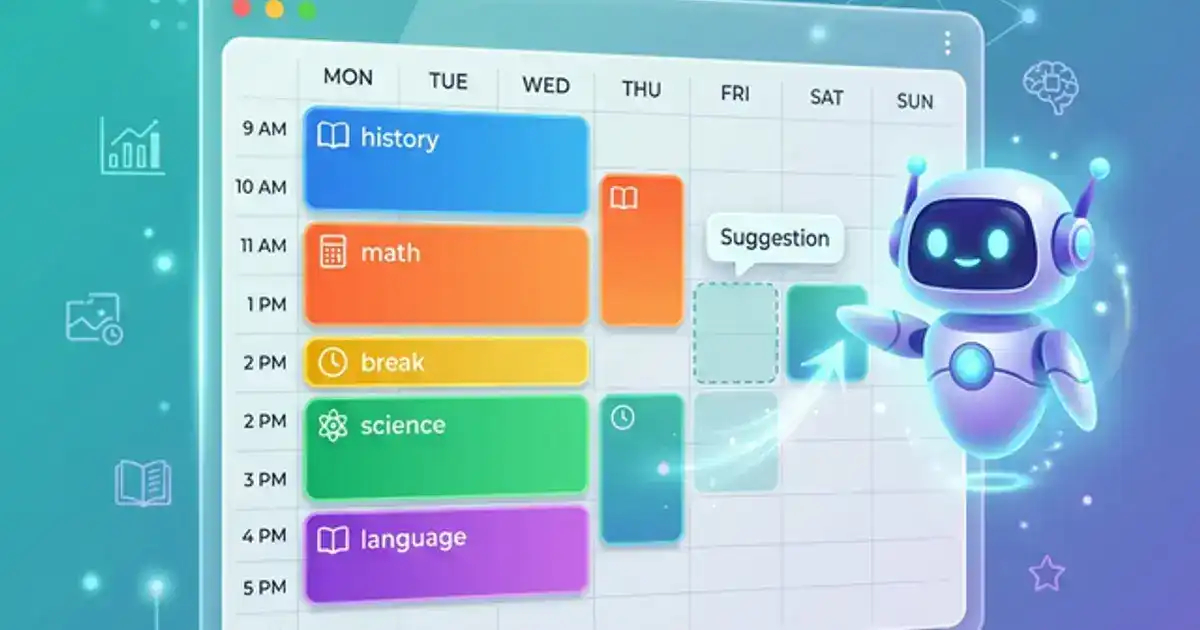
Group projects are the most universally dreaded assignment in college. Not because the work is hard, but because the logistics are a nightmare. Coordinating schedules between 4 students who have nothing in common except being alphabetically adjacent on the class roster. Dividing work "equally" while one person does 60% and another does nothing. Combining 4 sections written in completely different styles into something that reads like a single document. Then presenting it all while pretending you are a cohesive team.
AI does not eliminate the human problems of group work. It cannot make your teammate respond to messages. It cannot force someone to meet a deadline. But AI can fix the logistical problems that make group projects miserable: task planning, research coordination, writing consistency, and final integration. When the logistics work, the human problems become more manageable because at least the work itself is not falling apart.
This guide covers the complete AI-powered group project workflow: from first meeting to final submission. Every tool mentioned is free.
Phase 1: The AI-Powered Kickoff Meeting (20 Minutes)
The first group meeting determines whether the project goes smoothly or becomes a slow-motion disaster. Most groups spend the first meeting vaguely discussing the topic, loosely agreeing that "everyone will do a section," and leaving without clear assignments or deadlines. Three weeks later, nothing is done.
Instead, walk into the first meeting with ChatGPT open and run the planning prompt before anyone can derail the conversation:
Project planning prompt:
"We have a group project for [course]. The assignment is: [paste full assignment description]. Our group has [X] members. The deadline is [date]. Create: (1) a task breakdown with every deliverable needed, (2) a suggested division of work across [X] people, balanced by estimated hours, (3) a timeline with milestones and internal deadlines (at least 3 days before the actual deadline), (4) a list of dependencies - which tasks need to be finished before others can start."
Share your screen while running this prompt so the whole group sees the plan form in real time. AI becomes the neutral planner, which eliminates the awkward dynamic where one person tries to take charge and assign tasks. No one argues with the AI's suggestions because they are clearly based on the assignment requirements, not personal politics.
After the AI generates the plan, spend 10 minutes customizing: swap tasks based on people's interests and strengths, adjust deadlines, and agree on communication channels. Then paste the final plan into a shared document that everyone can reference.
Pro tip: Add each person's phone number or preferred contact method to the shared document. Groups fail when communication breaks down, and communication breaks down when people cannot reach each other easily.
Phase 2: Shared Research with AI (Collaborative, Not Solo)
The biggest waste of time in group projects is duplicate research. Sarah finds 8 articles on the topic. James finds 5 of the same articles plus 3 new ones. Neither knows what the other found until they try to write their sections. Two hours of research, wasted.
ChatGPT Projects. The Projects feature in ChatGPT lets your group create a shared workspace. Upload the assignment instructions, the rubric, any course materials, and all your research sources. Set custom instructions like: "This is a group research project for [course]. Our thesis is [thesis]. Always reference our uploaded materials when possible." Every group member can chat with the same project context, ask questions about the sources, and build on each other's research without overlap.
Research coordination prompt:
"Based on our assignment requirements and uploaded sources, create a research map: (1) list the key topics we need to cover, (2) for each topic, note which of our uploaded sources are relevant, (3) identify gaps - topics we need more sources for. Assign research gaps to team members based on their assigned sections."
Alternative: Notion AI. If your group uses Notion, create a shared database for sources. Each member adds their found articles with a summary, relevance rating, and key quotes. Notion AI can then analyze the database and identify themes, gaps, and connections between sources. This creates a single research hub instead of 4 scattered folders.
For the full AI research workflow, see our Perplexity research guide and our ethical AI guide.
Need clear explanations of group project concepts?
Our Chemistry Tutor prompt helps everyone in the group understand the material at their level.
Try the Chemistry Tutor Prompt - Free →Phase 3: Writing in Parallel Without Becoming Frankenstein
The "Frankenstein problem" is the number one quality issue in group projects: 4 people write 4 sections in completely different styles, then staple them together. Section 1 reads like a textbook. Section 2 reads like a casual blog post. Section 3 uses passive voice exclusively. Section 4 has no citations. The final product reads like 4 separate papers crammed into one document.
AI solves this in two ways: style alignment before writing and tone harmonization after.
Before writing: As a group, create a style guide using AI:
Style guide prompt:
"We are writing a [type] paper for [course]. Our professor values [what the professor emphasizes, e.g., academic rigor, clear arguments, evidence-based claims]. Create a brief writing style guide for our group that covers: (1) tone and voice (formal, semi-formal, etc.), (2) citation format [APA/MLA/Chicago], (3) paragraph structure expectations, (4) whether to use first person or third person, (5) any discipline-specific writing conventions."
Share this style guide in your group workspace. Everyone references it while writing. This alone eliminates 70% of the Frankenstein problem because everyone is aiming at the same target.
While writing: Each person writes their section normally, using AI for their individual workflow (outlining with ChatGPT, editing with Claude, research with Gemini). The style guide keeps everyone aligned.
Individual section check: Before submitting your section to the group, paste it into ChatGPT: "Review this section for consistency with the following style guide: [paste guide]. Flag any deviations in tone, citation format, or structure." Fix issues before merging, not after.
Phase 4: The AI Merge (Fixing the Frankenstein)
Even with a style guide, merged group papers always need editing. This is where AI saves hours of painful, argument-filled editing sessions.
Merge and harmonize prompt:
"Below are [X] sections of a group paper. Each section was written by a different person. Perform the following: (1) Identify any inconsistencies in tone, voice, terminology, or formatting between sections. (2) Write transition sentences between each section so the paper flows naturally. (3) Flag any contradictions where different sections make conflicting claims. (4) Suggest edits to make the entire paper read as if one person wrote it, while preserving the original arguments."
For longer papers, use Claude for the merge since it handles longer documents better than ChatGPT. Paste all sections and the assignment requirements into Claude's 200K context window.
After the AI identifies issues, assign fixes to the person who wrote each section. This is faster and less awkward than one person rewriting everyone else's work. The AI acts as a neutral editor so no one feels personally attacked when their writing gets flagged for inconsistency.
Final cleanup prompt: After all fixes, run the entire paper through one more check: "Read this as a single document. Does it flow naturally from beginning to end? Are there any abrupt transitions, repeated points, or gaps in the argument? Give me a list of final edits needed." This catches the issues that page-level editing misses.
Phase 5: The Group Presentation (Without the Cringe)
Group presentations fail for one reason: each person presents their section in isolation and the audience watches 4 mini-presentations instead of one cohesive story. AI fixes this with a presentation flow prompt:
Presentation flow prompt:
"We have a group presentation with [X] speakers. Here is what each person covers: [list topics]. Write: (1) an opening for Speaker 1 that introduces the entire topic and previews the presentation structure, (2) a handoff line for each transition between speakers that connects the previous section to the next, (3) a closing for the last speaker that ties everything together and references the opening."
Rehearse the transitions. The handoff between speakers is where group presentations feel most awkward. One sentence bridges: "Sarah just showed you why [concept A] matters. Now I will show you how it connects to [concept B]." Practice these transitions once and your presentation immediately feels professional.
For the full AI presentation workflow, see our AI presentation guide.
Dealing with the Free Rider (AI Cannot Fix This, But It Can Help)
Every group project article on the internet ignores this, but the free rider problem is the actual reason students hate group work. One person does not contribute, the rest of the group absorbs the work, and everyone gets the same grade. AI cannot make someone do their work. But AI can make the problem visible and manageable.
Visible accountability. Use a shared project management tool (Notion, Trello, or even a simple shared spreadsheet) where every task has an owner, a deadline, and a status. When tasks are public, social pressure increases. It is harder to slack when everyone can see that your section is marked "Not Started" two days before the deadline.
Early deadlines. Set internal deadlines 3-5 days before the actual deadline. If someone misses the internal deadline, the group still has time to redistribute the work. This is the biggest practical protection against free riders: a buffer that prevents last-minute disasters.
Smaller tasks. Instead of assigning "write Section 3" (vague, large, easy to procrastinate), break it into smaller deliverables: "find 3 sources by Tuesday," "write the first paragraph by Thursday," "complete the full section by Saturday." Smaller tasks are harder to avoid because the first step is so easy there is no excuse.
Document everything. If a group member consistently does not contribute and you need to escalate to your professor, having a shared document showing task assignments, deadlines, and completion status is concrete evidence. Professors take free rider complaints more seriously when you have documentation, not just complaints.
Mistakes That Ruin AI-Powered Group Projects
Having one person do all the AI work. If one person runs all the ChatGPT prompts and does all the AI-assisted edits, that person becomes the de facto project manager and does most of the work. Distribute AI tasks: one person runs the planning prompt, another handles the research coordination, another does the merge editing.
Not agreeing on tools upfront. If half the group uses ChatGPT and the other half uses Gemini, you lose the benefit of shared context. In the kickoff meeting, agree on one primary AI tool and one shared document platform. Consistency matters more than which tool you pick.
Skipping the style guide. Groups that skip the writing style alignment phase always produce Frankenstein papers. The 10 minutes spent creating a shared style guide saves 2 hours of painful editing later.
Not building in buffer time. Groups that set their internal deadline as the actual deadline have zero room for error. Someone will be late. Something will need a rewrite. Build at least 3 days of buffer between your internal "final draft" deadline and the submission date.
This week's challenge
If you have an upcoming group project, bring the planning prompt to your next meeting. Run it live with the group and see how much faster the planning goes compared to unstructured discussion.