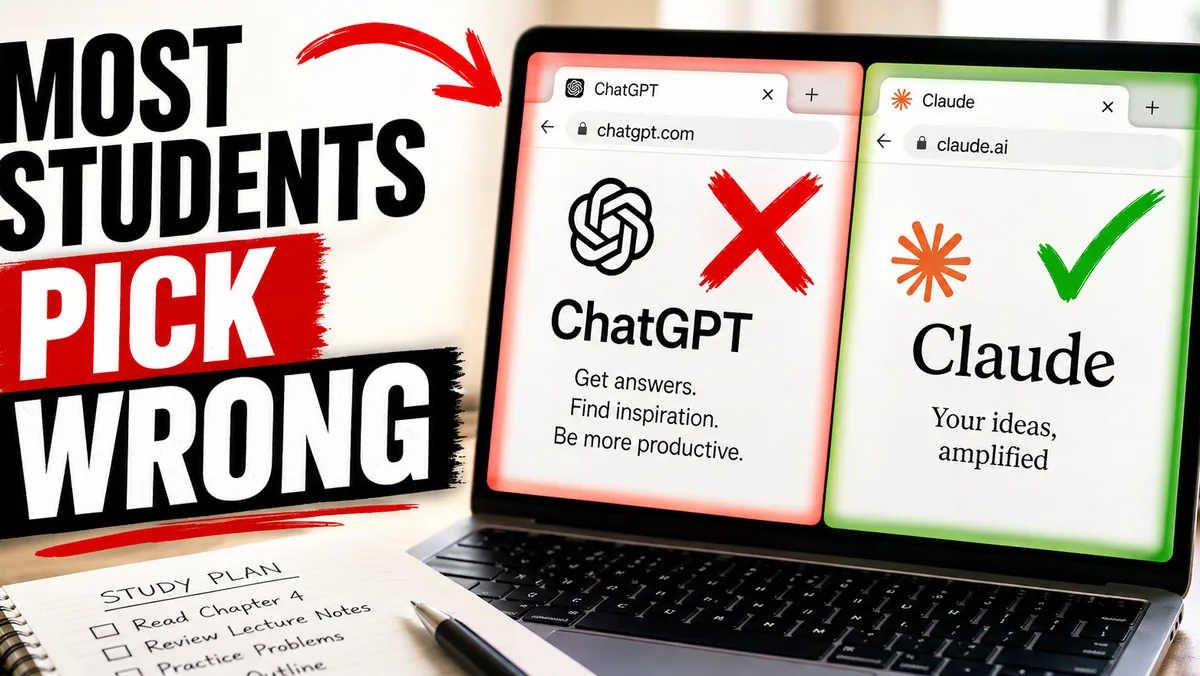

It's a great time to be a student with AI. It's just not a great time to be guessing which tools to use.
If you've been told a $20/month plan is "essential" — that was probably a YouTuber with an affiliate link. The truth is most students will never need to pay for AI in 2026. The free tools are that good, if you know which one to use for what.
I've spent four years building AI study systems and testing them across ChatGPT, Claude, Gemini, and everything in between. I founded Vertech Academy, which helps thousands of students prep for their exams every month. So I've seen what works, what wastes time, and what quietly gets students flagged for plagiarism.
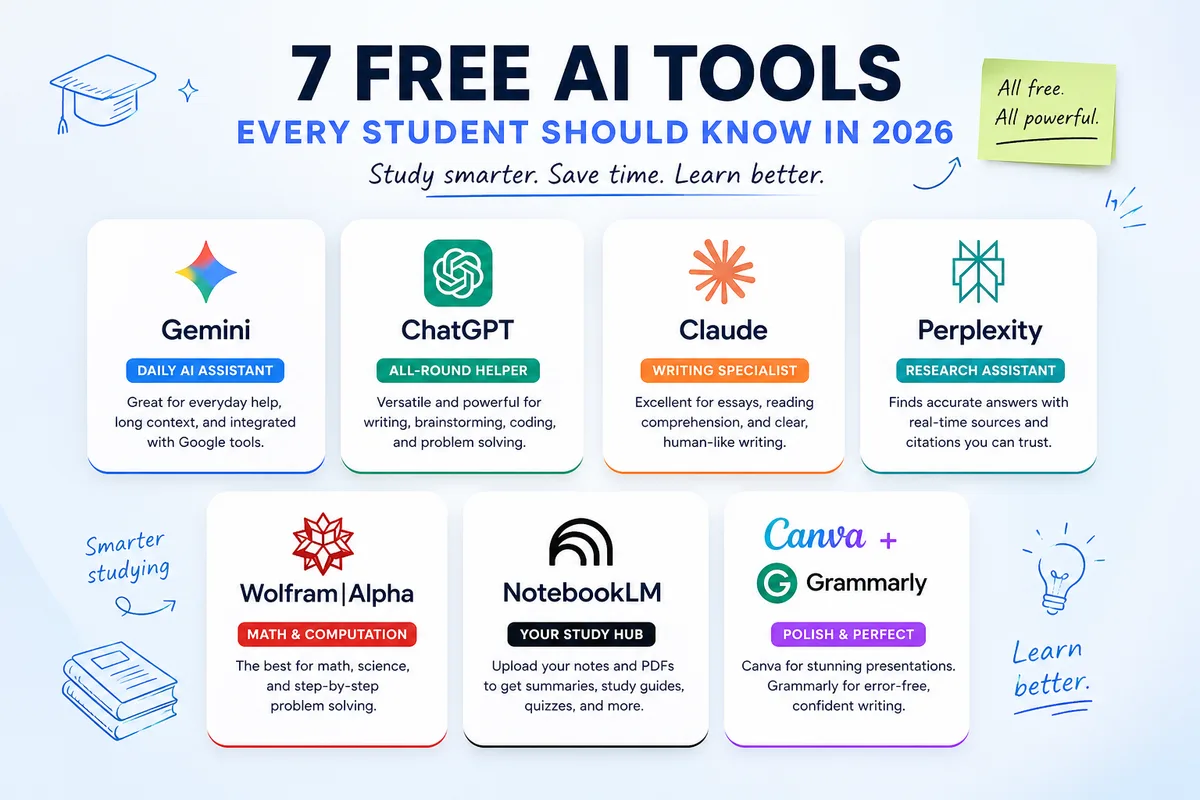
Here are the 7 free AI tools that actually earn their place — plus the rotation strategy that beats almost every paid plan I've seen.
The hidden cost of picking the wrong tool
Before we get to the list — a quick warning, because this is the part the listicles skip.
The wrong tool doesn't just waste your money. It wastes your semester.
I've watched students burn three weeks doing math problem sets in Claude and quietly fail the unit. I've seen one get hauled into the academic integrity office because ChatGPT made up citations on a research paper. I've met dozens who pay $20/month for a Pro plan they open twice a week.
But the most common failure mode isn't any of those. It's quieter. A student picks the right tool, types "explain this topic," reads a generic Wikipedia-style answer, and concludes AI "doesn't really teach you anything."
It does. They just never learned how to talk to it.
None of this is the AI's fault. It's a fit problem — wrong tool, or right tool with the wrong prompt. Pick well on both and AI becomes the most patient tutor you've ever had. Pick poorly and you'll burn time, money, or your GPA. Sometimes all three.
That's why this article isn't just a list. I'm going to tell you what each tool is actually for, where it falls apart, and at the end — what separates students who get real results from students who give up on AI after a week.
Answer machine vs. tutor — pick one before you open anything
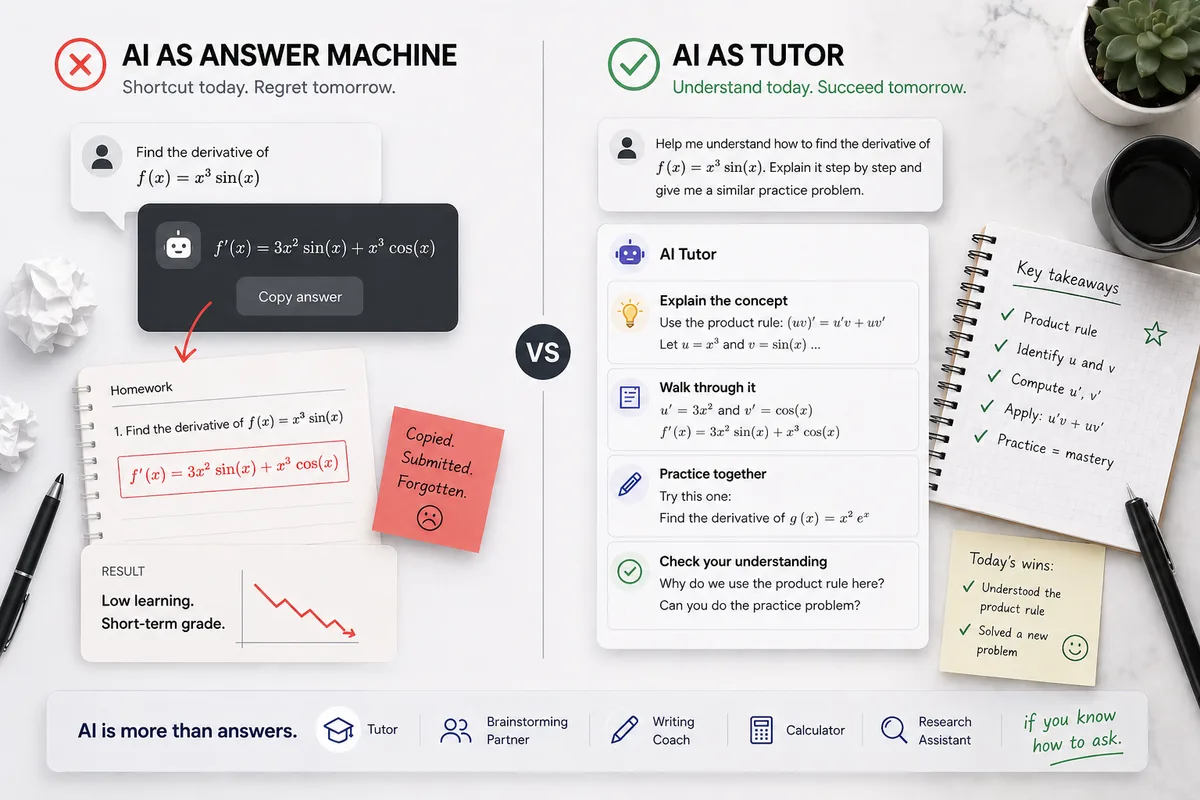
There are two ways to use AI as a student. One works. The other gets you in trouble.
Answer machine: paste the homework, copy the answer, move on. Fast. Useless. Sometimes academic-misconduct-flagged.
Tutor: ask it to explain, then quiz you, then check your reasoning. Slower the first time. Then much faster every time after — because you actually learned it.
Every tool below is capable of both. The difference isn't the tool. It's the prompt. Hold on to that — we come back to it.
Should I use AI to study at all?
Worth pausing on this, because not every student should — at least, not yet.
If you're three days from an exam and haven't opened a textbook, AI won't save you. It's not a shortcut. It's a tutor. Tutors work when you give them time.
But if you're starting the semester and you want to spend your study hours actually learning instead of re-reading the same paragraph for the fifth time, AI is the biggest unfair advantage available to students in 2026. The students who use it well are pulling ahead. Quietly.
So: yes, study with AI. Just not in the last 72 hours. And not as an answer machine.
Should you pay for AI in 2026? Probably not.
When students ask me whether they should pay for a Pro plan, I always tell them the same thing.
Try the free tiers first. Use them for a month. See which one you actually open.
Most students who pay for ChatGPT Plus or Claude Pro do it because they want to feel ahead. They've heard "GPT-5 Pro is 10x better" or "Claude Opus is the smart one." Sure. The paid models are smarter. That helps on hard tasks. It's not as life-changing as you'd think.
A paid plan is just a slightly better version of the free model. It proves you can afford $20/month. It doesn't prove you'll get better grades.
The students I've seen pull ahead in 2026 aren't the ones paying more. They're the ones who learned to prompt well and rotate between free tools. That's what the rest of this article is about.
The 7 free AI tools worth using in 2026
Here are seven tools that earn their place in a student's stack. For each one I'll tell you what it's best for, where it falls apart, and whether the paid upgrade is worth it.
1. Google Gemini — the best free deal of 2026 (if you can claim it)
Best for: general explanations, document work inside Google Docs, students with a .edu email.
Skip if: you're outside an eligible region — the offer quietly shrinks.
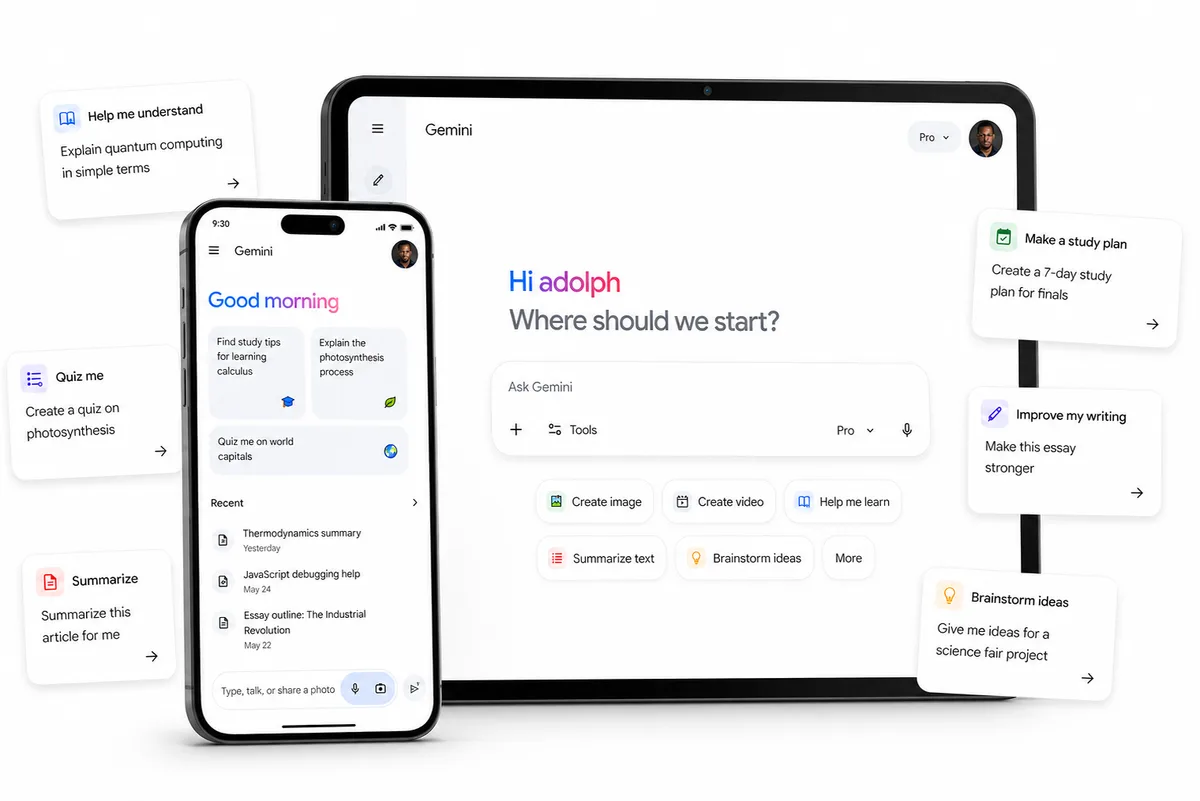
The Google Gemini student plan is the standout free deal of the year. Around 30 seconds to verify with your .edu email through SheerID. I've seen students do it in 20.
The plan covers Gemini 3.1 Pro, Deep Research, NotebookLM Plus, Gemini inside Google Docs and Slides, and 2TB of cloud storage. If you're in an eligible region, that's 12 months free.
But. Google quietly downgraded the offer in several regions over the summer. What was 12 months became 1 month, with no announcement.
Important Warning
Set a calendar reminder for month 11. The plan auto-renews at $20/month. Thousands of students forget every year and accidentally donate $20 to Google. Don't be one of them.
Claim it at gemini.google/students. And if you want a deeper walkthrough, I wrote one here: How to use Gemini to study.
2. ChatGPT — the broadest free tier, with one annoying limit
Best for: brainstorming, outlines, and general all-purpose work.
Skip if: you need long study sessions — the message cap will stop you mid-flow.
If you want the widest feature set on a free plan, ChatGPT is still the one. File uploads, image generation, basic data analysis — all free.
The catch: about 10 messages every 5 hours before it drops you to a lighter fallback model. That's the wall most students hit. If you cram for exams in long sessions, you'll feel it.
ChatGPT has no student discount. Plus is $20/month or $200/year. Tempting once you hit the cap — but the rotation I'll show you below is smarter.
Here's something worth knowing, though. ChatGPT's free tier is capable of being a real tutor. Most students never see that side of it because they type "explain photosynthesis" and get a generic textbook paragraph. The same tool, with the right prompt, will diagnose your gaps, quiz you, and adjust the explanation based on what you got wrong. Same software. Wildly different output. The only variable is how you talked to it.
More on that at the end.
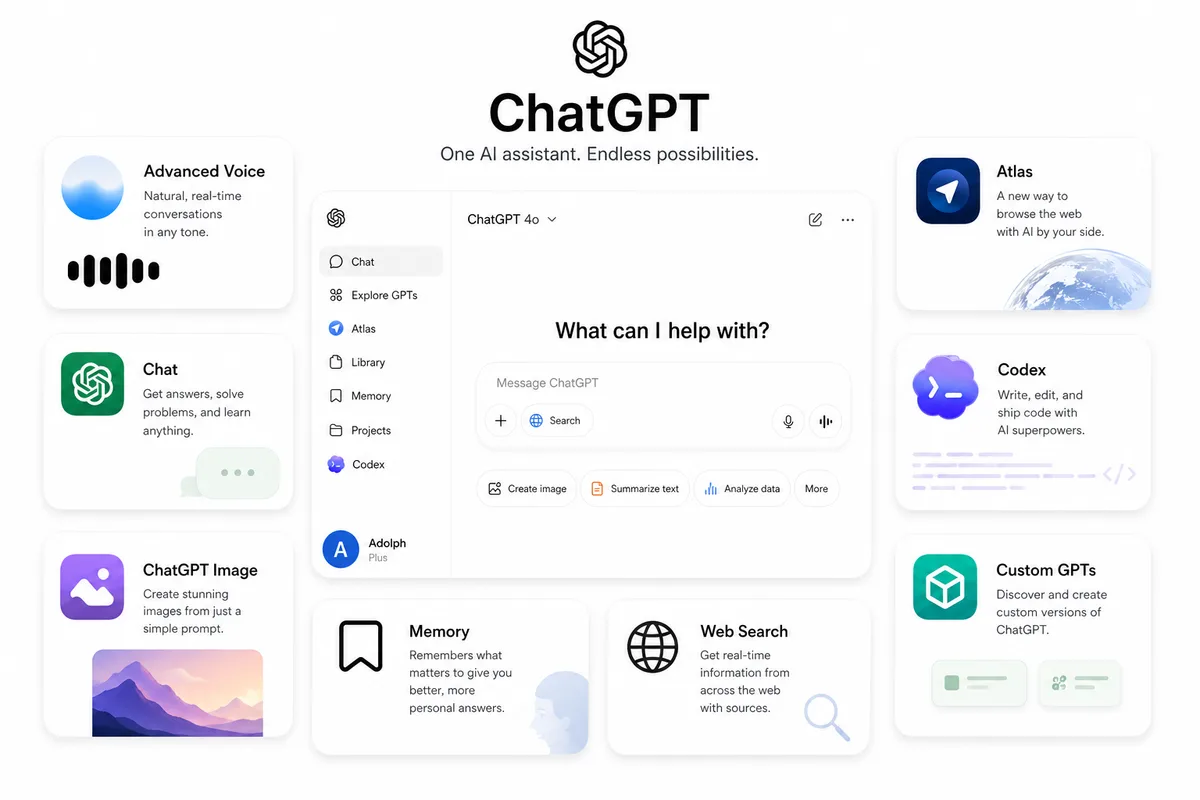
3. Claude — the best free writing tool, the worst free math tool
Best for: essays, long readings, anything where language matters.
Skip if: you need numbers. Use Wolfram instead.
Claude runs on Claude Sonnet and handles long documents better than any other free chatbot. Essay feedback, summarizing dense readings, natural-sounding writing — this is its lane.
There's also a hidden upgrade most students miss. Some universities — Northeastern, LSE, and a growing list — have signed campus-wide deals giving the entire student body free Claude access with full Pro features and higher limits. Worth checking with your school before you ever consider paying.
Quick aside: when we expanded our prompt library to support Claude last year, we had to rewrite every single prompt from scratch. Same words on ChatGPT and Claude produce completely different outputs — different sentence structures, different question types, different "personalities." The lesson isn't just for us. It's for you: don't assume the prompt that worked on ChatGPT will work on Claude. The tool matters. The prompt matters more.
But...
Claude can still slip on multi-step arithmetic — verify numbers in Wolfram. For a model this strong with language, the math mistakes are surprising. It's improving with each update, but I wouldn't trust it alone on anything you're handing in.
If they release a calculator add-on, I'll update this article. Until then: Claude for words, Wolfram for numbers.
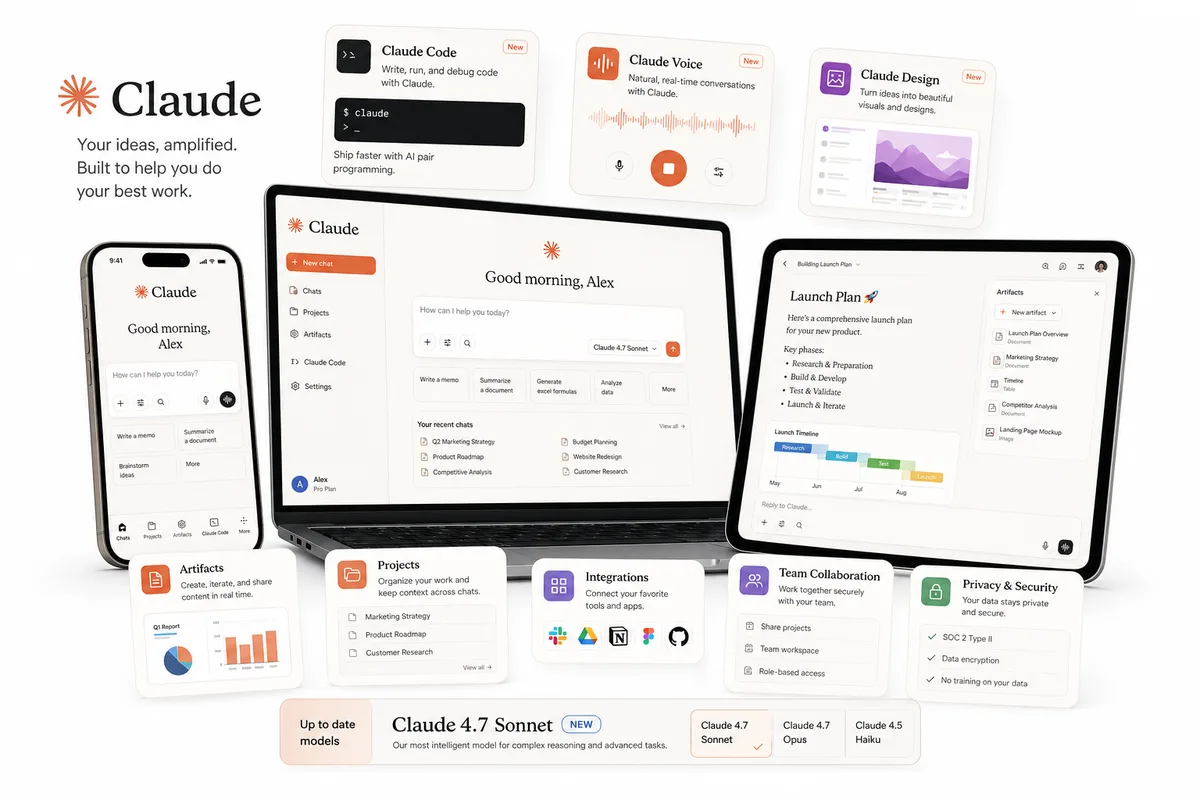
4. Perplexity AI — the only one you can cite without panic
Best for: research papers, fact-checking, finding real sources.
Skip if: you want explanations or back-and-forth tutoring.
Perplexity is a research-first search tool that returns answers with inline citations. If you do research-heavy assignments, this is the one that keeps you out of the academic integrity office.
There's a hidden setting most students miss: toggle on Academic mode and Perplexity prioritizes peer-reviewed sources and academic databases. This single feature has saved more grades than any other tip in this article. I've had students email me about it months after they read about it the first time. "That one toggle changed my GPA" is a sentence I've seen more than once.
ChatGPT and Gemini are both known for making up sources. I've watched it happen. Citation hallucination is one of the most common ways students get flagged — they paste in a "real-looking" reference, the professor checks it, and it doesn't exist.
Perplexity's free tier is plenty for most assignments. The Education Pro plan is $10/month with student verification, but I'd only upgrade once you've actually maxed out the free version on real coursework.
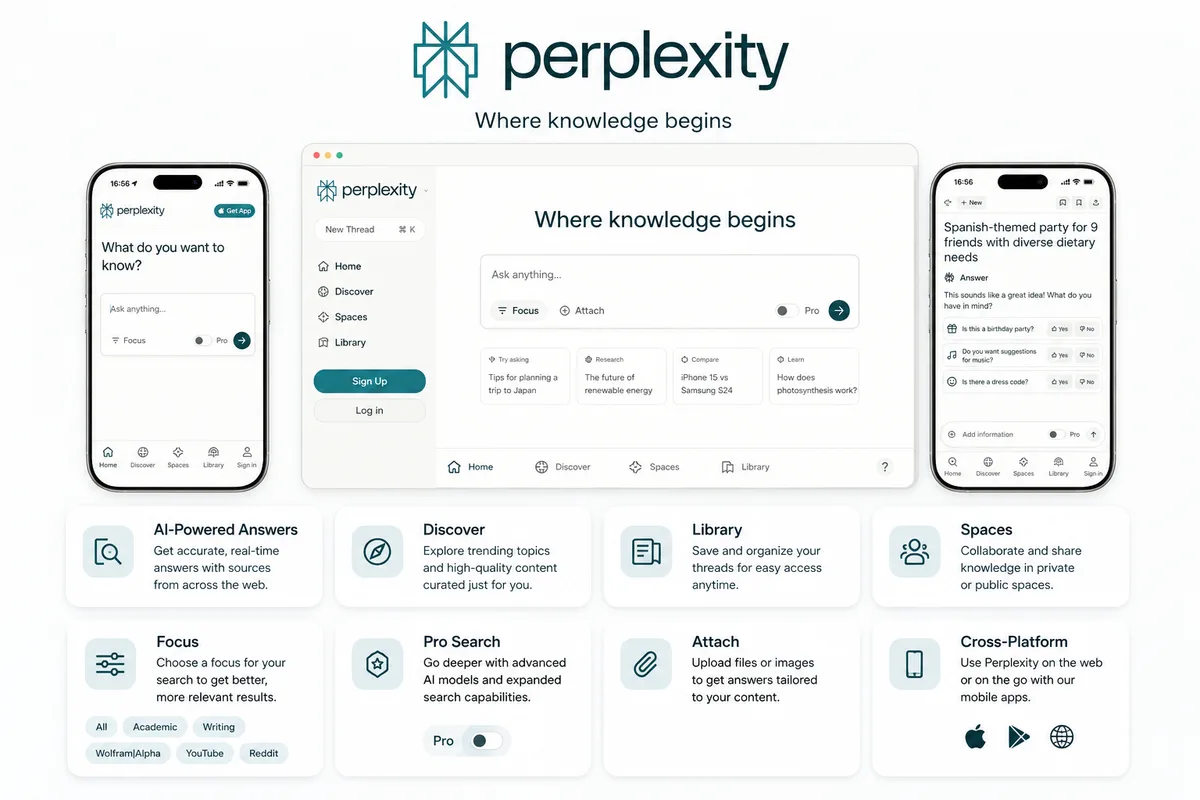
5. Wolfram Alpha — the only AI that's actually right about math
Best for: calculus, physics, chemistry, anything where the answer needs to be correct.
Skip if: you want it explained, not solved.
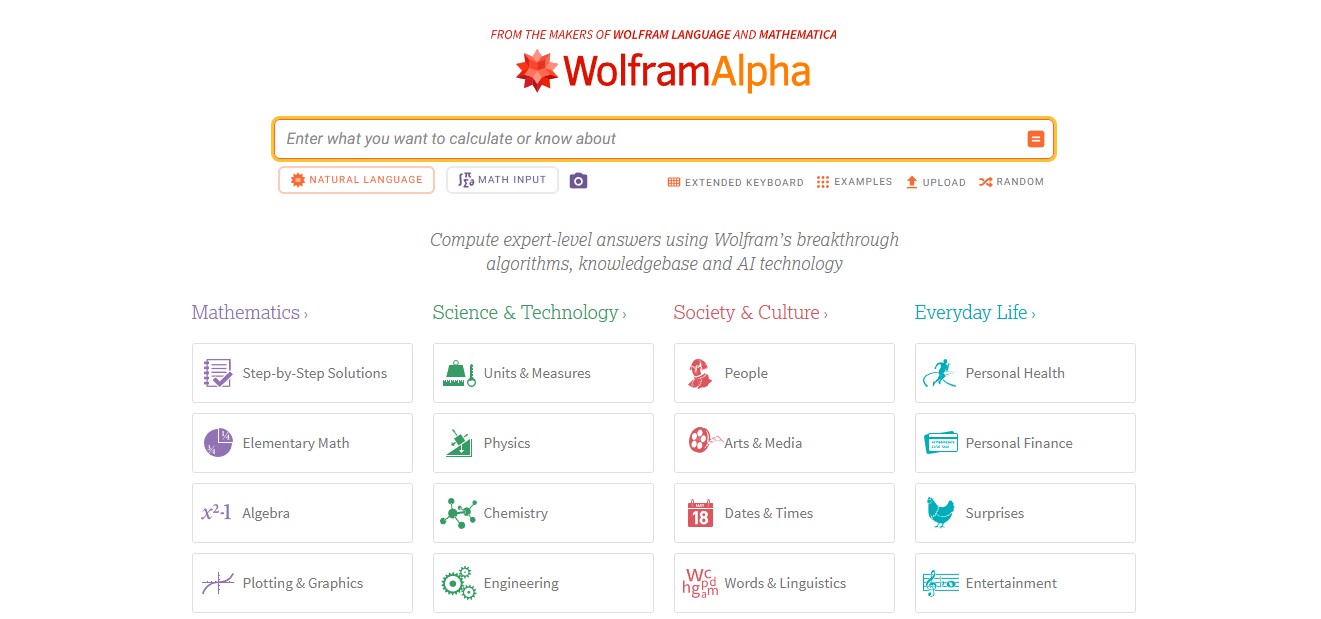
Wolfram Alpha is the engine behind Mathematica. It's been refined since 1988 — older than most of the students reading this. It doesn't predict answers the way chatbots do. It computes them with actual algorithms.
That's the part that matters. Wolfram is right about math in a way no chatbot can match.
The trade-off: Wolfram doesn't teach. It solves. If you don't already know the basics of what you're computing, you'll get a correct answer with no idea why. So pair it with Claude or ChatGPT for the explanation, and use Wolfram to check your work.
Free version is solid. Pro is $7.50/month with student verification via Student Beans, UNiDAYS, or SheerID. The UI looks like it's from 2011 — that's not a joke, it kind of is — but the answers are golden, and honestly, I respect a tool that doesn't waste time on redesigns when the underlying math works.
6. NotebookLM — your textbook, but it answers back
Best for: turning your own lecture notes, PDFs, and slides into a study assistant that only knows your material.
Skip if: you don't have material to upload yet.
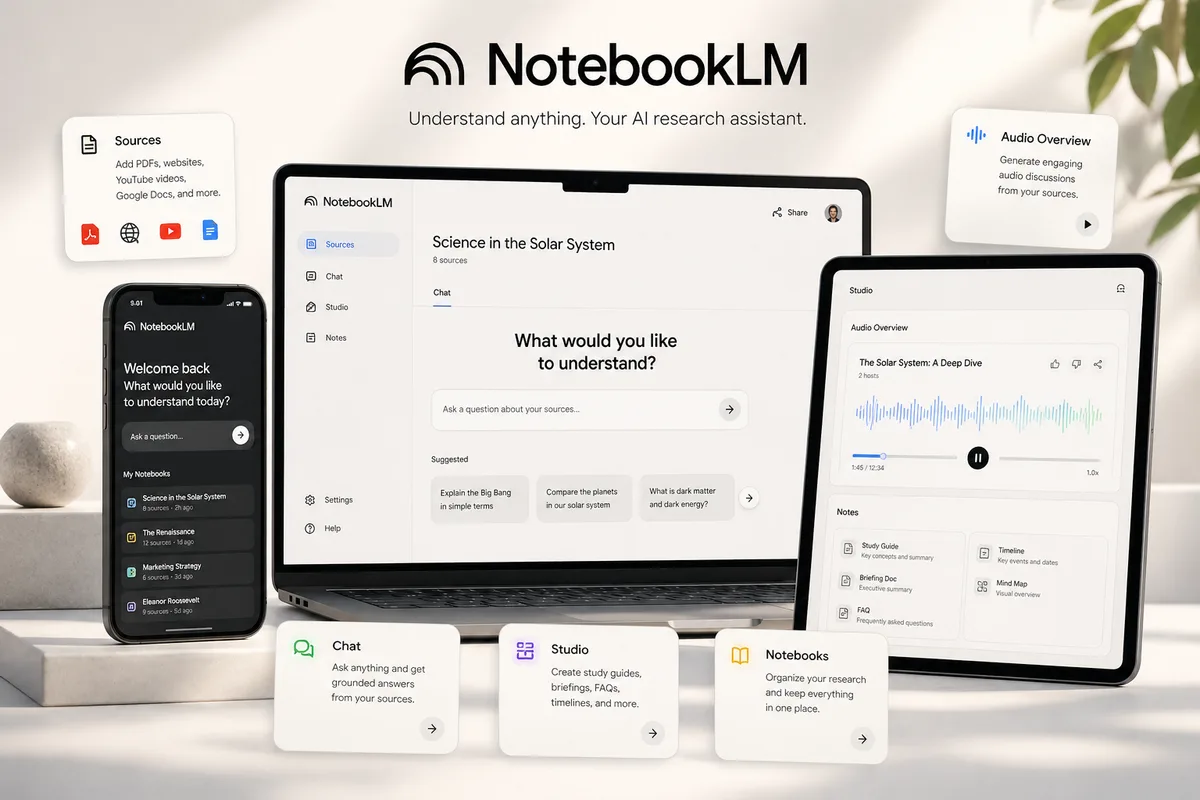
NotebookLM is Google's quiet best-in-class product for students. Upload your lecture notes, PDFs, slides, or even YouTube transcripts. It builds an AI tutor that only knows what you uploaded — no hallucinated facts from the open internet.
That last part is what makes it different. Regular chatbots pull from training data. NotebookLM only pulls from your stuff. So if you ask "what did the professor say about diffusion?" it answers from your professor's actual slides, not from Wikipedia.
NotebookLM also has an audio overview feature that generates a podcast-style breakdown of your material. I was skeptical at first. Then I watched students start playing them on their commute and showing up to lectures already half-prepared. It's not your textbook. It just helps you remember what's in it — at times when you couldn't be reading anyway.
7. Canva + Grammarly — the cleanup crew
Best for: the final 10% of any assignment. Slides, polish, presentation.
Skip if: never. These are utilities, not stars. You'll use them eventually.
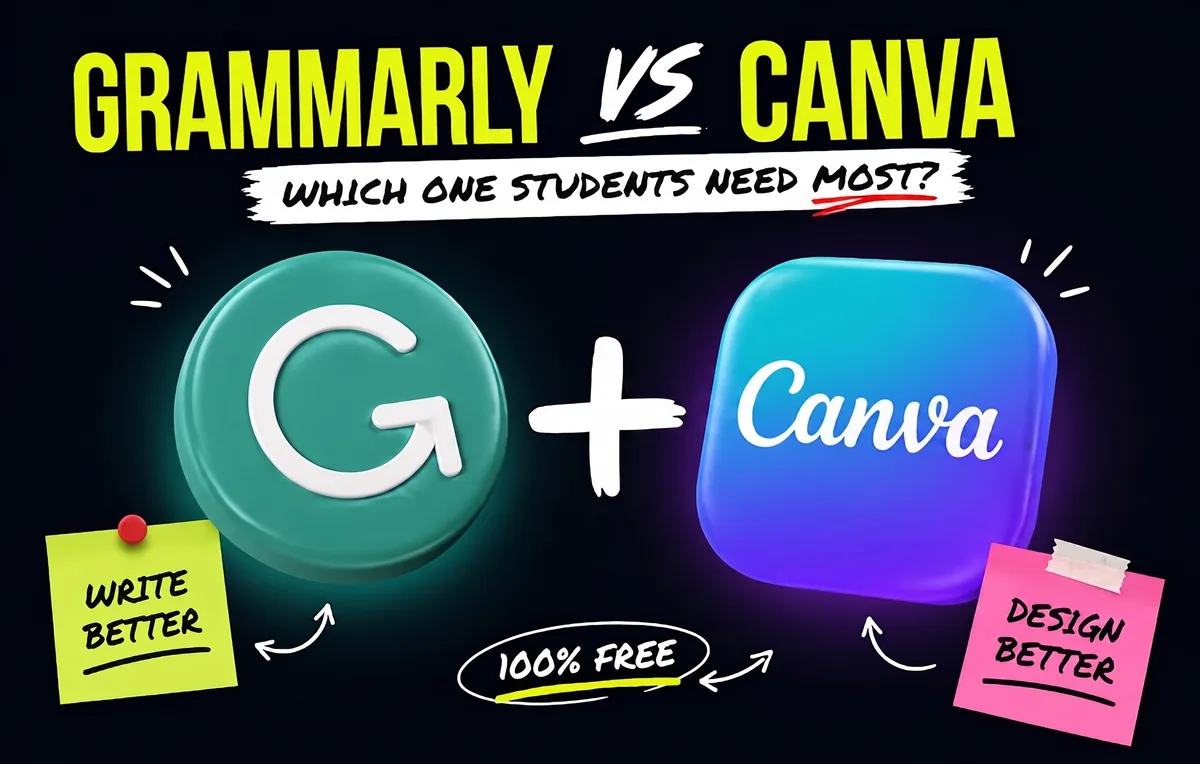
These two get bundled because they're not the main characters of your AI stack. They're the cleanup crew.
Canva handles presentations. The free tier has over 250,000 templates, and Magic Studio turns a bullet-point outline into a slide deck in seconds. If your school has Canva Campus, you get Pro for free. Otherwise, sign up with your .edu email — some universities unlock Pro features automatically.
Grammarly catches grammar, tone, and style issues as you type. Runs in your browser, inside Google Docs, in most editors. The free version covers what most students need day to day. Many schools also give Grammarly Premium for free through institutional licenses. Check with your writing center before paying.
These tools won't write your work. They clean up the boring stuff so you can focus on the actual thinking.
The quick comparison — which tool for which job
| Tool | Best for | Free tier? | Watch out for |
|---|---|---|---|
| Gemini | Explanations, Google Docs work | 1–12 months free w/ .edu | Auto-renews at $20/mo |
| ChatGPT | Brainstorming, outlines | Yes, capped | 10-message limit every 5 hrs |
| Claude | Essays, long readings | Yes | Bad at math |
| Perplexity | Research, citations | Yes | Not a tutor |
| Wolfram Alpha | Math, computation | Yes | Doesn't explain |
| NotebookLM | Studying your own material | Yes | Only as good as your uploads |
| Canva + Grammarly | Polish & presentation | Yes | Utilities, not stars |
The 8th approach — the rotation that beats every $20/month plan
Here's what I've been building up to.
Most students pick one AI and try to use it for everything. That's why they hit walls — and why they end up paying $20/month for a Pro tier that still can't do math properly.
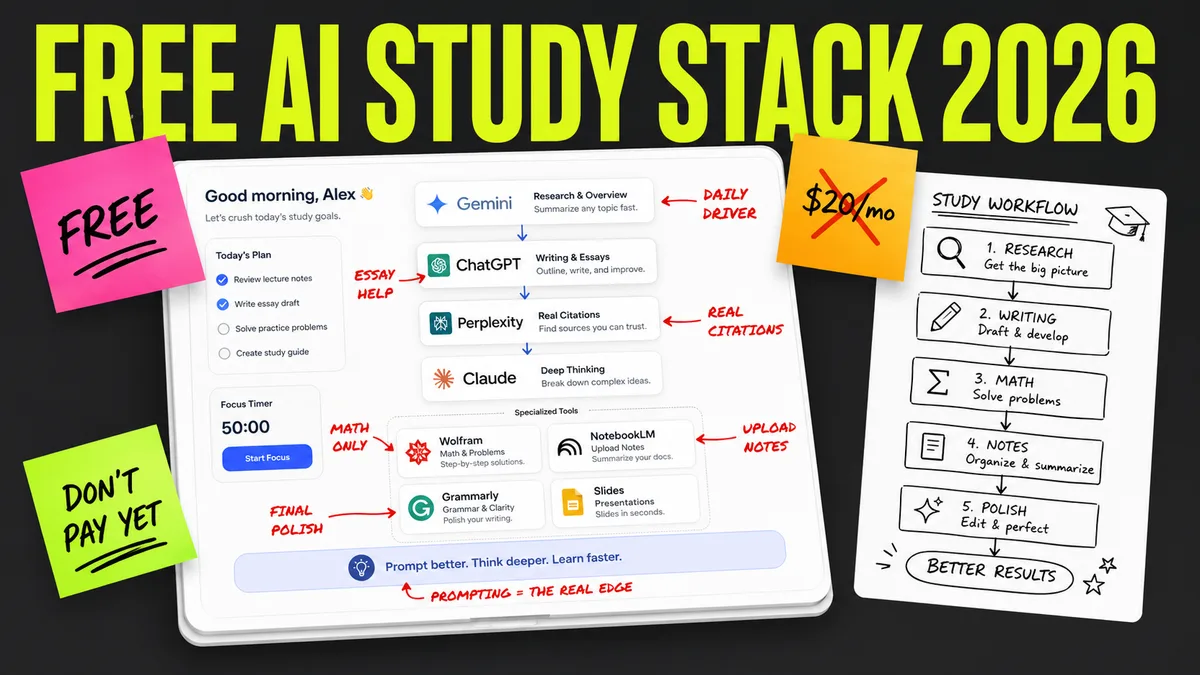
The smarter move is a rotation. Each tool gets the job it's actually good at. Nothing more. The whole stack is free.
This is how I'd run a typical student workflow in 2026:
Step 1 — Research and sources: Perplexity (Academic mode)
Start every research-heavy assignment here. Real citations, no hallucinations. Pull 5–10 sources you can actually defend.
Step 2 — Understanding the material: NotebookLM
Upload those sources plus your lecture notes. Now you have a tutor that only knows your material. Ask it to summarize, quiz you, find the gaps in your understanding.
Step 3 — Writing and structure: Claude
Once you know what you want to say, Claude is where you say it. Outline, draft, get feedback on clarity. Its long-document handling means you can paste in a full draft and get real edits — not just "this looks great!"
Step 4 — Math and computation: Wolfram Alpha
If your assignment touches numbers, this is where you verify them. Don't trust Claude or ChatGPT to compute. Don't trust yourself either, honestly. Wolfram is the safety net.
Step 5 — Brainstorming, when you're stuck: ChatGPT
When you've hit a wall on an idea or angle, ChatGPT's free tier is excellent at unblocking. It's not the deepest thinker but it's the best brainstorming partner.
Step 6 — Polish: Grammarly + Canva
Grammarly catches what you missed. Canva turns your bullet outline into slides if you need to present.
That's the stack. Six tools, zero dollars, and it beats almost every paid plan a student could buy — because no single Pro plan does all six things well.
Want this rotation as a study tip?
I made a quick breakdown of the exact tool rotation strategy. Keep it open during study sessions or share it with classmates. Read it here.
But there's a catch.
The rotation is the hardware. The prompt is the software.
Here's what I haven't told you yet.
You can run the perfect rotation above and still get mediocre results. I've watched it happen. A student opens Claude with a 40-page reading and types "summarize this." Claude gives them a one-paragraph summary that misses everything important.
Then the student concludes Claude isn't that good. Same student, two weeks later, opens Claude with the same reading and the right prompt — one that tells Claude how to summarize, what to highlight, what to skip, and what diagnostic questions to ask the reader at the end. Now Claude is doing the work of a $40/hour tutor. For free.
Same tool. Different prompt. Different outcome.
This is the part the free-tools articles never tell you. The tool is 30% of the result. The prompt is the other 70%. And the prompts most students use are "explain X" or "summarize this" — the absolute floor of what these models can do.
What good prompts actually look like
I won't paste our prompts in this article. They're about 8,000 characters each — full systems with diagnostic questions, follow-up logic, error handling, and branches for "what to do if the AI gets confused." Pasting one would take up half the page.
But here's what makes a real student prompt different from the ones you'll find on Reddit:
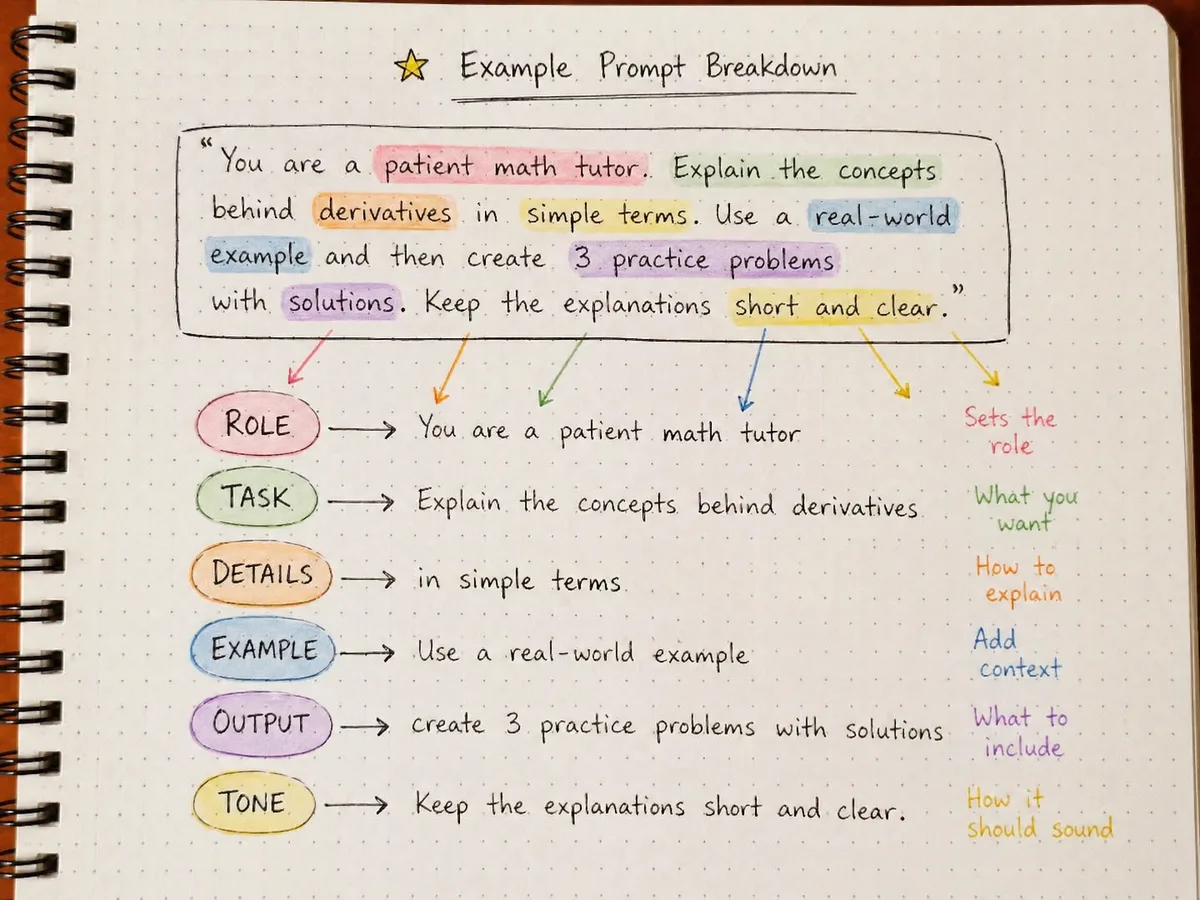
- A real prompt assigns a role and an objective. Not "explain photosynthesis." Something closer to: "Act as a tutor who has watched me fail two quizzes on this topic. Before explaining, ask me three questions to find out exactly where my understanding breaks down."
- A real prompt defines the loop. Explain, then quiz, then adjust based on what I got wrong, then re-explain at the right level. Most students stop at "explain." The loop is where the learning happens.
- A real prompt blocks the bad habits. Tells the AI not to just give the answer when I'm clearly trying to figure it out. Tells it not to over-flatter. Tells it to push back when I'm wrong.
- A real prompt is rebuilt for each model. ChatGPT, Claude, and Gemini all interpret the same words differently. A prompt that works on ChatGPT might be too directive for Claude or too vague for Gemini. We rebuild every prompt three times because of this. It's the work nobody on a free-prompt Reddit thread is going to do for you.
The students who run the free tools with prompts like this are the ones I see pull ahead. Same six tools. Different result. Every time.
Where Vertech fits
I built Vertech Academy because I got tired of watching students give up on AI after a week of bad prompts.
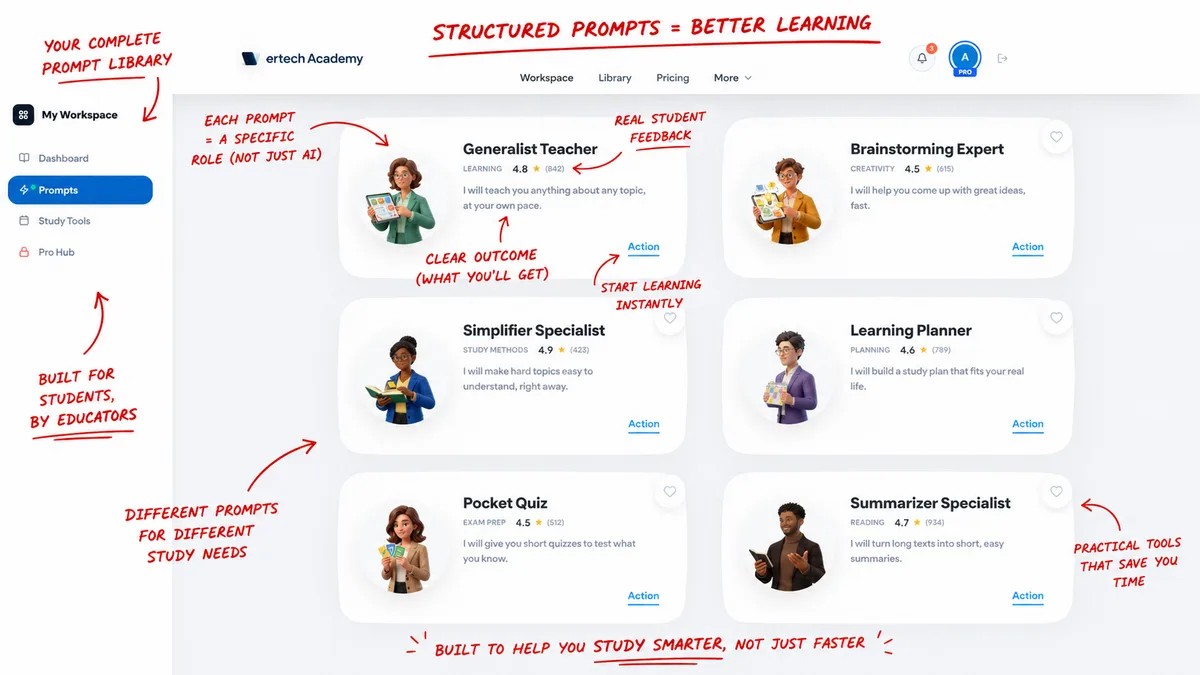
It's a prompt library — full systems engineered around the workflows above. Chemistry Tutor for tutoring. Notes Organizer for turning lecture chaos into actual study material. Essay Coach that coaches without ghostwriting. A few others. Each one rebuilt across ChatGPT, Claude, and Gemini because that work matters. What our users tell us, consistently, is the same thing: their grades on exams went up.
It's $29/month. The full library, rebuilt across ChatGPT, Claude, and Gemini, updated every time the models change. Our guarantee is simple: if your grades don't go up, you don't pay.
If you've read this far, you're not the type who copies answers. You're the type who wants the tool to teach you. That's who these are built for.
One thing worth saying. Most students find us three days before an exam, panic-Googling "how to study fast." That's not when the prompts work best. They work best three to four weeks out — long enough to actually learn the material, not just glance at it. If midterms or finals are on your calendar in the next month or two, this is the window. Not the week of.
There's free stuff in there too, if you look around. I'm not going to link it directly. The students who poke around the site and find it are the ones who actually use it.
Frequently asked questions
Is ChatGPT free for students?
Yes — the free tier of ChatGPT works for any student and includes file uploads, image generation, and basic data analysis. It limits you to about 10 messages every 5 hours before dropping to a lighter model. There's no student discount on Plus.
Which AI is best for math homework?
Wolfram Alpha, by a wide margin. Chatbots like ChatGPT and Claude predict answers based on patterns in their training data, which means they confidently produce wrong arithmetic. Wolfram computes answers with real algorithms — the same engine behind Mathematica.
Does Claude have a student discount?
Not directly. But several universities (Northeastern, LSE, and a growing list) have signed campus-wide deals that give students free Pro-level access. Check with your school before paying anything.
Is NotebookLM really free?
Yes. The basic version is fully free, no strings attached. If you have the Google AI Pro student plan, you get NotebookLM Plus included with higher limits and more features.
Do I need to pay for AI to keep up in 2026?
No. The rotation above costs $0 and outperforms most paid plans for typical student work. Pay for a Pro tier only after you've genuinely maxed out the free version on real coursework — not because a YouTuber told you to.
Can I get flagged for plagiarism if I use AI?
Yes — most commonly when AI invents citations that don't exist. This is why Perplexity (with Academic mode on) is the safest tool for any research-heavy assignment. Always verify citations against the actual source before submitting.
Do I really need a prompt library if the free tools are already good?
Honestly, no — not if you're willing to spend three or four months figuring out what prompts work and rebuilding them every time a model updates. The free tools work. The question is whether you want to skip that learning curve. That's what we sell. Not the AI. The prompt.
What if your prompts don't work for me?
Then I refund you, no questions. 60 days. Almost nobody asks — but the offer's there because I'd rather you try and decide for yourself than wonder.
My final suggestion
If you're just starting, claim Gemini's student plan and play with it for a week. Set the calendar reminder. Don't pay for anything yet.
If you've got a real assignment this week, run the rotation. Perplexity for sources. NotebookLM for understanding. Claude for writing. Wolfram for math. Grab the cheat sheet so you don't have to remember which goes where. Before you submit, running the draft through a free AI detector is a quick way to make sure nothing reads as AI-generated.
And if you've got a midterm or final on your calendar in the next month or two — that's the window. Not the week of, when nothing sticks. Three to four weeks out, when the prompts have time to actually teach you something.
That window is open right now. Most students miss it and show up to finals week panicking.
Free tools first. The prompts when you're ready — and if your exams are a month out, you're ready.