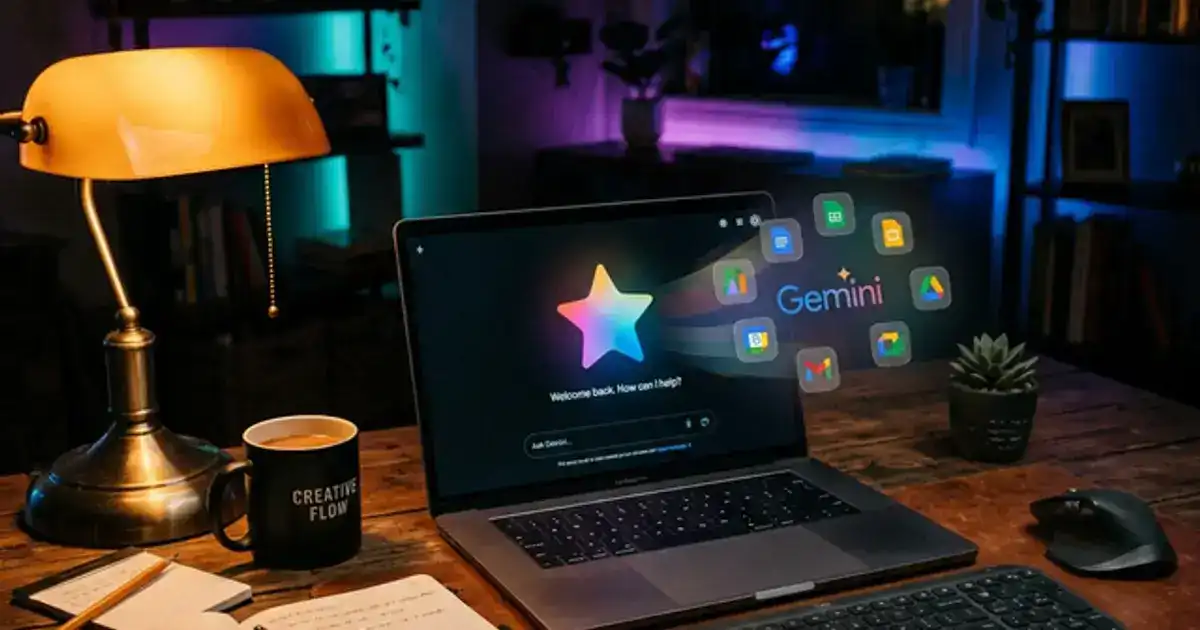
"made reading 40-page psych papers way less painful" — Emily, Psychology
Gemini
¡Buenos días!
¿En qué te puedo ayudar hoy?
Explicar un concepto
Resumir un texto
Escribe, habla o comparte...
Plan de estudio
Generado
Resume este documento PDF de 40 páginas.
Google Docs
Sincronizado hace 2m
Notas del Trimestre
Conectar
YouTubeResumido hace 5m
2 weeks part time
Una guía sencilla y directa para empezar.
4.6
De las reseñas de los usuarios de este programa.
Principiante
Un teléfono, tablet u ordenador con internet estable.
Horario flexible
Ritmo flexible para estudiantes
Aprende a tu propio ritmo
Curso introductorio — Cómo usar Gemini
Si ya usas Google Docs o Drive para estudiar, Google Gemini es la IA más poderosa que puedes aprender. Vive directamente en el ecosistema que ya usas.
Este curso intensivo de 2 horas te enseña a extraer información de tus PDFs en Google Drive y generar borradores en Docs.
También cubriremos cómo usar su acceso a la web en tiempo real.
¿Por qué elegir Gemini?
La ventaja principal es el acceso a internet y su integración con Google Workspace. No hace falta subir archivos.
La mayoría de los estudiantes prueban Gemini, reciben respuestas genéricas y no vuelven. Nosotros te daremos la estructura correcta para obtener resultados precisos.
Habilidades que desarrollarás:
Resumir Documentos
Uso de Google Workspace
Personalizar Gemini
Requisitos:
Una computadora de escritorio, portátil o tableta (los dispositivos móviles funcionan para la reproducción de video, pero se recomienda una computadora de escritorio porque los módulos interactivos funcionan mejor en una pantalla más grande).
Una conexión a internet estable.
Una cuenta gratuita con Gemini (no se requiere plan de pago, te mostraremos cómo configurarla).
Ritmo flexible para estudiantes
Habilidades prácticas que puedes usar de inmediato
¿Qué es Vertech Academy?
Es una plataforma educativa que ofrece contenido tanto gratuito como de pago. Te enseñamos cómo usar la IA correctamente, desde guías de inicio de acceso abierto hasta una certificación profesional premium completa.
Estaremos añadiendo nuevas funciones, herramientas y materiales en las próximas semanas.
¿Qué gano yo con esto?
La mayoría de la gente trata a Gemini como un chatbot más. Te mostraré cómo usar su integración profunda con Google Docs y la búsqueda en vivo para automatizar tu flujo de trabajo sin cambiar de aplicación.
🤖
Entender lo básico
Analizaremos exactamente qué es Google Gemini y cómo funciona, sin jerga confusa.
✍️
Escribir mejores prompts
Deja de recibir contenido genérico. Aprende a usar marcos estrictos para obtener exactamente lo que necesitas.
📁
Resumir tu Drive
Deja de copiar y pegar. Conecta Gemini directamente a tus Google Docs y Drive para resumir archivos enormes al instante.
🔍
Encontrar hechos reales
Usa el acceso web en vivo de Gemini para encontrar hechos actualizados y fuentes en las que realmente puedas confiar.
📱
Estudiar sobre la marcha
Convierte tu teléfono en un tutor en vivo. Usa la aplicación móvil Gemini y el modo de voz para estudiar en cualquier lugar y en cualquier momento.
Habilidades que adquirirás
Herramientas que aprenderás
Detalles que debes saber
Impartido en inglés, francés y españolDisponible en todo el mundo
100% onlineEmpieza cuando quieras, aprende a tu propio ritmo
Garantía de 60 díasReembolso completo, sin hacer preguntas
Temario del curso
Esto es exactamente lo que cubriremos en este programa. 4 módulos. 2 weeks part time. Ve a tu propio ritmo — no hay fecha límite.
10 min
1. Configuración de tu cuenta
Creemos tu cuenta gratuita, configuremos tu pantalla y aprendamos dónde está todo.
25 min
2. Las herramientas útiles
Nos saltaremos las funciones confusas y te mostraremos las herramientas exactas que realmente usarás.
30 min
3. Escribir mejores prompts
Aprende exactamente qué escribir para obtener respuestas correctas y cómo detectar datos falsos.
10 min
4. Próximos pasos
Ya conoces lo básico. Así es como puedes usar estas destrezas para ahorrar tiempo a diario.

 Aprende conVertech Academy