Introduction: Why Reading Text is Hard for Some
If you stare at a page of notes and nothing sticks, you might be a visual learner. Research shows that the brain processes visual information 60,000 times faster than text.
For years, visual learners had to draw their own diagrams by hand, which takes forever. Napkin AI is a new tool that fixes this. It reads your typed notes and instantly generates professional charts, graphs, and mind maps.
Here is how to use it to hack your studying and visualize your homework.
1. The "Magic" Text-to-Diagram Feature
The core feature of Napkin AI is that you don't need to be a designer. You just need to have notes. It works by analyzing your sentences and guessing the best way to show them visually.
How to do it:
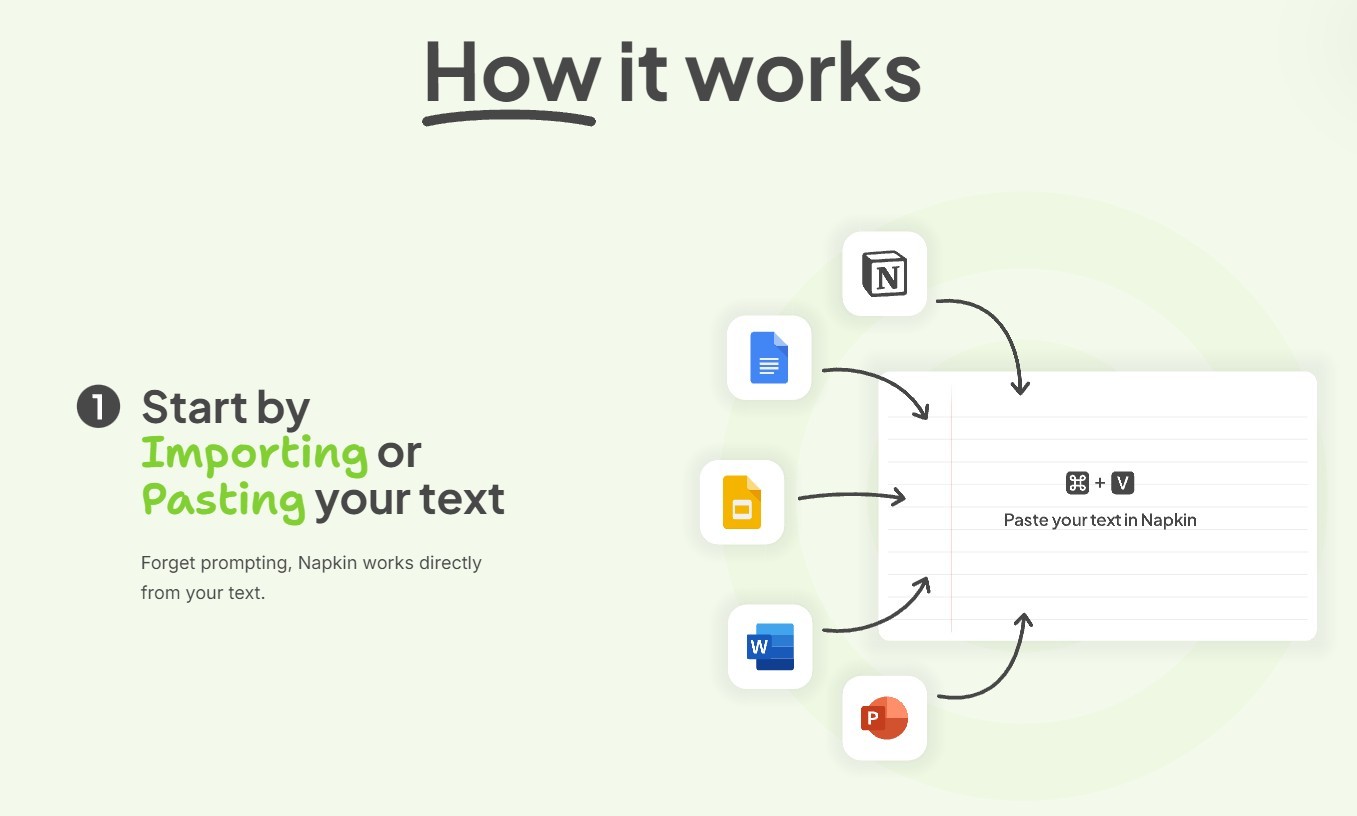
Go to Napkin AI and paste a paragraph from your history or science notes.
Highlight the text you want to visualize.
Click the "Spark" (lightning bolt) icon that appears.
The AI will instantly pop up a menu of suggested diagrams—like a timeline for dates or a flowchart for a process.
Tool to try: Napkin AI
2. Customize Your Visuals
Sometimes the AI's first guess isn't perfect. You can tweak it to match exactly how your brain works.
How to do it:
Change the Style: If the diagram looks too corporate, click the style button to make it look like a hand-drawn sketch (great for feeling less intimidated).
Swap Icons: Click on any icon in the diagram to search for a new one. If it shows a generic building, change it to a specific castle or laboratory.
This step helps you engage with the material, which improves memory retention.
3. Export to Your Study Guide
A diagram is only useful if you can see it while you study. Napkin AI plays nicely with the tools you already use, like Google Docs and Slides.
How to do it: Once your diagram is ready, you have two easy options:
Copy-Paste: Just copy the image and paste it directly into your Google Doc study guide.
Export: Download it as a PNG or PDF to print out for your binder.
4. Best Use Cases for Students
Not sure when to use it? Here are the best subjects for Napkin AI:
History: Turn a list of dates into a Timeline to see the order of events.
Biology: Turn a paragraph about "Photosynthesis" into a Flowchart to follow the energy.
Literature: Turn character descriptions into a Mind Map to see family relationships.
Conclusion: Stop Reading, Start Seeing
If you are a visual learner, forcing yourself to read black-and-white text is fighting against your own brain. By using Napkin AI, you can translate your homework into a language you actually understand.


