Vertech Academy LogoVERTECH
LibraryFeaturesPricing
Log InGet Free Prompt
Back to Insights
Career
How to Write a Cover Letter With ChatGPT in 15 Minutes

How to Write a Cover Letter With ChatGPT in 15 Minutes

Vertech Editorial Mar 5, 2026 0 min read

Share

Table of Contents

Vertech Editorial

Mar 5, 2026

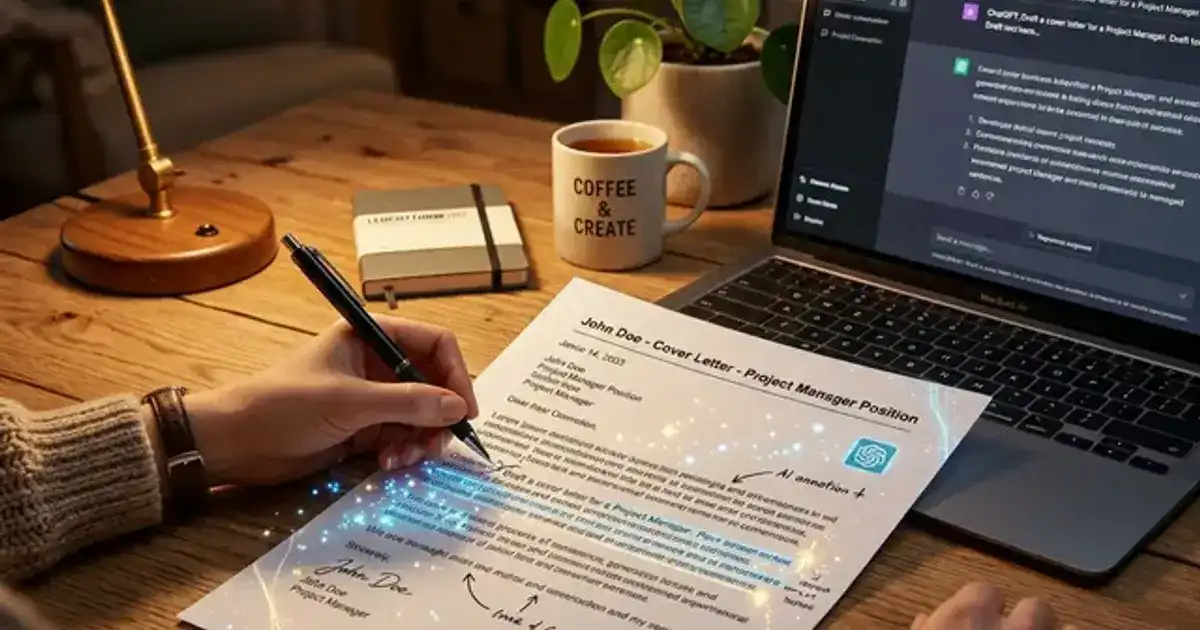
Stop staring at a blank page. Give ChatGPT the job description and your resume, and it drafts a cover letter you can actually send.

Watch Video
Write a Cover Letter in SECONDS with Chat GPT

Write a Cover Letter in SECONDS with Chat GPT·AdviceWithErin

The fastest way to write a cover letter with ChatGPT is to paste the job description + your resume bullet points + a clear prompt, then spend 10 minutes personalizing the draft. Total time: 15 minutes instead of 2 hours of staring at a blank page.

Cover letters are still required for most internships and entry-level jobs. Nobody enjoys writing them, and most students produce the same generic template. ChatGPT does not make the cover letter great - you do. But it eliminates the hardest part: getting started.

The Prompt That Actually Works

Copy this prompt:
"Write a cover letter for the following job. Use a professional but warm tone - not robotic or overly formal. Keep it under 300 words. Highlight how my experience matches their requirements.

JOB DESCRIPTION:
[paste the full job posting here]

MY EXPERIENCE:
[paste 3-5 bullet points from your resume that are most relevant]

ADDITIONAL CONTEXT:
[add anything personal - why you are interested in this specific company, a project that relates, etc.]"

Why You Cannot Just Send the AI Draft

ChatGPT produces a solid starting point, but the output sounds like... ChatGPT. Hiring managers read dozens of cover letters and can spot the generic AI pattern: overly polished, zero personality, vague enthusiasm.

After getting your draft, spend 10 minutes on these edits:

1

Replace generic enthusiasm with specifics - "I am excited about this opportunity" becomes "I have been following your team's work on [specific project] since last year."

2

Add one personal detail - A sentence about why this role matters to you specifically. This is what separates your letter from 50 identical AI-generated ones.

3

Cut the filler - Remove phrases like "I believe I would be a valuable asset" and "I am confident that my skills align." These mean nothing. Replace them with concrete examples.

Mistakes That Get Your Letter Rejected

Red flags hiring managers notice

Addressing the letter to "Dear Hiring Manager" when the name is in the job posting. Using the company name wrong. Mentioning skills the job did not ask for. And the biggest one - a cover letter that could apply to any company at any job. Make it specific or do not bother.

For more AI-powered career tools, explore our Generalist Teacher prompt at Vertech Academy - it can help you prepare for interviews, practice elevator pitches, and refine professional communication.

Frequently Asked Questions

Will employers know I used AI for my cover letter?
If you send the raw ChatGPT output, probably yes - it has a distinctive style. If you edit it, add personal details, and make it sound like you, no. The goal is to use AI as a starting point, not as the finished product.
Should I write a different cover letter for every job?
Yes, but with ChatGPT it takes 15 minutes per letter instead of 2 hours. A tailored cover letter significantly increases your chances compared to a generic one. The extra time is worth it for roles you actually want.
How long should a cover letter be?
250-400 words. Three to four paragraphs: opening hook, relevant experience, why this company specifically, and a closing call to action. Hiring managers spend about 30 seconds on a cover letter - make every sentence count.
#ChatGPT#Cover Letter#Job Applications#Career#AI Tools
6 Best AI Writing Assistants That Are Not ChatGPT
Productivity0 min read

6 Best AI Writing Assistants That Are Not ChatGPT

ChatGPT is not the only game in town. These AI writing tools solve specific problems that ChatGPT handles poorly.

Continue Reading

Listen to this article

Loading voices...

The Prompt That Actually Works
Why You Cannot Just Send the AI Draft
Mistakes That Get Your Letter Rejected
Frequently Asked Questions
00:0000:00

Audio powered by your browser's built-in voice engine·Shift + Space to play/pause

00:00 / 00:00
👋 Welcome back — resuming…

Try these techniques yourself

Our AI study prompts help you apply strategies like these to your own courses — free to start.

Explore the prompt library →

Just read about "How to Write a Cover Letter With ChatGPT in 15 Minutes"? Put it into practice.

Join thousands of students using AI study prompts to understand material faster, ace exams, and cut study time in half.

Start Free — No Card NeededSee all plans
60-day money-back guarantee on all paid plans

One subscription.
Every prompt. Done.

Every study prompt in the library. $199/year = $0.55/day.

Monthly

$29/mo

Best Value

Annual

$249$199/yr

$0.55/day — less than a coffee

VIP

$299/yr

⚡ Save $149/yr vs. monthly. Launch pricing ends soon.

Get Instant Access — No Credit Card

60-day money-back guarantee · Prompts updated monthly

Vertech AcademyVERTECH ACADEMY

The prompts your classmates are using.

vertechacademy@gmail.com

Product

Prompt LibraryPricing

Learn

BlogFAQGuarantee

Legal

Privacy PolicyTerms of Service

© 2026 VERTECH ACADEMY. ALL RIGHTS RESERVED.

For students who are done guessing.