Introduction: The "Writer's" AI
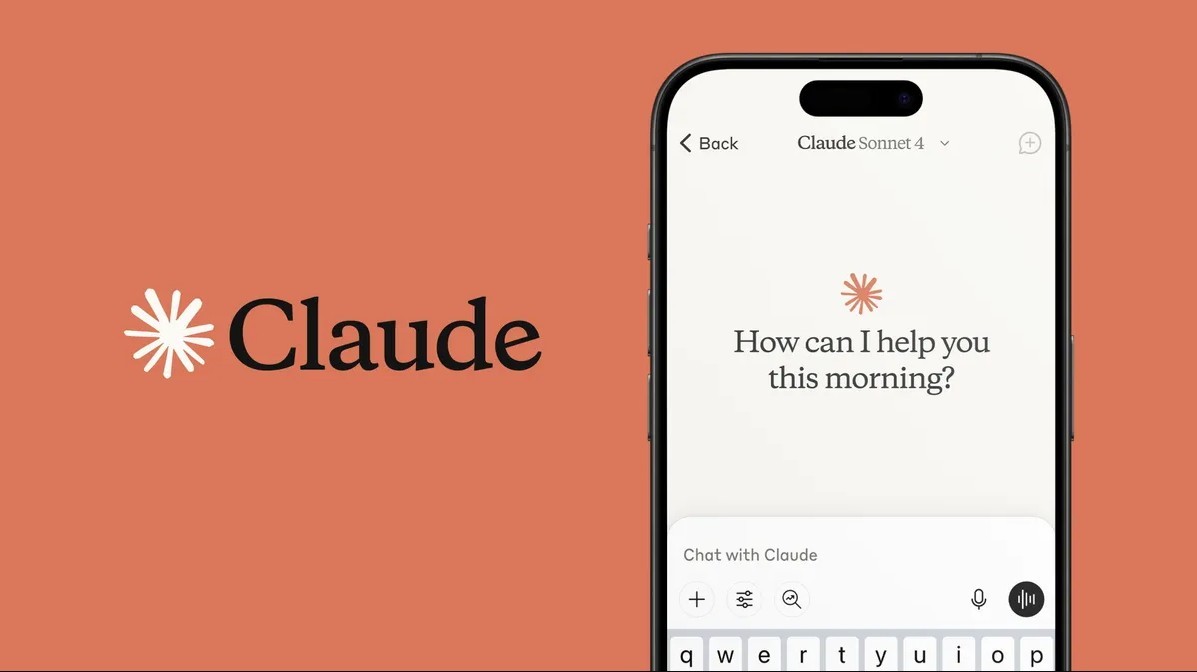
While ChatGPT gets all the headlines, many students and writers have quietly switched to a different tool: Claude (created by a company called Anthropic).
Why the switch? Because while ChatGPT is great for coding and quick facts, Claude is often described as having a more natural, human-like writing style. It reads less like a robot and more like a thoughtful editor.
But with a more powerful tool comes a bigger risk. Because Claude sounds so human, it is tempting to let it write your whole essay. That is still plagiarism.
Here is how to use Claude’s unique features to brainstorm and plan your essay ethically, ensuring the final work is still 100% yours.
1. The "Rubric Check" (Claude’s Superpower)
One of Claude's biggest advantages is its ability to handle large amounts of text. You can paste in long documents that other AIs might reject.
Before you brainstorm a single idea, paste your teacher's assignment sheet or grading rubric into Claude.ai and ask it to analyze the requirements.
The Prompt:
"I am pasting my assignment rubric below. Based on this, what are the top 3 things I need to focus on to get a high grade? What are common mistakes I should avoid?"
Why this is ethical: You aren't asking for the answer. You are asking for a "personalized tutor" to help you understand the rules of the game. This ensures you don't miss a critical requirement, like a specific citation style or word count.
2. Finding a Unique Angle
Teachers read hundreds of essays. If you write about the most obvious topic, you will bore them. AI helps brainstorm project ideas and explore new learning angles that you might not have thought of.
Claude is excellent at "lateral thinking"—connecting two unrelated ideas.
The Prompt:
"I need to write an essay about Romeo and Juliet. Most students will write about 'love' or 'fate.' Give me 5 less common, more specific themes that would make for a compelling argument. Do not write the essay, just give me the themes."
This sparks enhanced creativity. You pick the theme that interests you, meaning the direction of the essay is still your choice.
3. The "Counter-Argument" Partner
Strong essays don't just state a fact; they argue a point. To make your argument bulletproof, you need to know what the other side thinks.
Claude is designed to be helpful and harmless, making it a great debate partner.
The Prompt:
"I plan to argue that remote work is bad for mental health. Please act as a devil's advocate and give me three strong reasons why remote work is good for mental health, so I can refute them in my paper."
This supports smarter studying by analyzing weak points in your logic before you even start writing. You are doing the heavy lifting of synthesis; Claude is just providing the raw materials.
4. Turning Notes into an Outline (Not a Draft)
If you have done your research, you probably have messy notes. Claude can act as an AI study tool to help organize your thoughts into a logical flow.
Paste your own rough notes into Claude and ask for structure.
The Prompt:
"Here are my rough notes on the causes of WWII. Please organize these points into a standard essay outline with a clear Introduction, Body Paragraphs, and Conclusion. Do not add new facts, just organize mine."
The Ethical Line:
Safe: "Organize my notes." (The content is yours).
Risky: "Write an outline based on the causes of WWII." (The content is the AI's).
5. Cleaning Up Your "Word Vomit"
Sometimes the hardest part is just getting the sentence to sound right. If you have written a paragraph but it feels clunky, you can ask Claude for feedback.
The Prompt:
"I wrote this paragraph, but it feels repetitive. Can you give me three suggestions on how to make it more concise? Do not change the meaning."
This allows you to learn with AI effectively by seeing different ways to phrase your own thoughts.
Conclusion
Claude is a powerful engine for creativity, but you must remain the driver.
The benefits of AI in education, like reduced stress and smarter studying, only apply when you use the tool to support your learning, not replace it. Use Claude to understand the rubric, find a fresh angle, and organize your messy thoughts. But when it comes time to draft the paragraphs, close the tab and write it yourself.