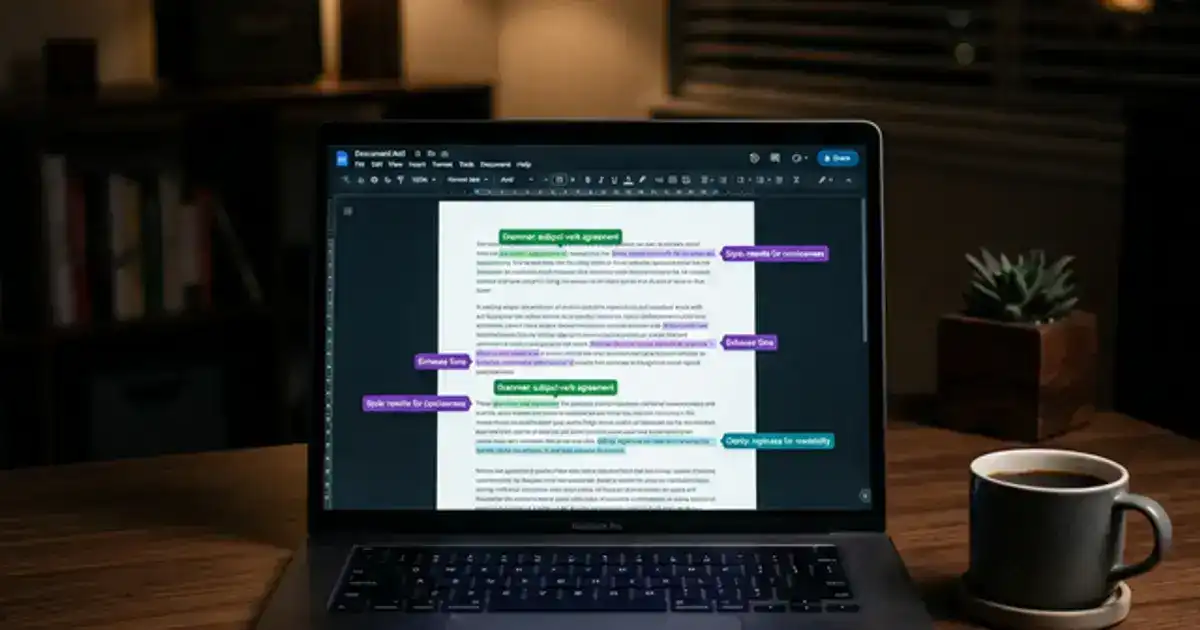
AI grammar tools like Grammarly, LanguageTool, and even ChatGPT can catch mistakes you would never spot on your own - typos, comma splices, subject-verb disagreements buried in long sentences. The trick is knowing where to draw the line between fixing errors and letting the tool rewrite your paper.
The difference matters more now than ever. Professors are watching for AI-generated text, and a paper that suddenly sounds "too polished" compared to your usual work can raise flags. Here is how to use these tools to clean up your writing without losing what makes it yours.
Grammar Checking vs. Rewriting: Where the Line Is
Grammar checking means fixing actual errors - misspelled words, incorrect punctuation, broken sentence structure. Rewriting means changing how you said something, even if it was not wrong. Most AI tools do both, and they do not always make it obvious which is which.
Grammarly, for example, separates suggestions into categories: correctness, clarity, engagement, and delivery. The correctness suggestions are almost always safe to accept. The clarity ones are usually fine. But "engagement" and "delivery" suggestions often try to rewrite your sentences entirely - and that is where you should be careful.
Rule of thumb
If the tool is fixing something that is objectively wrong (spelling, grammar, punctuation), accept it. If it is suggesting a "better" way to say something that was already correct, think twice. Your phrasing is part of your voice.
Three Grammar Tools That Respect Your Voice
Grammarly
Free + PremiumEveryday grammar and spelling
Stick to "Correctness" suggestions. Be selective with the rest.
LanguageTool
Free + PremiumMultilingual students
Supports 30+ languages. Less aggressive rewriting than Grammarly.
ChatGPT
FreeTargeted feedback with a prompt
Use a prompt that explicitly says "fix only errors, do not change my style."
The ChatGPT Prompt That Fixes Errors Without Rewriting
If you want to use ChatGPT for grammar checking, the prompt matters everything. Without clear instructions, it will rewrite your entire paper in its own voice - which defeats the purpose and could trigger AI detection.
Try this prompt:
"Proofread the following text. Fix only spelling, grammar, and punctuation errors. Do not change any wording, sentence structure, or style. Do not add or remove any sentences. Show me the corrected version and list each change you made."
The key is the instruction to list each change. That makes it easy to review what was fixed and reject anything that went too far. You stay in control.
Three Mistakes That Turn Grammar Checking Into a Problem
- Accepting every suggestion blindly. Tools like Grammarly flag things that are not wrong - just different from its preferred style. Always read the suggestion before clicking accept.
- Using "rewrite this paragraph" prompts. The moment you ask AI to rewrite, you have crossed from editing into generation. That is what detectors catch.
- Running your paper through multiple tools. Each one changes something slightly. After three rounds, the paper sounds nothing like you wrote it.
Your Voice Is the Goal - Not Perfection
Grammar tools are editors, not co-authors. Use them to catch the errors you genuinely missed, then close the tool and move on. A paper with one or two minor issues but a clear personal voice will always score better than a paper that reads like it was machine-polished.
For more tools that help you study without taking over, check out our list of the best free AI tools for students. And at Vertech Academy, our prompts are designed to keep you in the driver's seat.