"my group project drafts went from rough to polished super fast" — Chris, Marketing
2 hours
Una guía sencilla y directa para empezar.
4.8
De las reseñas de los usuarios de este programa.
Principiante
Un teléfono, tablet u ordenador con internet estable.
Horario flexible
Se puede completar rápidamente
Aprende a tu propio ritmo
Curso introductorio — Cómo usar Microsoft Copilot
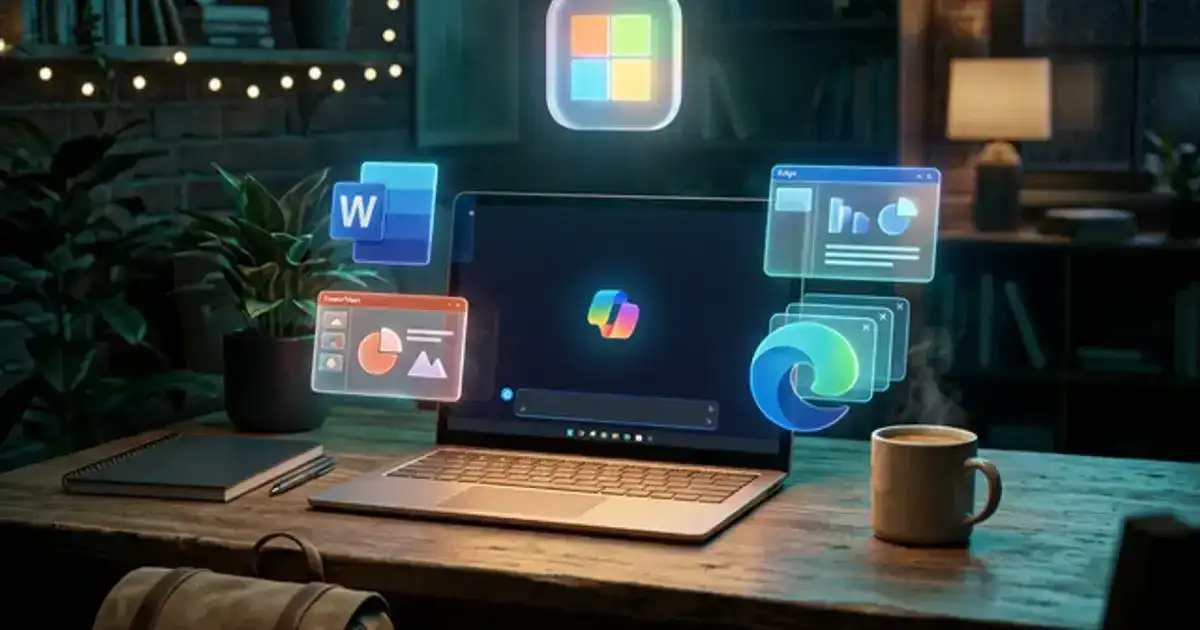
Si usas Office 365 o Windows, Copilot te ahorrará mucho tiempo.
Aprenderás a extraer datos de PDFs masivos sin los límites del ChatGPT gratuito usando Edge.
Nos enfocamos en obligar al modelo a citar webs para que no envíe datos falsos.
¿Por qué Copilot y no ChatGPT?
Copilot te da las capacidades de GPT-4 y acceso a internet gratis. Puede leer las pestañas que tengas abiertas.
Veremos flujos de trabajo exactos para material de estudio sin pagar suscripciones.
Habilidades que desarrollarás:
Integración con el SO
Búsqueda Web en Vivo
Fundamentos de Office 365
Requisitos:
Una computadora de escritorio, portátil o tableta (los dispositivos móviles funcionan para la reproducción de video, pero se recomienda una computadora de escritorio porque los módulos interactivos funcionan mejor en una pantalla más grande).
Una conexión a internet estable.
Una cuenta gratuita con Microsoft Copilot (no se requiere plan de pago, te mostraremos cómo configurarla).
Se puede completar rápidamente
Habilidades prácticas que puedes usar de inmediato
¿Qué es Vertech Academy?
Es una plataforma educativa que ofrece contenido tanto gratuito como de pago. Te enseñamos cómo usar la IA correctamente, desde guías de inicio de acceso abierto hasta una certificación profesional premium completa.
Estaremos añadiendo nuevas funciones, herramientas y materiales en las próximas semanas.
¿Qué gano yo con esto?
La mayoría de la gente ignora Microsoft Copilot. Te mostraré cómo usarlo para leer archivos PDF, redactar correos electrónicos e investigar con fuentes reales sin pagar una suscripción.
🔓
Usar IA gratis
Aprende a usar Copilot para acceder a modelos de IA avanzados y navegar por Internet sin pagar una suscripción.
📑
Leer PDF más rápido
Abre documentos directamente en tu navegador y pídele a Copilot que resuma los puntos clave.
🏢
Escribir mejores correos
Redacta correos electrónicos, resume textos y crea esquemas dentro de los programas de Microsoft Office.
🎓
Mejorar tus estudios
Usa la IA para desglosar temas difíciles, explicar gráficos y ayudarte a prepararte para los exámenes.
🔗
Encontrar excelentes recursos
Usa el acceso a Internet de Copilot para encontrar información actualizada y enlaces que puedas usar para tu investigación.
Habilidades que adquirirás
Herramientas que aprenderás
Detalles que debes saber
Impartido en inglés, francés y españolDisponible en todo el mundo
100% onlineEmpieza cuando quieras, aprende a tu propio ritmo
Garantía de 60 díasReembolso completo, sin hacer preguntas
Temario del curso
Esto es exactamente lo que cubriremos en este programa. 4 módulos. 2 hours. Ve a tu propio ritmo — no hay fecha límite.
10 min
1. Primeros pasos con Copilot
Aprende por qué Copilot es la forma más fácil de acceder a GPT-4 gratis sin pagar suscripciones.
25 min
2. Búsqueda e información en vivo
Usa Copilot para buscar en la web en tiempo real y citar fuentes automáticamente.
20 min
3. Lectura de documentos largos
Usa la barra lateral de Edge para resumir PDFs masivos instantáneamente sin subirlos.
10 min
4. ¿Qué sigue?
Convierte tus nuevos conocimientos de la barra lateral de Edge en flujos de trabajo diarios fiables.

 Aprende conVertech Academy