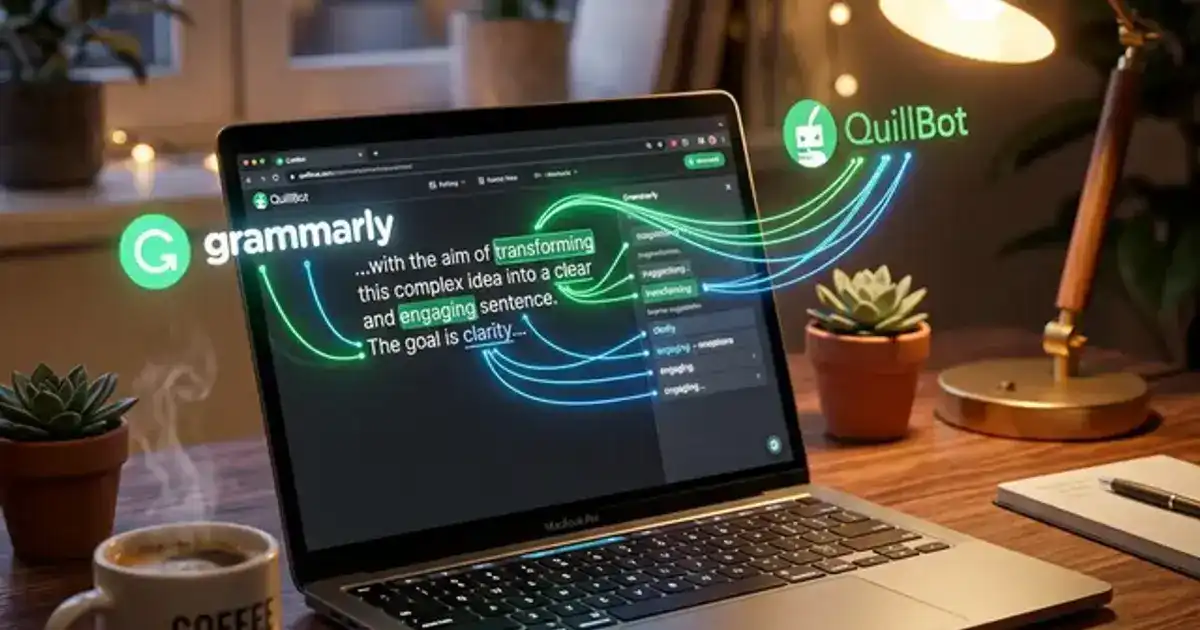
Grammarly is better for catching grammar mistakes and polishing your writing tone. Quillbot is better for rewording sentences and paraphrasing sources. They do different things, and comparing them head to head is like comparing a spell checker to a thesaurus.
Most students install both and only end up using one. This guide breaks down what each tool actually does well, where each falls short, and which one deserves space on your browser toolbar. For a comprehensive look at the broader writing landscape, check out our complete guide to AI writing tools for students.
What Each Tool Actually Does
Grammarly
- Real-time grammar, spelling, and punctuation checking
- Tone detection (formal, confident, friendly, etc.)
- Clarity suggestions - rewrites wordy sentences
- Plagiarism checker (Premium only)
- Works inside Google Docs, email, and most text fields
- Free tier covers all basic grammar checks
Quillbot
- Paraphrasing tool with multiple rewriting modes
- Grammar checker (similar to Grammarly but less thorough)
- Summarizer for long texts
- Citation generator
- Co-writer for drafting from scratch
- Free tier limits paraphrasing to 125 words at a time
For Grammar Checking, Grammarly Wins and It Is Not Close
Grammarly has been doing grammar checking for over a decade. It catches subject-verb agreement errors, misplaced commas, passive voice overuse, and awkward phrasing that Quillbot's grammar checker consistently misses.
Quillbot added a grammar checker, but it feels like an afterthought. It flags obvious mistakes fine, but its suggestions are sometimes grammatically correct yet stylistically worse than what you wrote. If you are installing one tool purely for proofreading, Grammarly wins every time.
The free version of Grammarly handles about 90% of what students need. You get real-time checks in Google Docs, browser text fields, and most desktop apps. Quillbot's grammar checker is free too, but nobody installs Quillbot for that reason.
For Paraphrasing, Quillbot Has No Real Competitor
This is Quillbot's core feature and it does it well. Paste a sentence, choose a mode - Standard, Fluency, Formal, Creative - and it rewrites it. The output usually makes sense and reads naturally enough to pass as your own phrasing.
Students primarily use this when citing sources. You read a passage in a textbook, need to reference the idea in your own words, and Quillbot helps you rephrase without copying. Used properly, it is a legitimate study tool.
A word of caution
Paraphrasing tools do not replace understanding. If you cannot explain the original idea in your own words before using Quillbot, you are not paraphrasing - you are laundering someone else's writing. Professors know the difference. See our post on using AI without getting flagged for the full breakdown.
Which One Actually Helps With Essays?
For writing essays, Grammarly is the better daily driver. It sits in your browser and quietly catches mistakes as you write. No copy-pasting into a separate tool - it just works in the background while you focus on your argument.
Quillbot is useful at the paraphrasing stage - when you are integrating research into your paper and need to reword a quote or source. But the actual writing and editing? That is Grammarly's territory. The tone detector alone saves real time when you are trying to sound academic without sounding robotic.
For the brainstorming and outlining phase that comes before either tool, our Brainstorming Expert prompt at Vertech Academy helps you develop essay angles and thesis statements before you write a single sentence.
Where They Actually Work (Platform Support)
Grammarly runs practically everywhere. Browser extension, desktop app, mobile keyboard, Google Docs, Microsoft Word, email - if you are typing somewhere, Grammarly probably works there. This is a major advantage for students who write across multiple platforms throughout the day.
Quillbot is more limited. It works best on its own website. There is a Chrome extension and a Word add-in, but the experience is not as seamless as Grammarly's. If you want frictionless, always-on writing help, Grammarly integrates into your workflow more naturally.
Pricing: Both Have Useful Free Tiers
Grammarly
Free: Grammar, spelling, punctuation, tone detection
Premium (~$12/mo): Clarity, plagiarism checker, full-sentence rewrites, GrammarlyGO AI assistant
Quillbot
Free: 125-word paraphraser, basic grammar check, 1,200-word summarizer
Premium (~$10/mo): Unlimited paraphrasing, all rewriting modes, plagiarism checker, citation generator
If you are on a tight budget - and most students are - Grammarly's free tier gives you more daily value. The grammar checking alone justifies the install. Quillbot's free tier is more restrictive with the 125-word limit on paraphrasing, which runs out fast when you are working through a research paper. For more free options, check our roundup of the best free AI tools for studying.
What About AI Detection?
Both tools have started marketing AI detection features. Grammarly Premium includes an AI detection score. Quillbot offers a free standalone AI detector. Neither is foolproof - no AI detector is - but they give you a rough idea of whether your text sounds too machine-generated before you submit.
The honest truth about AI detection
If you are worried about your paper getting flagged, the best defence is not running it through a detector - it is actually writing the paper yourself and using these tools for editing and polishing, not generating. Detectors are getting better, and the gap between "polished with AI" and "written by AI" is obvious to anyone looking closely.
The Verdict
If you can only install one, install Grammarly. The free tier alone makes your writing cleaner, and it works everywhere without extra steps. It is the better all-around tool for students who want passive, always-on help with their writing.
Add Quillbot if you frequently need to paraphrase research sources and want a dedicated tool for rewording. But do not expect it to replace a real proofreader - Grammarly does that job better.
For a broader look at AI writing tools beyond these two, see our comparison of the best AI essay outline generators for students. And if you want to skip the tools entirely and just get better at writing with AI assistance, the Brainstorming Expert prompt at Vertech Academy walks you through essay development step by step.