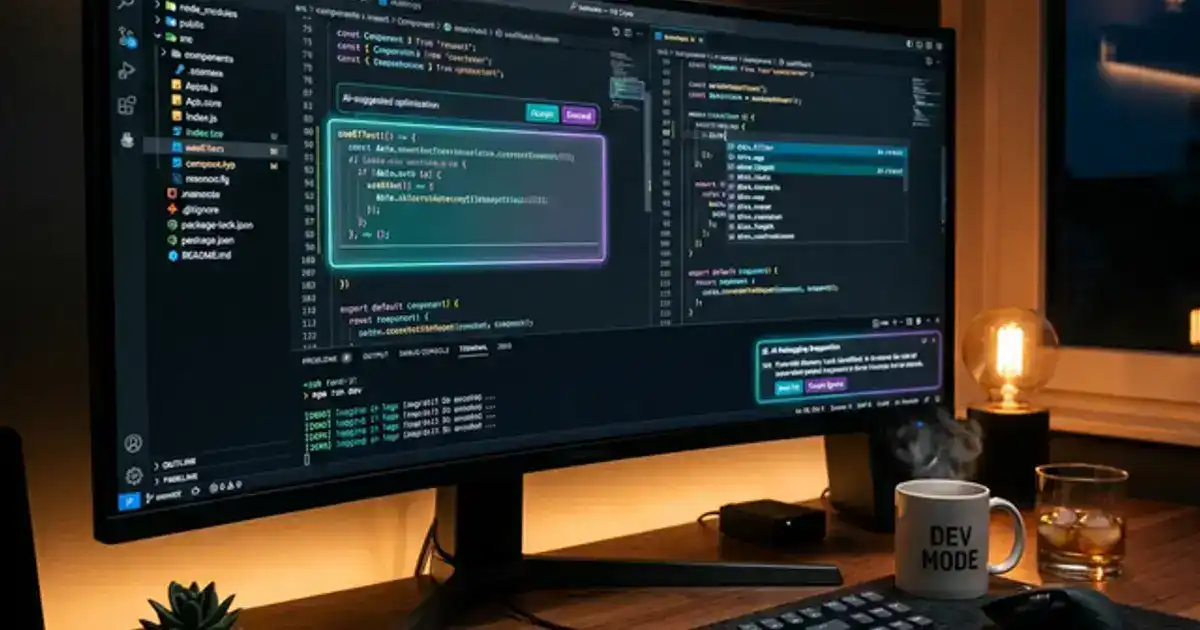
AI coding tools have fundamentally changed how programming is learned and practiced. GitHub Copilot generates code from comments. ChatGPT explains algorithms in plain English. Replit Agent builds entire applications from a description. The question is not whether to use these tools - it is how to use them without creating a dependency that makes you unemployable.
This guide shows students at every level - from first-time programmers to CS majors - how to integrate AI into their coding journey in a way that accelerates learning rather than replacing it.
The core principle: AI should help you understand code, not write it for you.
AI Coding Tools Compared
| Tool | Best For | Free for Students? | Learning Value |
|---|---|---|---|
| GitHub Copilot | Code completion in your editor | Yes (.edu) | High - suggests line-by-line, you decide what to accept |
| ChatGPT | Concept explanation and debugging | Yes | High - explains why code works, not just what it does |
| Claude | Complex code review and refactoring | Yes | High - handles large codebases, nuanced analysis |
| Cursor | AI-native code editor | Free tier | Medium - fast but can encourage dependency |
| Replit Agent | Building full projects from descriptions | Free tier | Low for learning - great for prototyping |
For Complete Beginners: AI as Your First Coding Tutor
If you have never written code before, AI is the most patient, available, and personalized tutor you can find. Unlike YouTube tutorials that move at one pace, AI adapts to your level and answers your specific questions.
Learning prompt for beginners:
"I am a complete beginner learning Python. Teach me [concept: variables/loops/functions/etc.] using: (1) a simple real-world analogy, (2) the most basic code example possible, (3) an exercise for me to try myself, (4) common mistakes beginners make with this concept. Do not give me the exercise solution unless I ask. Explain everything as if I have never seen code before."
The "do not give me the solution" instruction is critical. Learning to code requires struggling with problems. If AI gives you the answer immediately, you skip the problem-solving process that builds actual programming ability. Ask AI to explain the concept, try the exercise yourself, and only ask for help when you are genuinely stuck.
Start with Python. Python is the best first language for AI-assisted learning because AI tools generate the most accurate Python code, Python syntax is the closest to plain English, and Python is the dominant language in AI, data science, and automation, which are the fastest-growing career fields.
AI for Debugging: The Most Valuable Use Case
Debugging is where students lose the most time and motivation. You write code, it does not work, and you have no idea why. AI transforms debugging from frustrating guesswork to a learning opportunity.
Debugging prompt:
"Here is my code: [paste code]. I am getting this error: [paste error message]. (1) Explain what the error means in plain English, (2) show me which line is causing the problem and why, (3) suggest how to fix it but do NOT just give me the fixed code - explain the fix so I understand the underlying concept. What should I check for in the future to avoid this type of error?"
Why this works better than Stack Overflow. Stack Overflow gives you the exact solution, which you copy-paste without understanding. AI explains why your code broke and teaches you to recognize the pattern. After debugging the same type of error 3-4 times with AI explanation, you start catching it yourself before running the code.
The debugging workflow: (1) Read the error message yourself and try to understand it, (2) attempt to fix it for 10-15 minutes, (3) if stuck, ask AI to explain the error (not fix the code), (4) try the fix yourself, (5) if still stuck, ask AI for more specific guidance. This graduated approach maximizes your learning while preventing you from wasting hours on a single bug.
Need help understanding coding concepts?
Our Chemistry Tutor prompt explains complex topics at your level without the academic jargon.
Try the Chemistry Tutor Prompt →GitHub Copilot: The Right Way to Use AI Auto-Complete
GitHub Copilot is free for students and integrates into VS Code, the most popular code editor. It suggests code completions as you type, similar to how Gmail suggests email completions. The learning opportunity is in evaluating what Copilot suggests.
The evaluation habit. When Copilot suggests a block of code, do not auto-accept it with Tab. Read each suggestion and ask yourself: Do I understand what this code does? Would I have written it this way? Is there a better approach? This active evaluation turns passive auto-completion into active learning.
Comments-first coding. Write comments describing what your code should do before writing the code itself. Copilot generates code from comments, so this approach gives you: (1) practice in algorithmic thinking (describing the steps before coding them), (2) AI-generated implementation to compare with your own approach, (3) naturally documented code. This is how professional developers use Copilot.
Copilot for learning patterns. When Copilot suggests a technique you have not seen before (a list comprehension, a built-in function, a design pattern), pause and research it. Ask ChatGPT: "Explain what this Python pattern does and when to use it: [paste the pattern]." This opportunistic learning exposes you to techniques you would not encounter in a structured course.
AI Pair Programming: Learning by Collaboration
Professional developers use pair programming (two developers working together on the same code) because it catches bugs faster and teaches techniques through observation. AI simulates this experience.
AI pair programming prompt:
"I am working on [code task]. Act as my pair programming partner. I will write the code and share it with you after each function or section. For each section I share: (1) point out any bugs or edge cases I missed, (2) suggest if there is a more efficient approach, (3) explain any best practices I am violating, (4) ask me questions about my design decisions to make me think critically. Do NOT write code for me. Just review and guide."
The review workflow. Write a function, paste it into ChatGPT, get feedback, revise. This iterative review process teaches you to think about code quality, edge cases, and efficiency in a way that simply writing code and seeing if it runs does not. Professional code review is the primary way experienced developers learn from each other, and AI makes this process available to beginners 24/7.
Learning from AI's suggestions. When AI suggests a better approach, do not just accept it. Ask "Why is this approach better? What are the trade-offs?" Understanding the reasoning behind code improvements builds the engineering judgment that separates good programmers from mediocre ones. Over time, you internalize these patterns and start writing better code on the first attempt.
Using AI to Review and Understand Others' Code
Reading and understanding existing code is a skill CS courses rarely teach explicitly, but it is essential in professional development where you inherit codebases from other developers.
Code understanding prompt:
"Here is a piece of code from [context]: [paste code]. Walk me through what this code does line by line. Explain any patterns, techniques, or language features I might not be familiar with as a [level] programmer. What is the overall purpose of this code? Could it be improved, and if so, how?"
This is how you learn from open-source projects, textbook examples, and your classmates' code. Instead of staring at unfamiliar code hoping it will make sense, AI gives you a guided walkthrough that builds your pattern recognition. After analyzing dozens of code examples with AI explanation, you start reading code fluently without assistance.
Building Projects with AI Assistance
Projects are how you learn to code for real. Coursework teaches concepts; projects teach application. AI makes projects more ambitious while keeping them educational.
Project planning prompt:
"I want to build [project description] using Python. I am a [beginner/intermediate] programmer. (1) Break this project into 5-7 milestones I can build incrementally, (2) for each milestone, list the specific concepts I will need to learn, (3) suggest the simplest possible implementation for the first milestone so I can see progress immediately. Do not write the code - just outline the plan."
The "do not write the code" pattern. For learning projects, AI should plan and explain, not implement. You write every line. When you get stuck on a specific part, ask AI about that specific concept, not for the complete solution. The struggle of implementing is where the learning happens.
Portfolio projects that impress employers. Employers care about projects that solve real problems, not tutorial follow-alongs. Ask ChatGPT: "Suggest 5 Python project ideas that: solve a genuine problem I care about, demonstrate [specific skills like API usage, data processing, web development], and are achievable for a [level] programmer in 2-4 weeks." Building projects you are genuinely interested in sustains motivation through the inevitable frustrations.
AI and Academic Integrity in CS Courses
Computer science courses have specific policies about AI use that are often stricter than other departments. Understanding these policies prevents academic integrity violations.
Generally Acceptable
Using AI to understand error messages and concepts. Getting explanations of algorithms in plain language. Having AI suggest where to look for bugs (without fixing them). Using AI to learn syntax for a new language. Research and concept clarification.
Generally Prohibited
Having AI write assignment solutions. Copying AI-generated code into submissions. Using AI to solve problem sets verbatim. Submitting AI-generated code as your own work. Auto-generating test cases that match expected outputs without understanding why.
The employability test. In job interviews, you will be asked to write code on a whiteboard or in a live coding session without AI tools. If you relied on AI to complete your coursework, you will fail these interviews. Every line of code you write yourself in school is interview preparation. Every line AI writes for you is a missed opportunity to prepare.
Check your course policy. Every CS professor has a different AI policy. Some allow GitHub Copilot. Some ban all AI tools. Some allow AI for certain assignments but not others. Read the syllabus carefully, and ask your professor if anything is unclear. Assuming AI is allowed is how students get integrity violations.
AI Skills That Make You More Employable
The job market has shifted. Employers now look for developers who can work effectively alongside AI tools. These are the AI-related skills to develop during school:
Prompt engineering for code. Writing precise prompts that generate useful code is a skill. "Build me a website" produces garbage. "Create a responsive navigation bar using React with three links, a hamburger menu on mobile, and smooth transitions" produces useful code. Practice writing increasingly specific technical prompts.
Code review of AI output. AI generates code that works but is often inefficient, insecure, or poorly structured. Developing the skill to evaluate, improve, and refactor AI-generated code is more valuable than writing code from scratch. This is what senior developers do daily.
Understanding limitations. AI confidently generates incorrect code. Knowing when AI is likely wrong (complex algorithms, security-sensitive code, edge cases) and when it is reliable (boilerplate, standard patterns, well-documented APIs) makes you a more effective developer than someone who trusts AI blindly.
Architectural thinking. AI generates code. Humans design systems. Understanding how to architect a project - what components to build, how they connect, what trade-offs to make - is the skill AI cannot replace. Focus on system design courses and practice planning projects before coding them.
Building a portfolio that shows AI fluency. Your GitHub profile should demonstrate that you can work alongside AI effectively. Include projects where you used AI-assisted development and document your process in README files: which parts you wrote, where AI helped, what you learned. Employers want to see that you can leverage AI tools productively, not that you avoid them or depend on them entirely.
Interview preparation. Technical interviews at most companies still require coding without AI assistance. Practice LeetCode-style problems without Copilot regularly. The ideal approach: use AI tools for daily coding practice and personal projects, but dedicate specific practice sessions (2-3 times per week) to solving problems without any AI assistance. This maintains your fundamental problem-solving skills while developing your AI collaboration skills in parallel.
Start coding with AI today
Step 1: Install VS Code and GitHub Copilot (free with .edu email). Step 2: Start a Python project using the planning prompt above. Step 3: Write every line yourself, using Copilot for suggestions and ChatGPT for explanations. The combination of hands-on coding with AI explanation is the fastest way to learn in 2026.