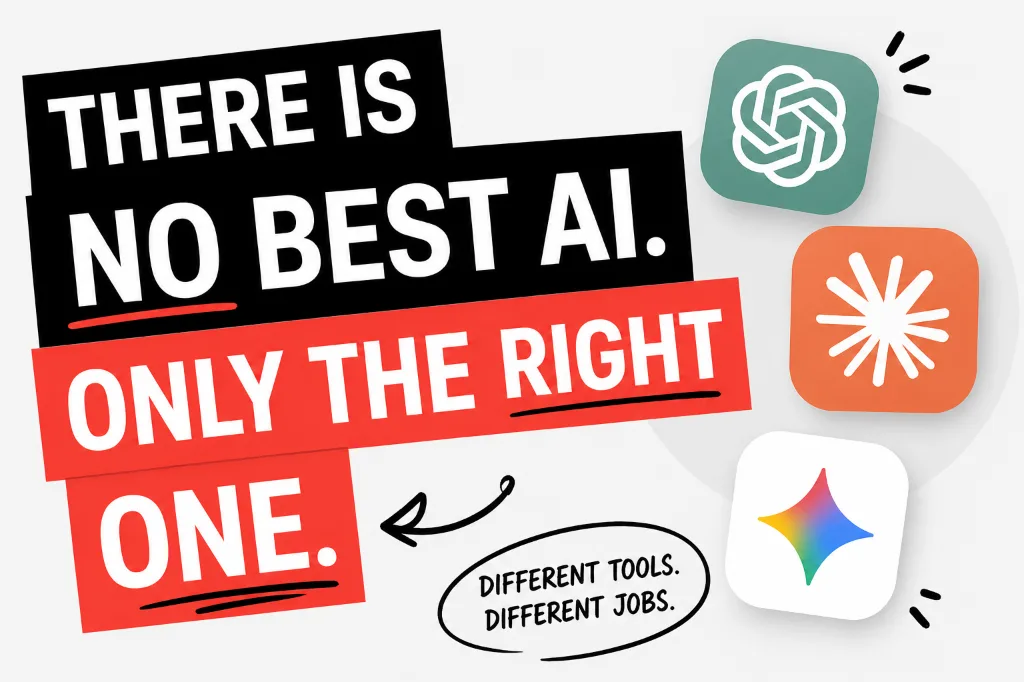
There are too many AI tools right now. A new one drops every few weeks, everyone says theirs is the best, and you're left not knowing which tab to open. The honest answer is that most of them are good - just at different things. Here's how to actually sort through them.
You don't need to master all of them. You need to know which one fits your situation. That's it.
There Are Too Many AI Models and Nobody Explains Them Clearly
The confusion usually comes from one thing: AI companies describe their products the same way. Everything is "intelligent," "powerful," and "helpful." Those words mean nothing. What matters is the specific task you're trying to do.
Let's cut through it. Here's what each major model is actually built for, in plain English.
The Big Three (And What Each One Actually Does Well)
| Model | Best For | Watch Out For | Free Plan? |
|---|---|---|---|
| ChatGPT | Writing, brainstorming, math, coding, general tasks | Can confidently make up facts | Yes |
| Gemini | Google Docs, Gmail, Sheets - anything in Google's world | Weaker for deep reasoning tasks | Yes |
| Claude | Long documents, nuanced writing, reading heavy PDFs | Limited free plan, no image generation | Limited |
| Perplexity | Research with real sources, live news, fact-checking | Not ideal for creative writing | Yes |
| DeepSeek | Technical reasoning, math, step-by-step logic | Less polished for everyday writing | Yes |
The Specialists Worth Knowing About
For Research
Perplexity pulls live sources. Use it when you need citations or up-to-date information.
For Writing
Claude handles long-form writing and complex documents better than most. Great for essays and reports.
For Math & Coding
DeepSeek and ChatGPT both shine here. DeepSeek shows its work step-by-step.
How to Stop Switching AI Apps and Pick One Default
Most students waste time jumping between AI tools instead of getting good at one. Pick a default and stick with it for everyday tasks. Then, when a specific need comes up - live sources, a huge document, a tough math problem - switch to the right specialist.
If you're in Google Docs all day, your default is Gemini. If you write a lot of essays, Claude is worth the free tier limit. If you do a bit of everything, ChatGPT is your baseline.
The simplest default rule
Use the AI built into the tools you already open every day. If you live in Google Docs, use Gemini. If you write code in VS Code, use Copilot. Switching tools costs more time than it saves.
Which AI Should You Start With?
If you've never used an AI tool before, start with ChatGPT. It's the most versatile, has a strong free tier, and the quality of its outputs across writing, math, and research is good enough for most student tasks.
Once you hit a situation where it falls short - like needing real-time sources, or uploading a 40-page PDF - that's when you add a specialist. You don't need all of them on day one.