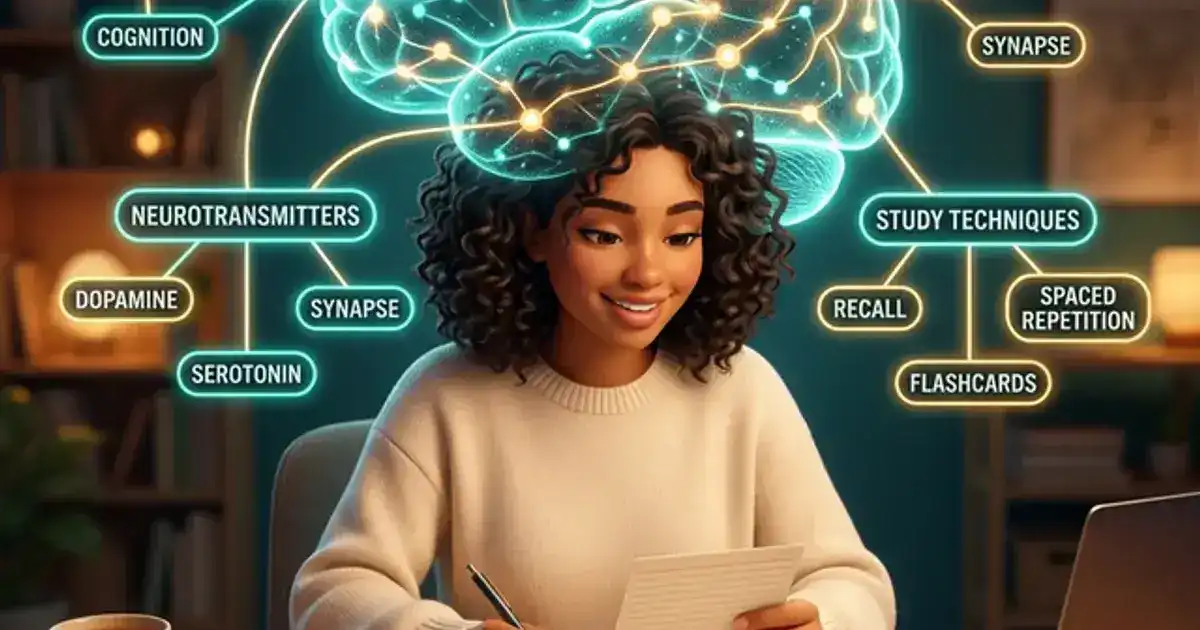
Most students type "explain photosynthesis" into ChatGPT and get a Wikipedia-style answer that goes in one ear and out the other. But the students who are actually using AI to learn? They aren't looking for copy-paste shortcuts. They use ChatGPT as a Socratic study partner — utilizing active recall prompts to train their brains, test their logic, and expose gaps in their understanding.
Active recall is the single most scientifically proven way to retain information, but it is hard to do alone. This methodology guide shares 5 Socratic prompts designed to turn ChatGPT into an interactive learning companion that forces you to think, argue, and retrieve knowledge actively rather than reading passively.
1. The Feynman Prompt: Teach Me Like I Am Five
Named after the famous physicist who believed that if you cannot explain something simply, you do not understand it. This prompt forces ChatGPT to strip away jargon and give you the core idea.
The prompt:
"Explain [concept] to me as if I have never encountered this field before. Use simple language and a concrete analogy from everyday life. Then ask me to explain it back to you in my own words."
The last part is critical - explaining it back is where the learning happens. If you skip that step, you are just reading. If you do it, you are testing yourself.
2. The Quiz Master Prompt: Test Me Before the Test Does
Active recall - testing yourself - is the single most effective study method. This prompt turns ChatGPT into an adaptive quiz machine.
The prompt:
"Quiz me on [topic/chapter]. Ask one question at a time and wait for my answer before moving on. Mix question types: some definition-based, some application-based, and some that require me to explain a process. If I get something wrong, explain why and then ask a follow-up question on the same concept."
The adaptive follow-up is what makes this powerful. Instead of moving on when you miss something, it digs deeper - which is exactly what a good tutor does.
3. The Socratic Dialogue Prompt: Interactive Peer Tutoring
Instead of receiving answers directly, this prompt forces you to work through the logic step-by-step with guided questions, mirroring a true classroom environment.
The prompt:
"I want you to act as a Socratic tutor. We will have a back-and-forth dialogue about [concept]. Do not explain it to me. Instead, ask me one conceptual question at a time to test my understanding, and guide me through my own logic to find the answers. Start by asking me to define the core thesis of [concept]. Tell me if I have elements missing before asking the next question."
By prompting ChatGPT to guide you rather than feed you answers, you engage in active conceptual mapping and reasoning.
4. The Devil's Advocate Prompt: Stress-Test Your Arguments
For essays, research papers, or any class that involves argumentation, this prompt is invaluable. It forces you to think about counterarguments before your professor does.
The prompt:
"I am writing a paper arguing that [your thesis]. Act as a thoughtful critic. Challenge my argument with the strongest possible counterpoints. For each counterargument, explain why someone might hold that view. Do not agree with me - push back hard."
This does not write your paper - it makes your paper better by exposing weak spots before you submit. The thinking you do in response to the pushback is all yours.
5. The Misconception Finder: Catch What You Think You Know
Professors love testing concepts that students commonly misunderstand. If you can identify and fix your misconceptions before the test, you are ahead of most of the class.
The prompt:
"What are the most common misconceptions students have about [topic]? For each one, explain what students typically get wrong and what the correct understanding is. Then quiz me to see if I hold any of these misconceptions."
This is particularly useful before exams because it targets the logical tripwires most likely to show up on exam day.
Socratic Dialogue is the Ceiling of AI Learning
Every prompt on this list has something in common: they make you do the cognitive work. ChatGPT provides the structure, the questions, and the feedback — but the retrieval and reasoning happen entirely in your head. That is the essence of active recall.
At Vertech Academy, we build these exact Socratic tutoring workflows directly into our platform. Instead of copy-pasting complex templates into ChatGPT and hoping the model doesn't lose track of its role, Vertech Pro gives you persistent, dedicated Socratic environments that never break character. Explore the Vertech Prompt Library to see how we turn basic retrieval into systematic studying.