"my group project drafts went from rough to polished super fast" — Chris, Marketing
2 hours
Un guide simple et direct pour commencer.
4.8
D'après les avis des utilisateurs de ce programme.
Débutant
Un smartphone, une tablette ou un ordinateur avec une connexion internet stable.
Emploi du temps flexible
Peut être complété rapidement
Apprenez à votre propre rythme
Cours d'introduction — Comment utiliser Microsoft Copilot
La plupart des gens ignorent Microsoft Copilot parce que ça ressemble juste à un ajout d'entreprise de plus. Mais si ton université t'oblige à utiliser Office 365, ou si tu es sur une machine Windows, savoir comment tirer parti de Copilot te fait en fait économiser beaucoup de changements de contexte.
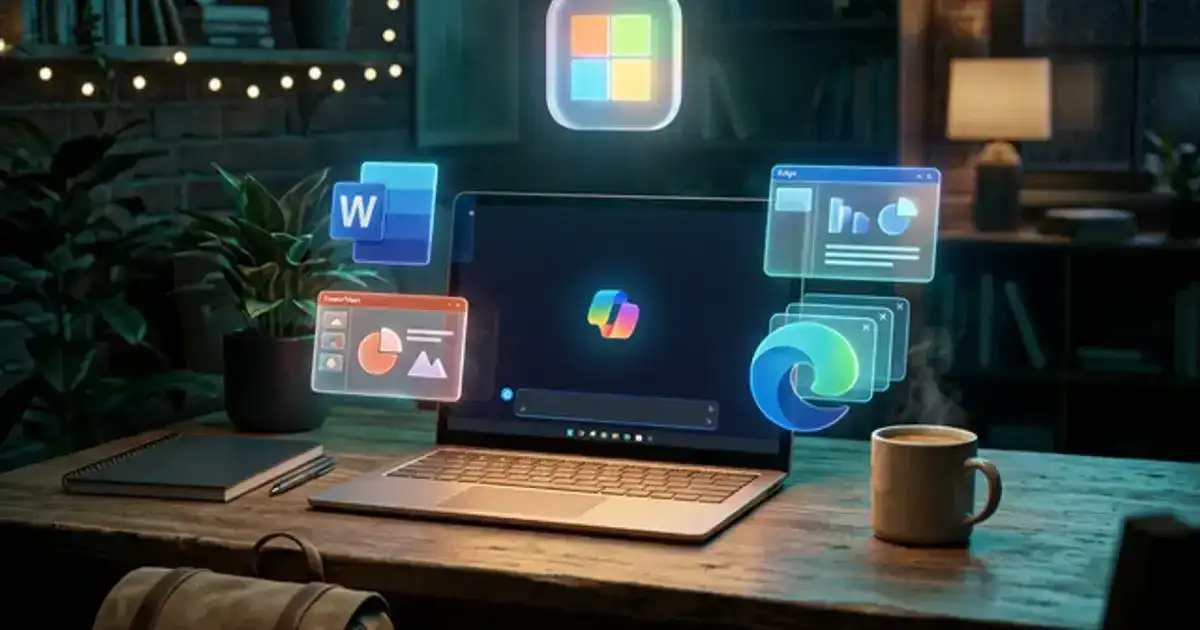
Ce guide évite le jargon d'entreprise et regarde à quoi Copilot sert vraiment. On couvre comment l'utiliser directement dans le navigateur Edge pour lire et extraire des données de PDF massifs et très formatés, sans les limites de taille de fichier que tu rencontres sur le ChatGPT gratuit.
Comme Copilot fait par défaut des recherches sur le web en direct via Bing, on se concentre aussi beaucoup sur l'ancrage web — forcer le modèle à citer des URL spécifiques et à vérifier les affirmations pour que tu ne finisses pas par soumettre des faits hallucinés dans tes devoirs.
Pourquoi utiliser Copilot au lieu de ChatGPT ?
L'accès et l'écosystème. Copilot t'offre les capacités de GPT-4 et l'accès internet en direct gratuitement. Plus important encore, il peut lire n'importe quel onglet actuellement ouvert dans Edge, ce qui est inestimable pour analyser rapidement des revues académiques denses.
On te montrera les workflows exacts pour extraire les arguments clés des documents denses et les formater en matériel d'étude utilisable. C'est un regard pragmatique sur l'utilisation des outils de Microsoft pour accomplir tes lectures et recherches plus rapidement, sans payer pour un abonnement IA premium.
Compétences que vous développerez :
Intégration au Système
Recherche Web en Direct
Bases d'Office 365
Prérequis :
Un ordinateur de bureau, un ordinateur portable ou une tablette (les appareils mobiles fonctionnent pour la lecture de vidéos, mais un ordinateur de bureau est recommandé car les modules interactifs fonctionnent mieux sur un écran plus grand).
Une connexion Internet stable.
Un compte gratuit avec Microsoft Copilot (aucun forfait payant requis, nous vous montrerons comment le configurer).
Peut être complété rapidement
Des compétences pratiques que vous pouvez utiliser immédiatement
Qu'est-ce que Vertech Academy ?
C'est une plateforme éducative qui propose du contenu gratuit et payant. Nous vous apprenons à utiliser l'IA correctement, des guides de démarrage en libre accès jusqu'à une certification professionnelle premium complète.
Nous ajouterons de nouvelles fonctionnalités, outils et supports dans les semaines à venir.
Qu'est-ce que j'y gagne ?
La plupart des gens ignorent Microsoft Copilot. Je vais te montrer comment l'utiliser pour lire des PDF, rédiger des e-mails et faire des recherches avec des sources réelles sans payer d'abonnement.
🔓
Utiliser l'IA gratuitement
Apprends à utiliser Copilot pour accéder à des modèles d'IA avancés et naviguer sur le web sans payer d'abonnement.
📑
Lire les PDF plus vite
Ouvre tes documents directement dans ton navigateur et demande à Copilot d'en résumer les points clés.
🏢
Rédiger de meilleurs e-mails
Rédige des e-mails, résume du texte et crée des plans directement dans les programmes Microsoft Office.
🎓
Améliorer tes études
Utilise l'IA pour décortiquer des sujets difficiles, expliquer des graphiques et t'aider à te préparer aux examens.
🔗
Trouver de super ressources
Utilise l'accès internet de Copilot pour trouver des informations à jour et des liens exploitables pour tes recherches.
Compétences que tu acquerras
Outils que tu apprendras
Détails à connaître
Enseigné en anglais, français et espagnolDisponible dans le monde entier
100 % en ligneCommencez quand vous voulez, apprenez à votre rythme
Garantie de 60 joursRemboursement intégral, sans poser de questions
Programme du cours
Voici exactement ce que nous aborderons dans ce programme. 4 modules. 2 hours. Allez à votre propre rythme — il n'y a pas de date limite.
10 min
1. Prise en main de Copilot
Découvrez pourquoi Copilot est le moyen le plus simple d'accéder gratuitement à GPT-4 sans abonnement.
25 min
2. Recherche en direct et sources
Utilisez Copilot pour effectuer des recherches sur le web en direct et citer vos sources.
20 min
3. Lecture de documents longs
Utilisez la barre latérale d'Edge pour résumer instantanément de longs PDF sans téléchargement.
10 min
4. Et ensuite ?
Transformez vos connaissances sur la barre latérale Edge en flux de travail quotidiens fiables.
Foire aux questions
Non ! Les techniques clés que nous enseignons s'appuient sur la version complètement gratuite de Copilot disponible sur le web et dans le navigateur Edge.

 Apprends avecVertech Academy